Figure 232 – Grass Valley EDIUS Neo 3 User Manual
Page 235
Advertising
EDIUS NEO — User Reference Guide
233
Creating Clips
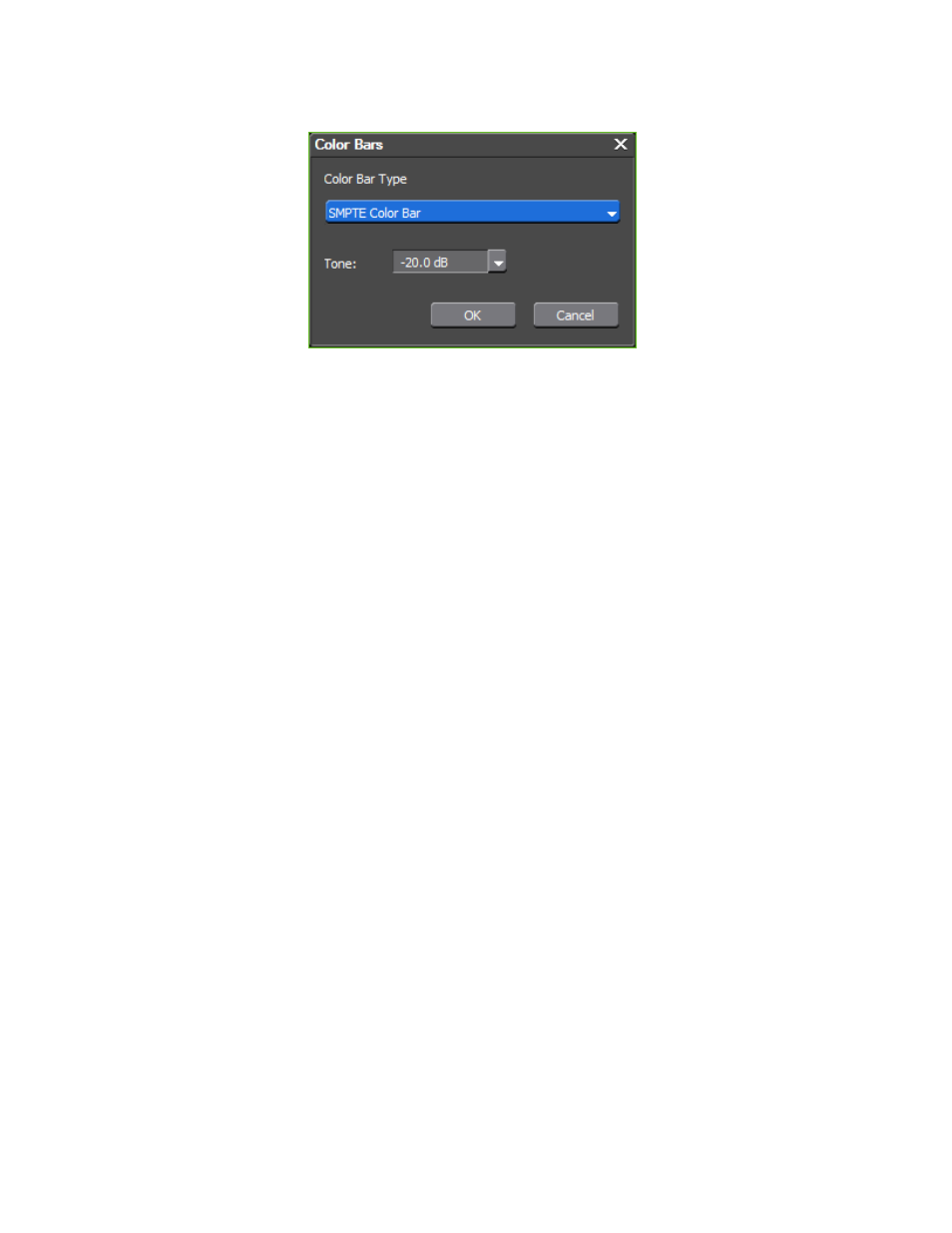
Figure 232. Color Bar Setup Dialog
2.
From the Color Bar Type drop-down list, select the desired color bar
type from the following options:
•
SMPTE Color Bar
•
ARIB Multiformat Color Bar
•
75/x/75/x Color Bar
•
100/x/75/x Color Bar
•
75/x/100/x Color Bar
•
100/x/100/x Color Bar
•
ITU-R BT.801 100/x/75/x Color Bar
•
ITU-R BT.801 100/x/100/x Color Bar
•
SPECIAL Bar
3.
Set the desired Tone level by selecting one of the following Tone levels
in the Tone drop-down list:
•
-12 dB
•
-18 dB
•
-20 dB
•
Mute
4.
Click the
OK
button.
Alternative Methods:
•
Select Clip>Create Clip>Color Bars from the Preview window menu
bar. The Color Bar clip is placed at the Timeline cursor position on the
selected track.
Advertising
This manual is related to the following products: