Grass Valley EDIUS Neo 3 User Manual
Page 620
618
EDIUS NEO — User Reference Guide
Section 6 — Effects and Titles
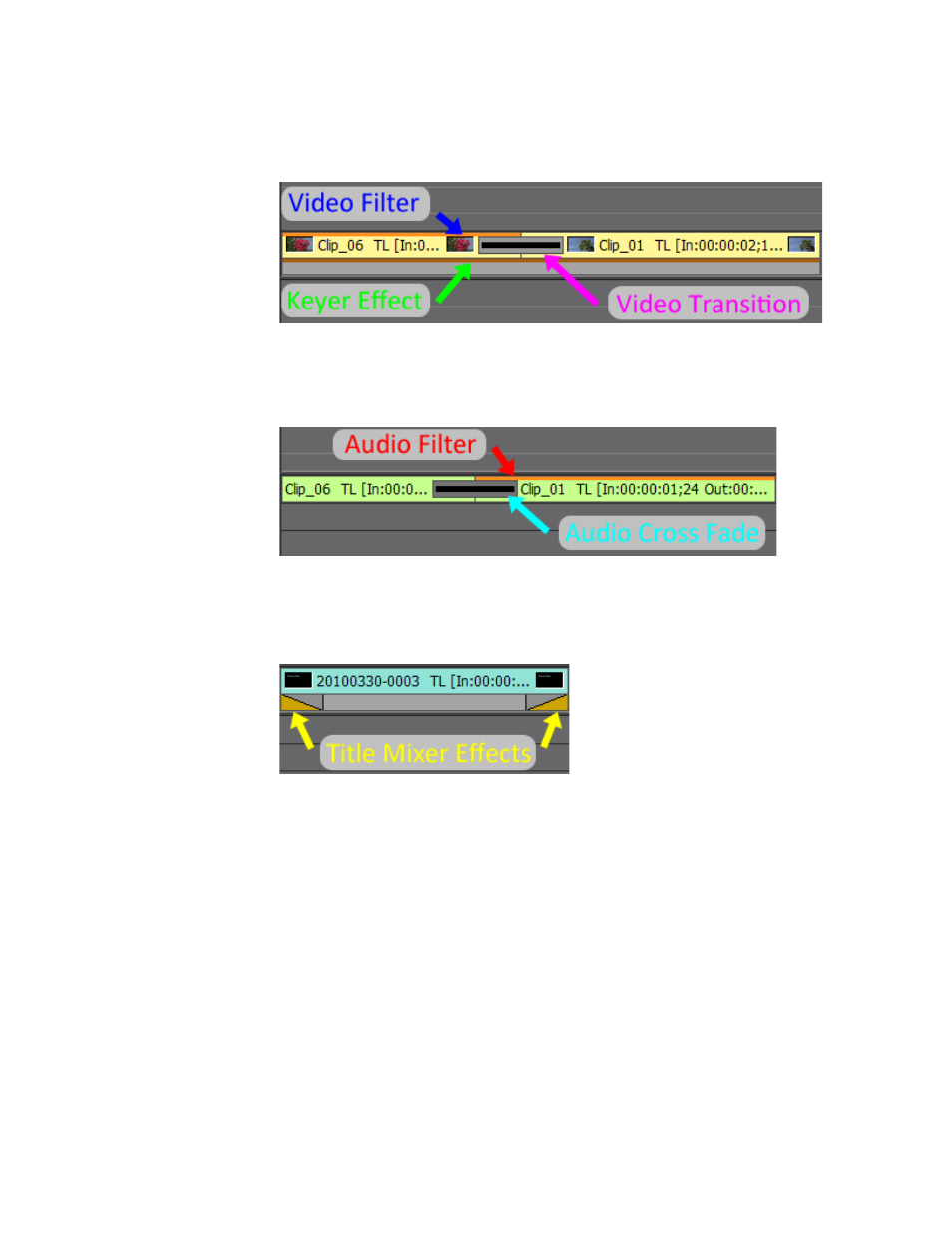
V Track
Figure 738. V Track Effects Indicators
A Track
Figure 739. A Track Effect Indicators
T Track
Figure 740. T Track Effects Indicators
The Information Palette displays a list of applied effects for the selected
clip. For more information see Information Palette
To adjust an effect, do any of the following:
•
Select the effect name in the effects list of the Information Palette and
click the
Settings
button.
The configuration dialog for the effect appears.
•
Double-click the effect name in the effects list of the Information Palette.
•
Drag and drop the effect name in the effects list to the
Settings
button of
the Information Palette.
•
Right-click the effect name in the effects list of the Information Palette
and select Open Setup Dialog... from the menu.