Link, Figure 382 – Grass Valley EDIUS Neo 3 User Manual
Page 345
EDIUS NEO — User Reference Guide
343
Timeline Clip Operations
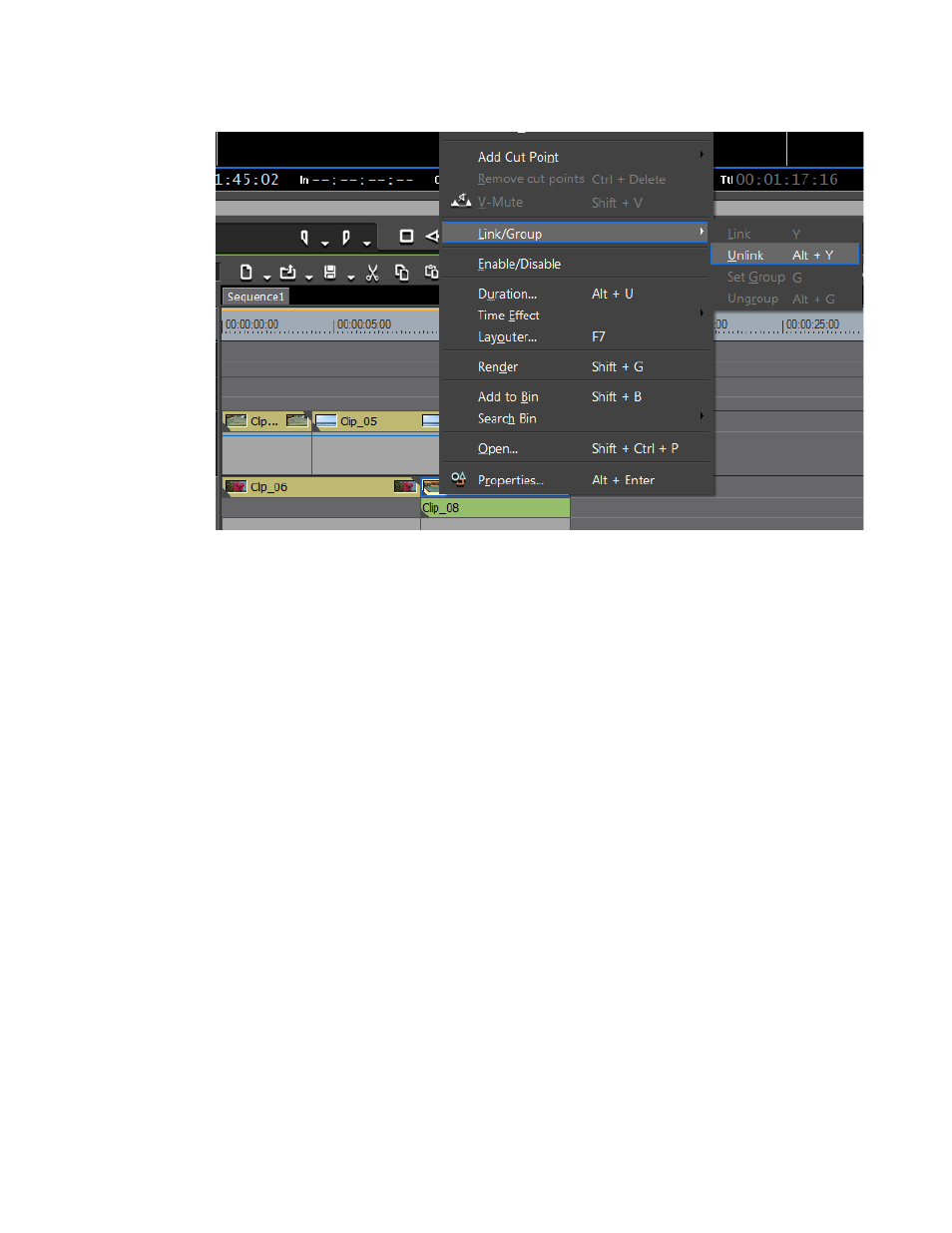
Figure 382. Clip Menu - Unlink
•
Select Clip>Link/Group>Unlink from the Preview window menu bar.
•
Press [
ALT
]+[
Y
] on the keyboard.
Link
Video and audio clips that have been unlinked individually may be
relinked. In order to link separate video and audio clips, they must meet the
following criteria:
•
Clips must be placed on the same track
•
Clips must overlap on the track
•
Clips must refer to the same source
To link separate audio and video clips, do the following:
1.
Select the video and audio tracks to be linked.
2.
Right-click either the audio or video clip and select Link/Group>Link
from the menu.
Note
You may also select Clip>Group/Link>Link from the Preview window menu
bar or press [Y] on the keyboard to relink selected clips.
The clips are relinked and can be treated as a single clip.