Grass Valley EDIUS Neo 3 User Manual
Page 762
Advertising
760
EDIUS NEO — User Reference Guide
Section 8 — Exporting/Project Output
•
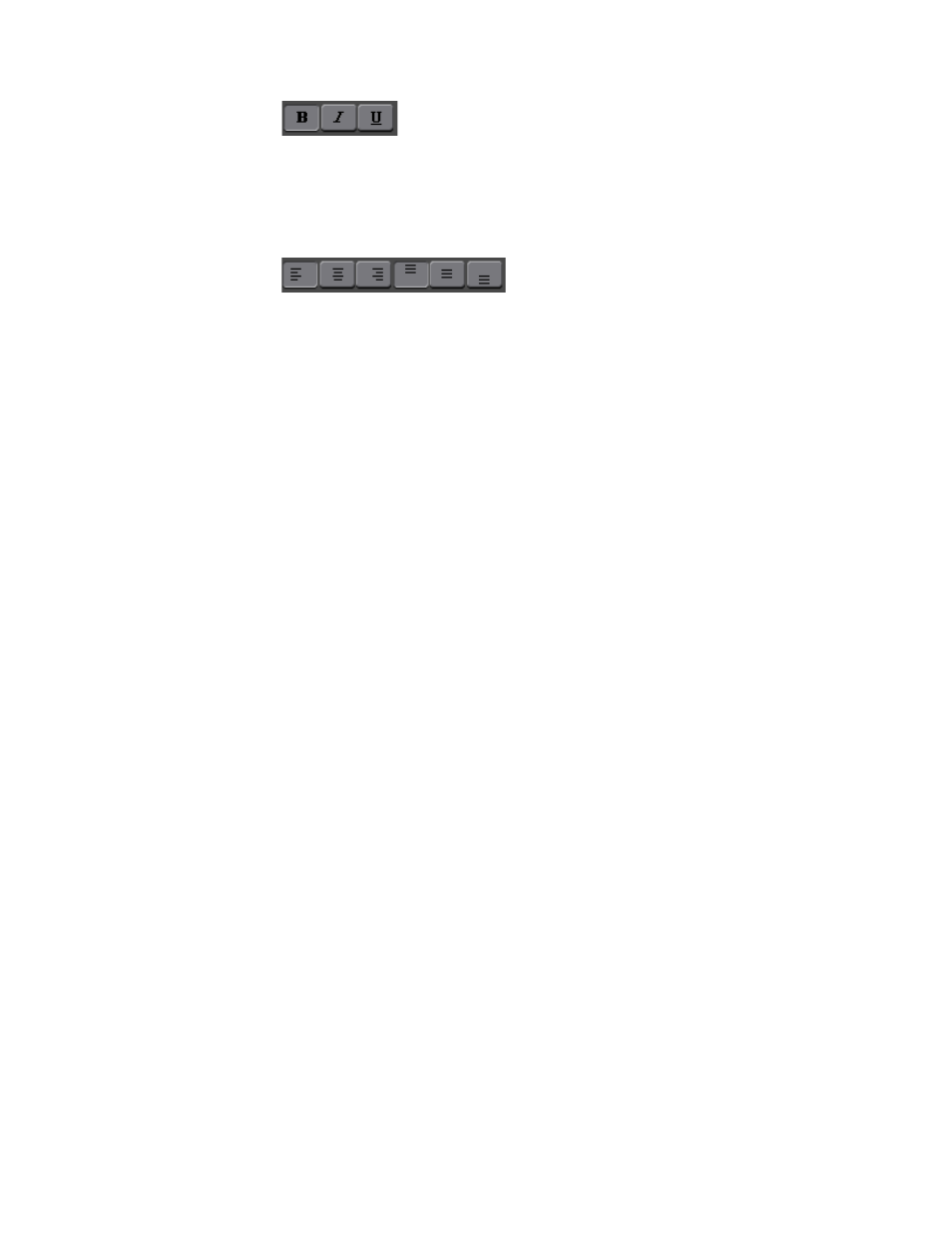
Bold
•
Italic
•
Underline
•
Select the desired text placement
•
Left justified
•
Center justified
•
Right justified
•
Top of text box
•
Centered in text box
•
Bottom of text box
Note
One of Left, Center, Right and one of Top, Centered, Bottom may be selected
simultaneously.
Click the Effect tab to add effects to the text. Click the tab for each desired
effect and select the Add Effects option to enable the effect. Set the desired
parameters for the following effects (see
•
Edge
•
Shadow
•
Frame
•
Embossing
Advertising
This manual is related to the following products: