Moving markers, Delete markers, Figure 509 – Grass Valley EDIUS Neo 3 User Manual
Page 449
EDIUS NEO — User Reference Guide
447
Sequence and Clip Markers
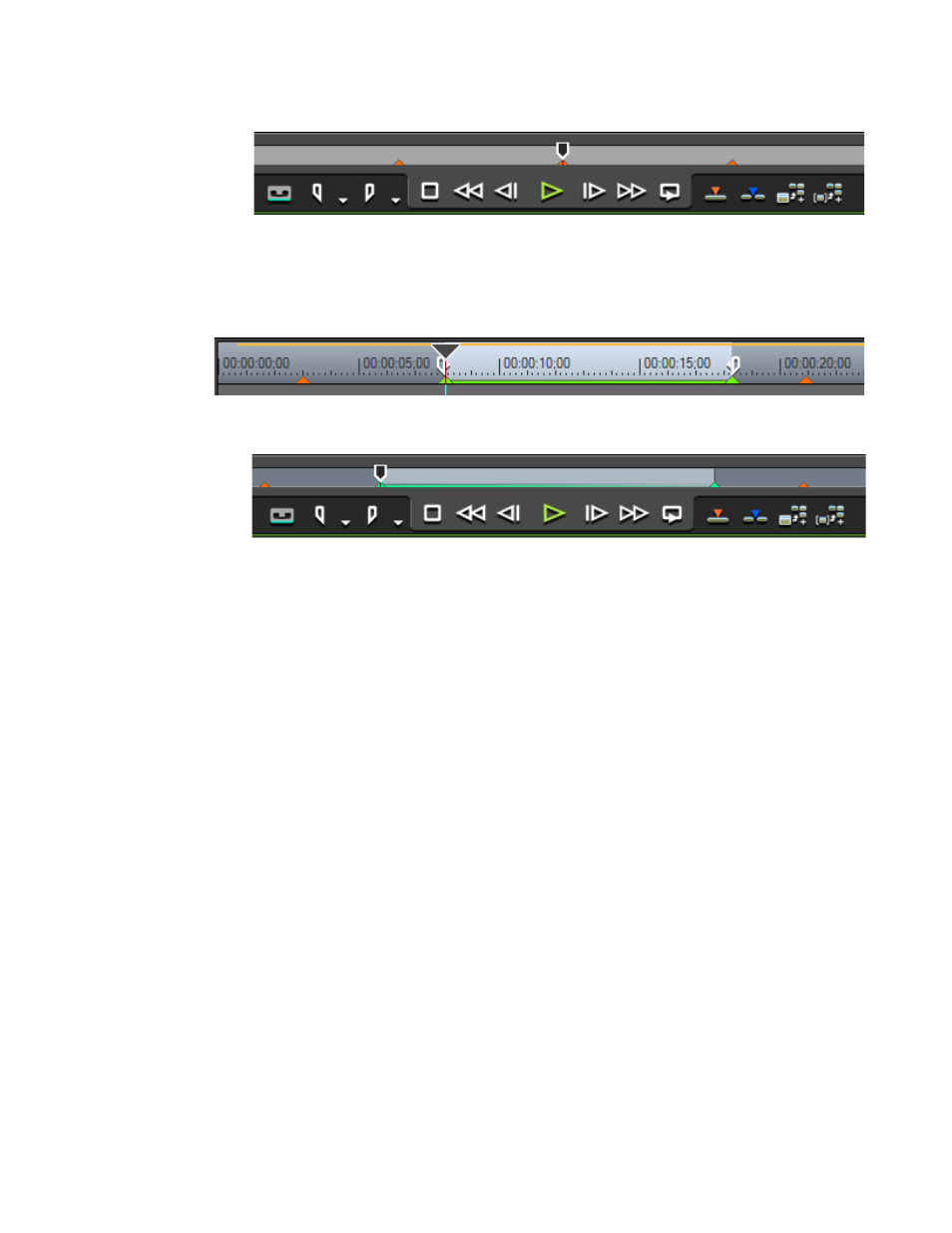
Figure 509. Selected Clip Marker
When and In/Out marker is selected, the In/Out marker range is high-
lighted as illustrated in
Figure 510. Selected In/Out Sequence Marker
Figure 511. Selected In/Out Clip Marker
Moving Markers
Markers may be moved on the Timeline or in the Player window position
bar by dragging them to a new location.
Delete Markers
To delete a marker from the marker list, do the following:
1.
Select the marker(s) to be deleted in the marker list.
2.
Click the
Delete
button.
Alternative Methods:
•
Drag the marker to be deleted from the marker list and drop it outside
the Marker Palette.
•
Drag the marker to be deleted from the marker list and drop it on the
Delete Marker
button.
•
Right-click the marker to be deleted from the marker list and select
Clear marker from the menu.
•
Select the marker from the marker list and press the [
DELETE
] key on the
keyboard.