Grass Valley EDIUS Neo 3 User Manual
Page 89
Advertising
EDIUS NEO — User Reference Guide
87
Hardware Settings
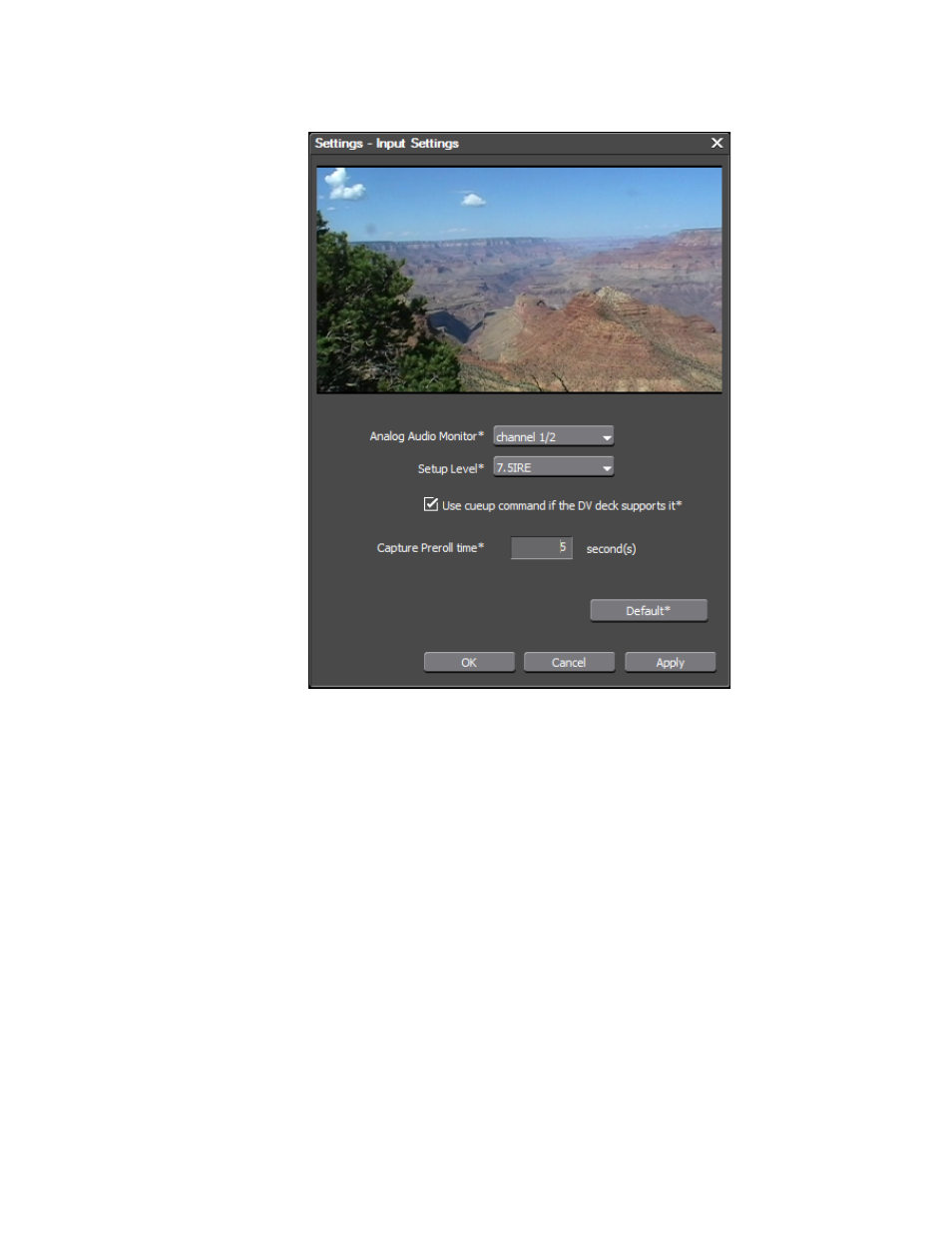
Figure 82. Device Preset - Input Settings Dialog
10.
Select the desired input settings for the device and click the
OK
button
to close the dialog.
•
Select the audio channels to be monitored.
•
Select the desired Setup (black reference) level.
Note
On SD devices, 0 IRE is commonly used in Japan for the Setup (black refer-
ence) Level and 7.5 IRE is commonly used in North America.
•
Select the Use cueup command if DV deck supports it option if the DV
deck supports the cueup feature.
•
Enter the desired device preroll time before capturing begins.
11.
In the Input H/W Format Settings dialog, click the
Next
button.
The Output H/W Format Setting dialog illustrated in
Advertising
This manual is related to the following products: