Figure 579 – Grass Valley EDIUS Neo 3 User Manual
Page 501
Advertising
EDIUS NEO — User Reference Guide
499
Effects
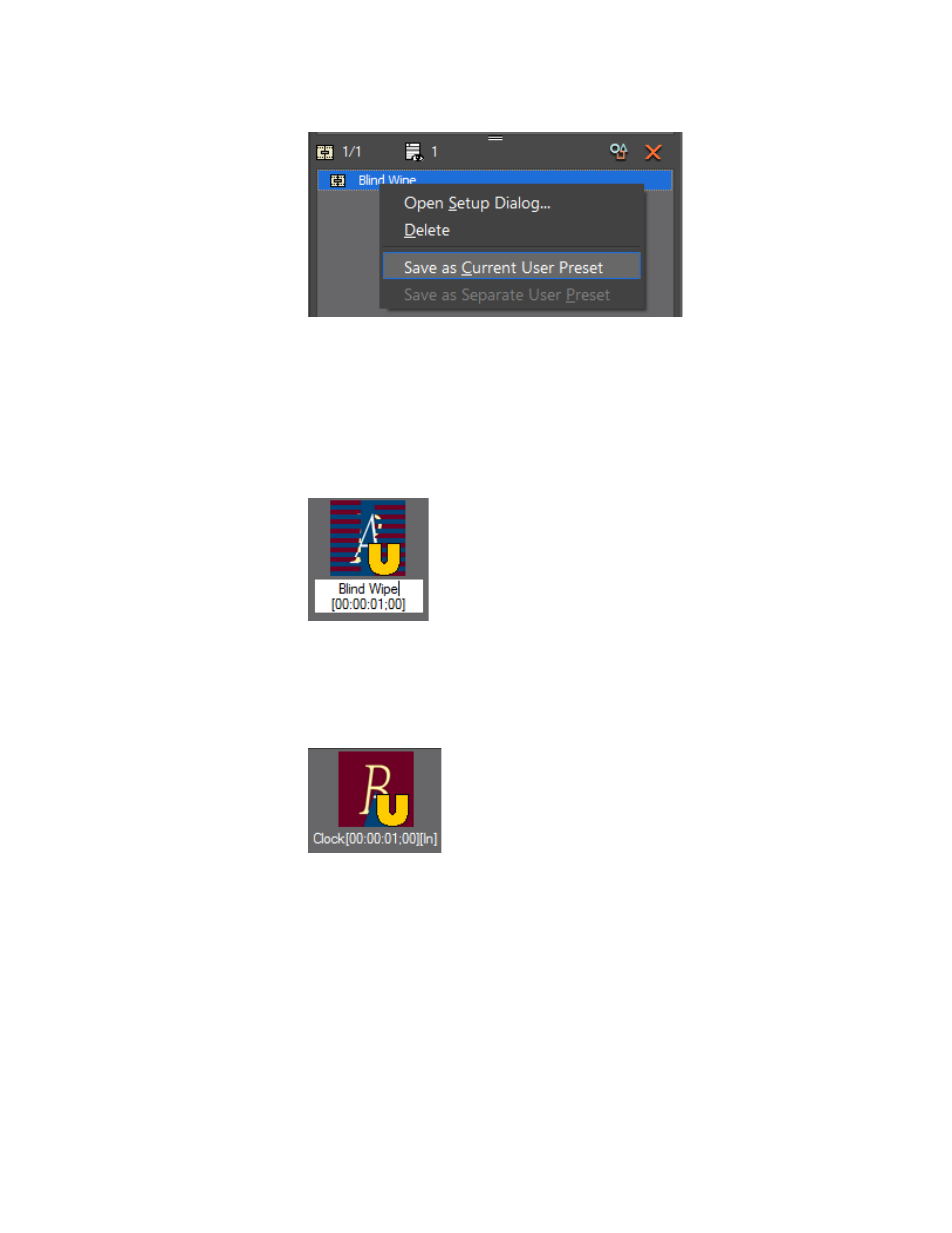
Figure 579. Information Palette Save as Current User Preset
•
Drag and drop the desired effect from the Information Palette to the
Effect Palette.
For clip transitions or audio cross fades, the default name given to a preset
effect is the effect name+[duration] as depicted in
.
Figure 580. Default Clip Transition or Audio Cross Fade Preset Effect Name
For track transitions or title mixers, the default name given to a preset effect
is the effect name+[duration]+[direction] as shown in
Figure 581. Default Track Transition or Title Mixer Preset Effect Name
The Properties dialog for effect presets will display this additional informa-
tion as illustrated in
.
Advertising
This manual is related to the following products: