Identifying controls, Display – Panasonic TH-86EQ2W 85.6" 4K Digital Signage Display User Manual
Page 30
30
English
●
For the power button, the operation with [POWER
button control setting] set to [Off] is described
unless otherwise mentioned. (see page 86
[POWER button control setting])
Identifying Controls
Display
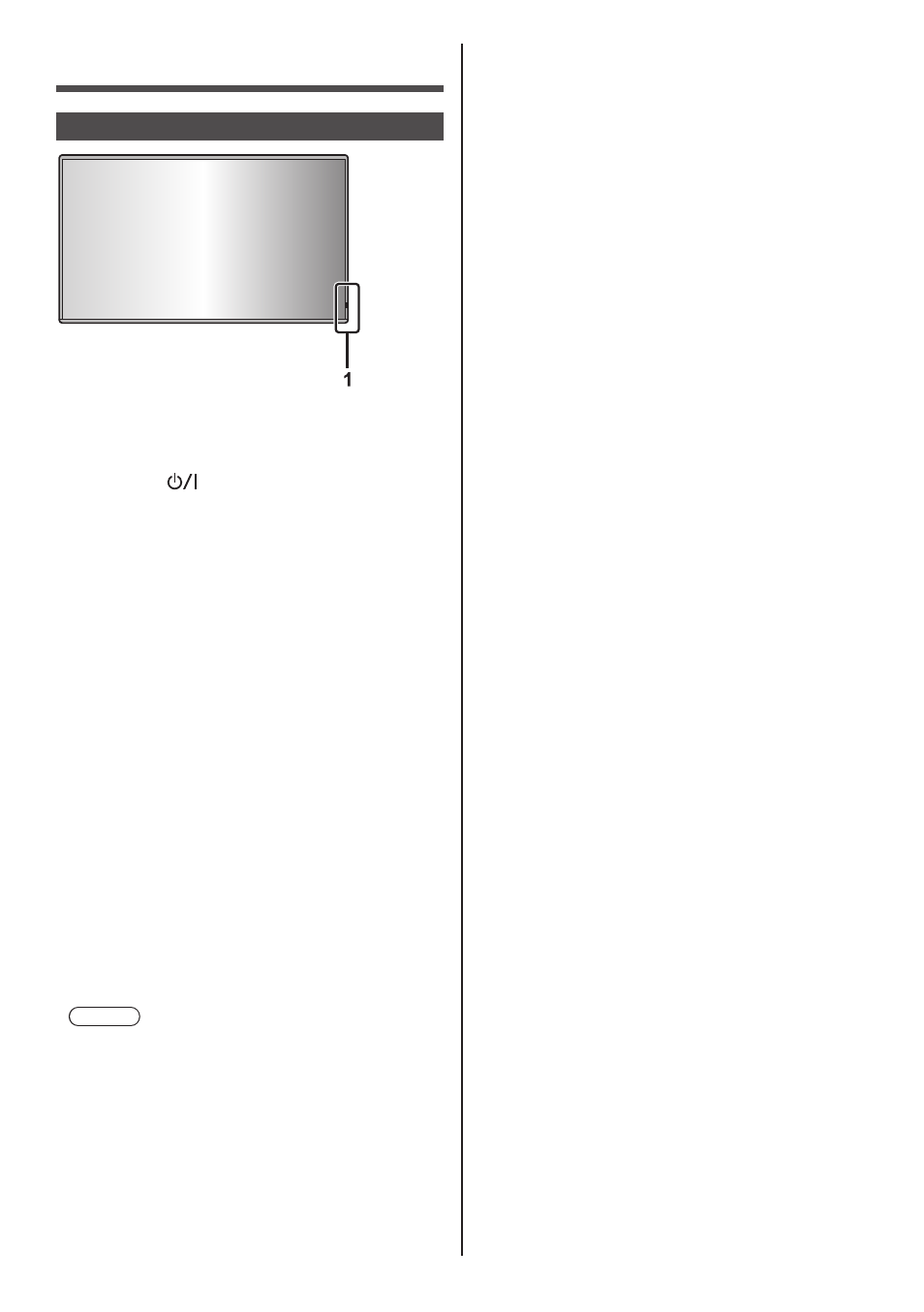
1
Power Indicator / Remote control sensor
The Power Indicator will light.
When the power of the unit is ON (Main Power On
/ Off button (
): ON)
●
Picture is displayed: blue
●
When the unit enters the standby mode using the
following functions: purple
•
Standby state with the “Quick start” function
About “Quick start” function, see page 56.
•
Standby state with the “Power management”
function
About “Power management” function, see page 61.
•
Standby state with [HDMI-CEC control] set to
[Enable] and at least one [Link function] set to
other than [Disable]
About [HDMI-CEC control] setting and [Link
function], see page 65.
•
Standby state with [Network control] set to [On]
About “Network control” settings, see page 75.
•
Standby state with the “SLOT standby” function
About “SLOT standby” function, see page 89.
•
Standby state during schedule play mode
About “Schedule play mode”, see page 124.
●
Standby state in conditions other than the above:
orange
When the power of the unit is OFF (Main Power
On / Off button: OFF): No light
Note
●
Even if the unit is turned off with the power
indicator off, some of the circuits are in power-on
status.
●
When the power indicator is purple, power
consumption during standby is generally larger
than that of when the power indicator is orange.
●
When [Power LED light-up setting] is set to [Off],
the power indicator does not light up. (see page 86
[Power LED light-up setting])