Panasonic TH-86EQ2W 85.6" 4K Digital Signage Display User Manual
Page 54
54
English
Note
●
The screen may become dark if menu operation or
input signal switching is performed while the on-
screen menu is being displayed with this function set
to [On]. Hiding the on-screen menu will restore the
screen to the appropriate brightness.
●
If the [Dynamic backlight control] setting is different
for each input, the screen brightness may change by
switching input.
●
Depending on the displayed image, the screen may
flicker. If this annoys you, set [Dynamic backlight
control] to [Off].
■
[EDID select]
This menu is displayed in HDMI IN 1, HDMI IN 2,
HDMI IN 3 and USB-C inputs. EDID data of each
terminal is switched.
[4K/60p/SDR]:
Sets EDID compatible with 4K video signals
(Max. 4 096 x 2 160 dots, Max. vertical operation
frequency 60 Hz).
This EDID supports SDR (Standard Dynamic
Range). HDR (High Dynamic Range) is not
supported.
[4K/60p/HDR]:
Sets EDID compatible with 4K video signals
(Max. 4 096 x 2 160 dots, Max. vertical operation
frequency 60 Hz).
This EDID supports HDR (High Dynamic Range).
[4K/60p]:
Sets EDID compatible with 4K video signals
(Max. 4 096 x 2 160 dots, Max. vertical operation
frequency 60 Hz).
[4K/30p]:
Sets EDID compatible with 4K video signals
(Max. 4 096 x 2 160 dots, Max. vertical operation
frequency 30 Hz).
[2K]:
Sets EDID compatible with 2K video signals (Max.
1 920 x 1 200 dots).
Note
●
For HDMI IN input, [4K/60p/SDR], [4K/60p/HDR],
[4K/30p] and [2K] are selectable.
For USB-C input, [4K/60p], [4K/30p] and [2K] are
selectable.
●
If [4K/60p/SDR] or [4K/60p/HDR] is selected and
pictures are not displayed correctly during 4K video
signal input, switch the setting to [4K/30p].
●
If [4K/60p/SDR], [4K/60p/HDR] or [4K/30p] is
selected and pictures are not displayed correctly
during 2K or lower video signal input, switch the
setting to [2K].
●
For details of signals written in EDID of [4K/60p/
SDR], [4K/60p/HDR], [4K/30p] and [2K], see
“Preset Signals” (see page 166).
■
[Dynamic range]
This menu is displayed in HDMI IN 1, HDMI IN 2 and
HDMI IN 3 inputs.
Switches the dynamic range.
[Auto]:
Sets automatically according to the AVIInfoFrame
information.
[HDR(PQ)]
Sets the dynamic range in compatible with HDR
(PQ (Perceptual Quantization)).
[HDR(HLG)]:
Sets the dynamic range in compatible with HDR
(HLG (Hybrid Log Gamma)).
[SDR]:
Sets the dynamic range in compatible with SDR.
■
[Colour gamut]
This menu is displayed in HDMI IN 1, HDMI IN 2 and
HDMI IN 3 inputs.
Switches the colour gamut.
[Auto]:
Sets the colour gamut automatically according to
the ITU-2020 emu. information of AVIInfoFrame.
[Native]:
Displays with the colour space unique to this unit.
[ITU-2020 emu.]:
Displays with the colour space close to the ITU-R
BT2020 standard.
■
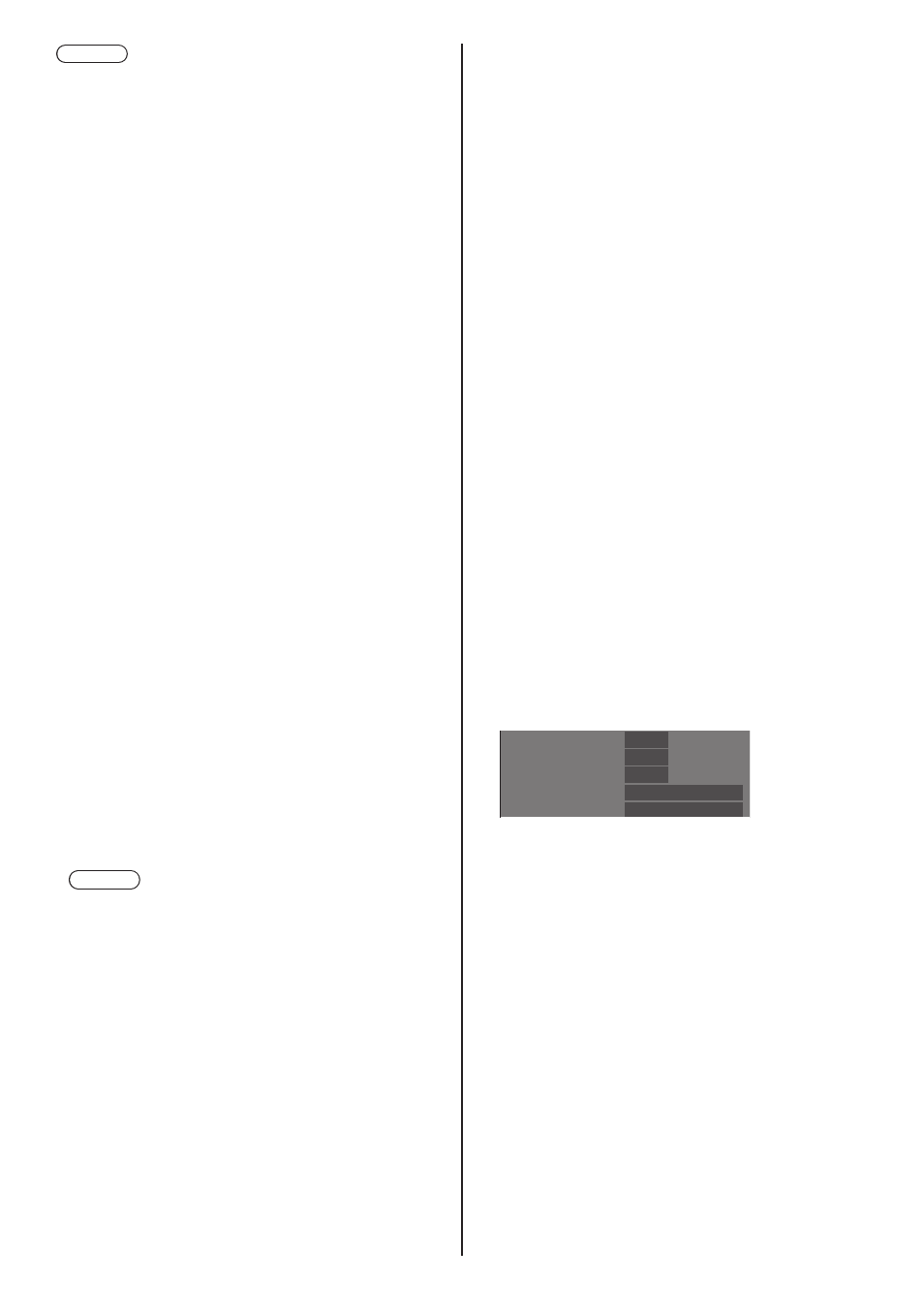
Input signal display
Displays the frequency and the type of the current
input signal.
60.00 Hz
74.18 MHz
1080/60i
33.72 kHz
H-freq.
V-freq.
Dot clock freq.
Signal format
HDCP status None
Display range:
Horizontal (15 kHz ‒ 135 kHz)
Vertical (24 Hz ‒ 120 Hz)
The dot clock frequency is displayed when Digital and
PC signal are input.
The HDCP status information is displayed when
digital signals are input.