Date and time, Set date and time, Clock display – Panasonic TH-86EQ2W 85.6" 4K Digital Signage Display User Manual
Page 73: Synchronize display setting
73
English
Date and time
Set date and time. ([- -] shows no programme is set.)
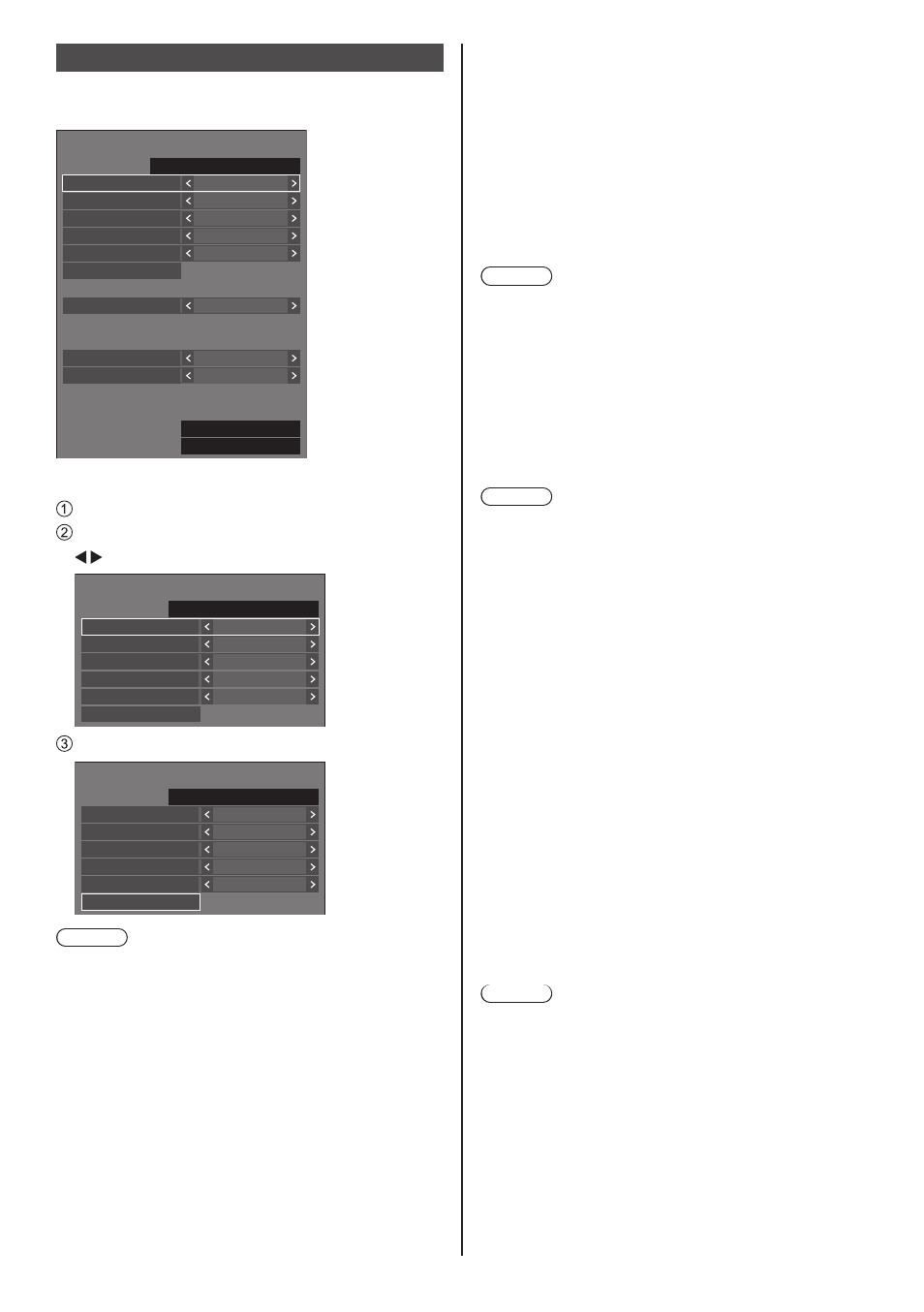
[Date and time] - submenu screen
Date and time
SATURDAY 10:00
2022/01/01
Year
2022
Month
Day
Hour
Minute
1
1
10
0
Synchronize display
Off
Parent or child setting
Child
Synchronize display setting
NTP synchronization
Off
Time zone
(GMT + 00:00)
NTP status
Clock display
Off
Set
■
Set date and time
Select [Year / Month / Day / Hour / Minute].
Set the selected item.
Date and time
SATURDAY 10:00
2022/01/01
Year
2022
Month
Day
Hour
Minute
1
1
10
0
Set
Select [Set] and press <ENTER>.
99:99
2015/01/01
Date and time
SUNDAY 18:00
2022/02/06
Year
2022
Month
Day
Hour
Minute
2
6
18
0
Set
Note
●
If the present date and time are not set, the time
settings for [Set up timer], [Screensaver], etc. cannot
be made.
●
The present date and time setting is reset in the
following case.
When the main unit is left unattended for 7 days or
longer after the main unit is turned off with the <Main
Power On / Off button>, the power plug is removed,
or power failure has occurred, etc.
*
If the unit is used for long periods or in a high
temperature environment, days to reset may be
shorter than 7 days.
●
Date and time cannot be set when [Year / Month /
Day / Hour / Minute] are set to [- -].
●
The upper limit of date and time that can be set is,
Year 2035, Month 12, Day 31, Hour 23 and Minute
59.
■
[Clock display]
Sets to display / hide the clock.
[Off]:
Hides the clock.
[On]:
Displays the clock.
Note
●
The clock is displayed at the lower left of the screen
when <RECALL> button is pressed.
Display duration is approx. 5 seconds.
●
When current date and time is not set, the clock is not
displayed even when [Clock display] is [On].
■
[Synchronize display setting]
Synchronizes the time of all the displays connected on
the network.
Note
●
This function does not operate if the displays to
synchronize the time are not connected via a LAN.
●
This function operates only when the devices
connected via a LAN are connected with different IP
addresses.
●
The time synchronization operates only in power-on
state or in schedule standby state.
●
Normal operation is achieved only when the display
synchronization function is enabled among the units.
If other devices are connected on the same network,
operation may not be normal.
[Synchronize display]:
Enables/Disables display synchronization function.
[Parent or child setting]:
Set this unit to [Parent] or [Child] for display
synchronization.
Operates when [Synchronize display] is [On].
[Parent]:
Set the time as a source of synchronization.
[Child]:
Synchronizes with the time of the parent.
Note
●
When [Synchronize display] is [On], and [Parent or
child setting] is [Child], date and time cannot be set.
●
When [Synchronize display] is [On], and [Parent or
child setting] is [Child], [NTP synchronization] off-
operation is performed.
●
If two or more displays with [Parent] set are present
on one network, display synchronization does not
operate properly.
●
Time is not synchronized if no displays with [Parent]
set is present on one network.
●
Time is not synchronized if the time is not set for the
display with [Parent] set on the network.