2 contacts tab – Doremi TMS User Manual
Page 100
Advertising
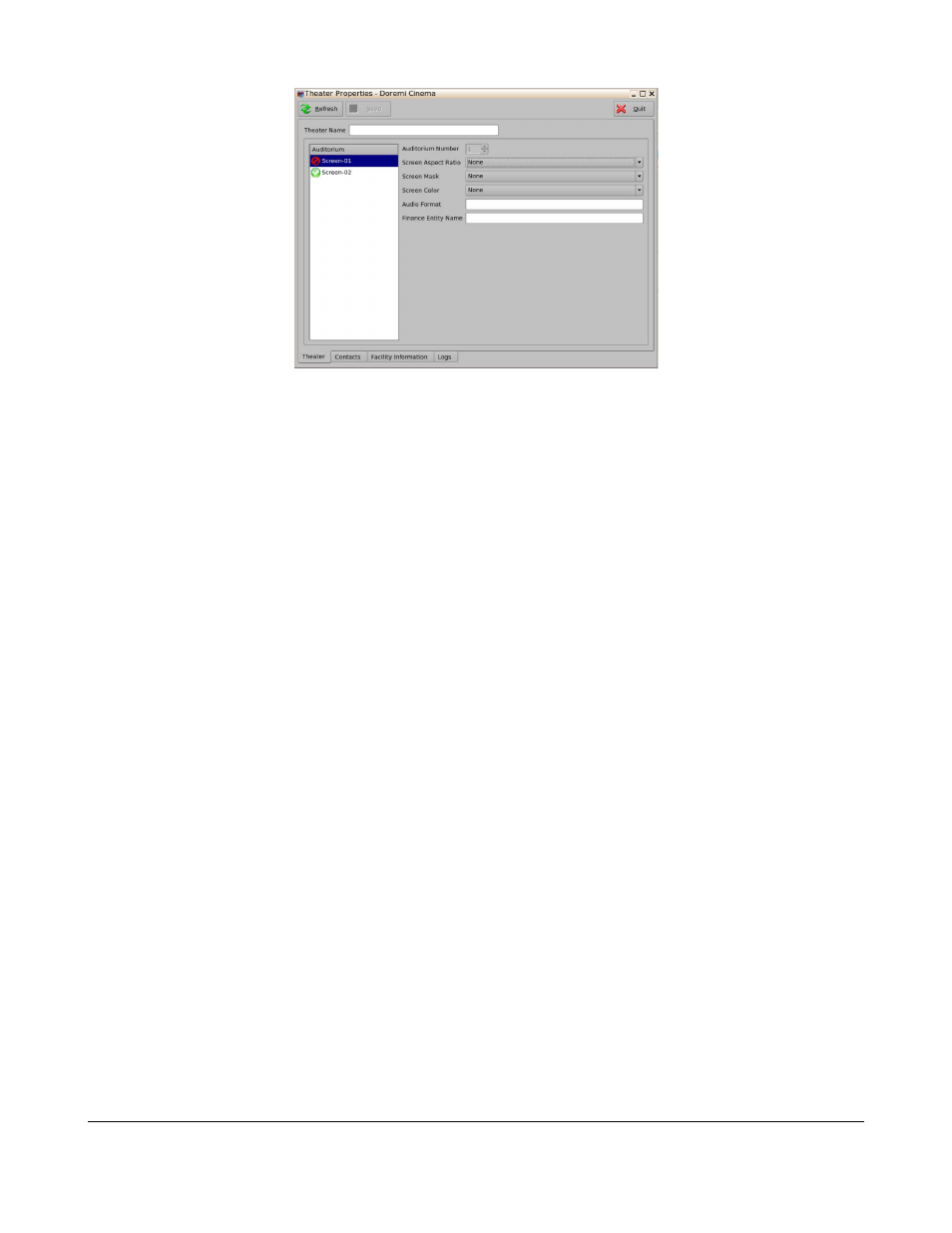
Figure 125: Theater Properties – Theater Tab
7.14.2 Contacts Tab
The following information can be added to the Contacts Tab:
•
Name
•
Country Code
•
Phone 1
•
Phone 2
•
•
Type
To add a new entry follow the procedure below:
•
Click on the Add button (Figure 126).
•
Input all available information (Figure 126).
•
Click on the Save button to Save the contact (Figure 126).
TMS.OM.000177.DRM
Page 100 of 106 Version 1.4
Doremi Labs
Advertising
See also other documents in the category Doremi Video:
- AUD-D2A (13 pages)
- CaptiView (14 pages)
- ShowVault / IMB (27 pages)
- DCP to ShowVault Conversion Procedure (24 pages)
- DCP-2000 (10 pages)
- ShowVault / IMB (23 pages)
- DCP-2000 (11 pages)
- DSV-J2 (35 pages)
- ShowVault / IMB (33 pages)
- ShowVault / IMB (7 pages)
- DCP-2000 (4 pages)
- DCP-2000 (24 pages)
- ShowVault / IMB (276 pages)
- DCP to ShowVault Conversion Procedure (27 pages)
- ShowVault / IMB (16 pages)
- ShowVault / IMB (31 pages)
- ShowVault / IMB (40 pages)
- ShowVault / IMB (13 pages)
- ShowVault / IMB (36 pages)
- ShowVault / IMB (146 pages)
- Asset Manager (15 pages)
- CineAsset (82 pages)
- Asset Manager (84 pages)
- AccessLink (62 pages)
- DC-POST (101 pages)
- DSV-J2 (30 pages)
- DSV-J2 (68 pages)
- Dimension 3D (49 pages)
- IMS1000 (14 pages)
- IMS1000 (320 pages)
- Fidelio (77 pages)
- LE100 (52 pages)
- Rapid and Rapid-2x (91 pages)
- XDVI-20s (33 pages)
- Final Cut Pro (18 pages)
- GENeration3D (40 pages)
- GHX-10 (36 pages)
- HDG-20 (24 pages)
- H2S-30 (40 pages)
- Nugget (58 pages)
- V1UHD-LE (85 pages)
- S2H-30 (39 pages)