Doremi TMS User Manual
Page 101
Advertising
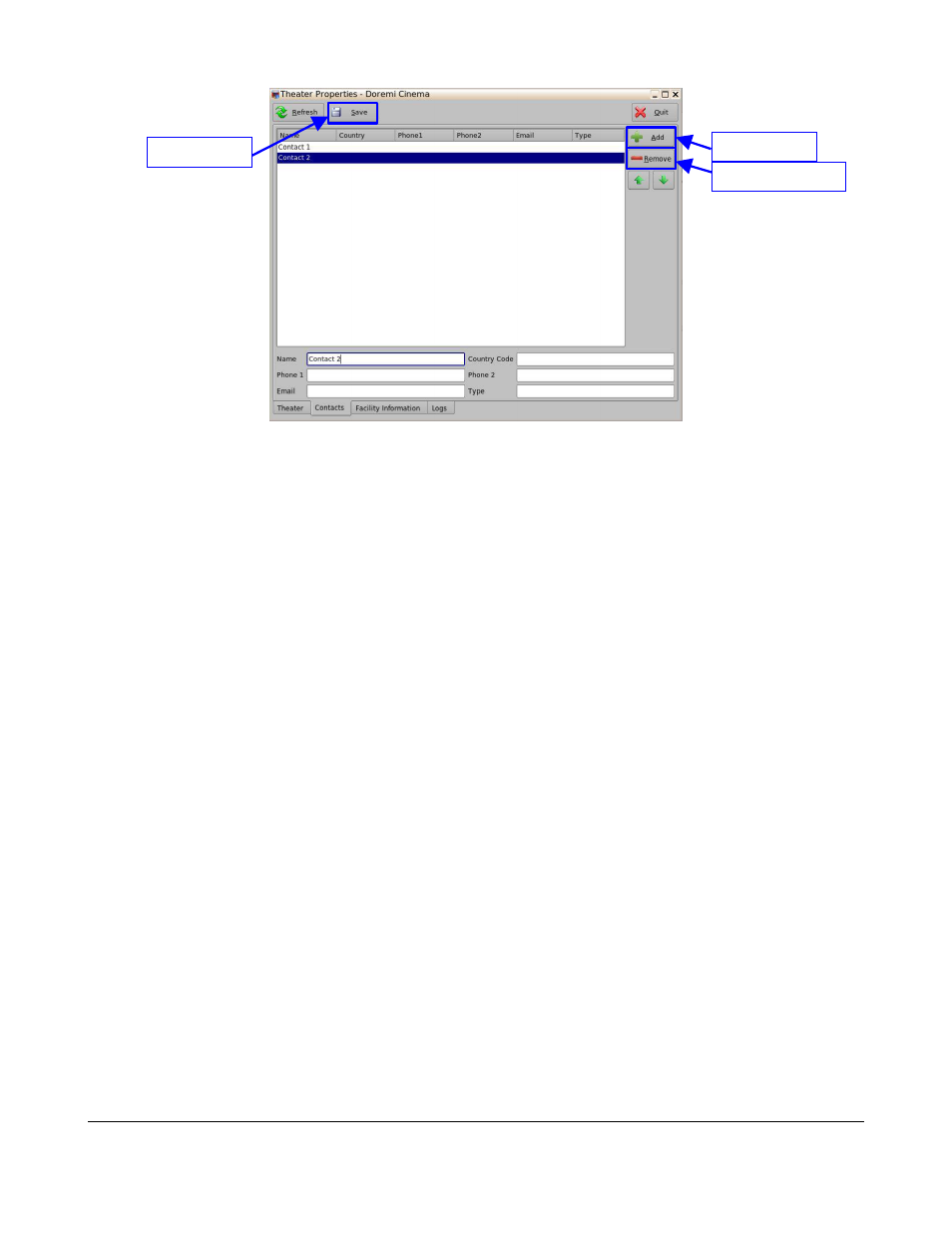
Figure 126: Theater Properties – Contacts Tab
•
The user can also delete entries:
◦
Click on the desired entry to highlight it (Figure 126).
◦
Click on the Remove button (Figure 126).
◦
Click Yes to confirm the deletion of the contact.
TMS.OM.000177.DRM
Page 101 of 106 Version 1.4
Doremi Labs
Save Button
Add Button
Remove Button
Advertising
See also other documents in the category Doremi Video:
- AUD-D2A (13 pages)
- CaptiView (14 pages)
- ShowVault / IMB (27 pages)
- DCP to ShowVault Conversion Procedure (24 pages)
- DCP-2000 (10 pages)
- ShowVault / IMB (23 pages)
- DCP-2000 (11 pages)
- DSV-J2 (35 pages)
- ShowVault / IMB (33 pages)
- ShowVault / IMB (7 pages)
- DCP-2000 (4 pages)
- DCP-2000 (24 pages)
- ShowVault / IMB (276 pages)
- DCP to ShowVault Conversion Procedure (27 pages)
- ShowVault / IMB (16 pages)
- ShowVault / IMB (31 pages)
- ShowVault / IMB (40 pages)
- ShowVault / IMB (13 pages)
- ShowVault / IMB (36 pages)
- ShowVault / IMB (146 pages)
- Asset Manager (15 pages)
- CineAsset (82 pages)
- Asset Manager (84 pages)
- AccessLink (62 pages)
- DC-POST (101 pages)
- DSV-J2 (30 pages)
- DSV-J2 (68 pages)
- Dimension 3D (49 pages)
- IMS1000 (14 pages)
- IMS1000 (320 pages)
- Fidelio (77 pages)
- LE100 (52 pages)
- Rapid and Rapid-2x (91 pages)
- XDVI-20s (33 pages)
- Final Cut Pro (18 pages)
- GENeration3D (40 pages)
- GHX-10 (36 pages)
- HDG-20 (24 pages)
- H2S-30 (40 pages)
- Nugget (58 pages)
- V1UHD-LE (85 pages)
- S2H-30 (39 pages)