Read and discard parity data, Bios selection, Web browser-based configuration – Areca ARC-8050T3U 6-Bay Thunder3 Desktop RAID Storage Array User Manual
Page 101
101
WEB BROWSER-BASED CONFIGURATION
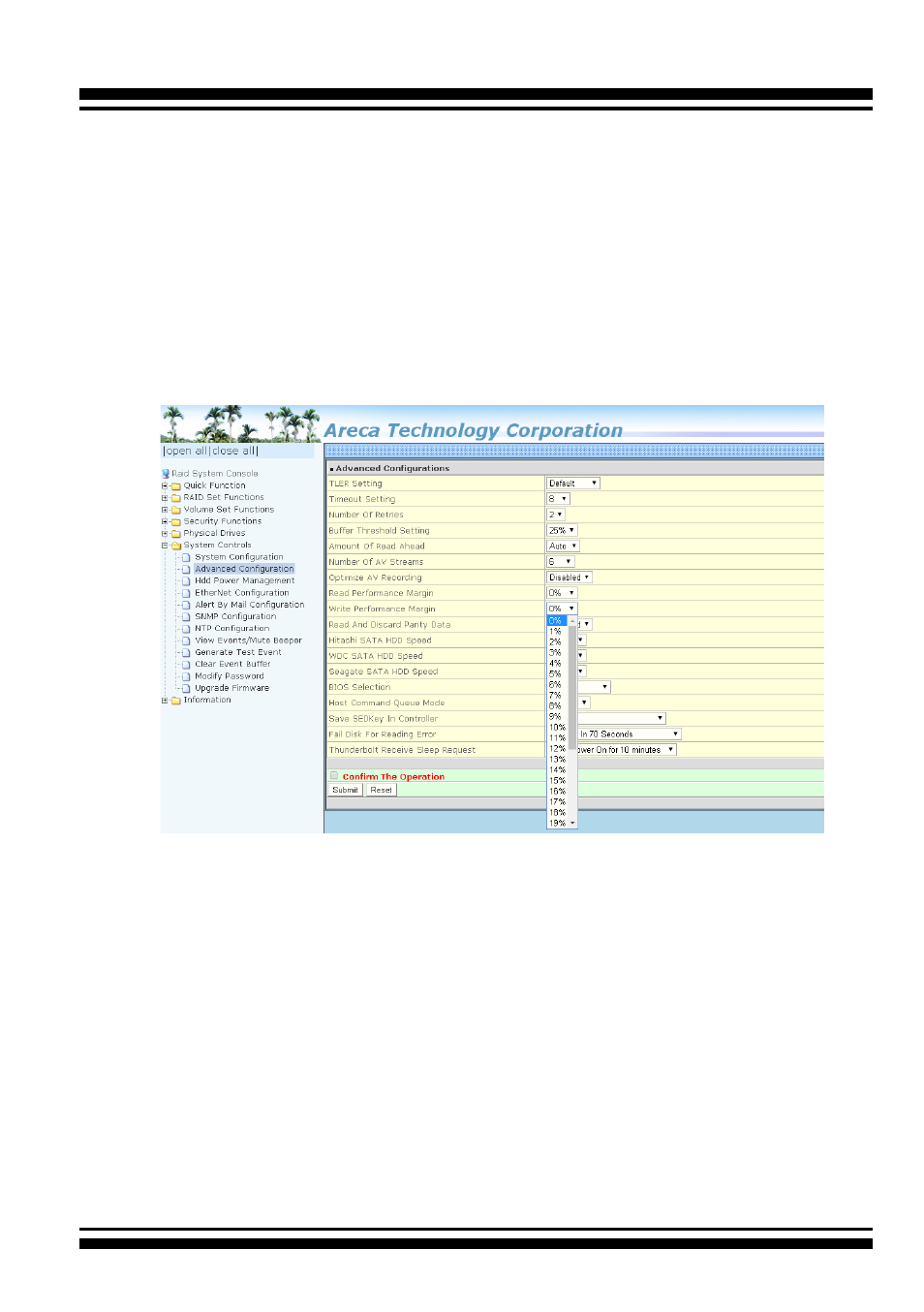
• Read And Discard Parity Data
This function is used to determine if parity data is to be read
and discarded. It is designed to eliminate the frame drop and
ensure to provide the smooth and stable performance on the
application.
• BIOS Selection
It combines the “Legacy BIOS” and “UEFI BIOS” and “EFI
BIOS” into a single BIOS, and provide BIOS option in the GUI.
In the old days, Areca provided separate BIOS files for each,
and need to manually flash it in. Now flashing BIOS for differ
-
ent BIOS type is no longer needed, just make the BIOS selec-
tion in System Controls: Advance Configuration: BIOS Option.
The controller provides three BIOS options.
(f). Adjust Write Performance Margin to fine tune the
result (no reboot required)
(2). Read/Write Throttling is required and sorting is to be
disabled
(1). Buffer Threshold Setting: 5%
(2). Optimize For AV Recording Mode set to 3
(3). Reboot
(4). Adjust Read/Write Performance Margin to fine tune
the result (no reboot required)