3 volume write protection, 5 check volume set, Web browser-based configuration – Areca ARC-8050T3U 6-Bay Thunder3 Desktop RAID Storage Array User Manual
Page 77
77
WEB BROWSER-BASED CONFIGURATION
Note:
1. If the volume is RAID level 30, 50, or 60, you can not
change the volume to another RAID level. If the volume
is RAID level 0, 1, 10(1E), 3, 5, or 6, you can not change
the volume to RAID level 30, 50, or 60.
2. Power failure may damage the migration data. Please
backup the RAID data before you start the migration
function.
4.6.4.3 Volume Write Protection
When "Volume Write Protection" is enabled on the "Modify
Volume Set", host commands fail if they are issued to a volume
in that RAID controller and attempt to modify a volume's data
or attributes. Volume Write Protection is used primarily for
customer-initiated disaster recovery testing.
4.6.5 Check Volume Set
To check a volume set from a RAID set:
1. Click on the “Check Volume Set” link.
2. Click on the volume set from the list that you wish to check.
Tick on “Confirm The Operation” and click on the “Submit” button.
Use this option to verify the correctness of the redundant data in
a volume set. For example, in a system with dedicated parity, vol-
ume set check means computing the parity of the data disk drives
and comparing the results to the contents of the dedicated parity
disk drive. The checking percentage can also be viewed by click-
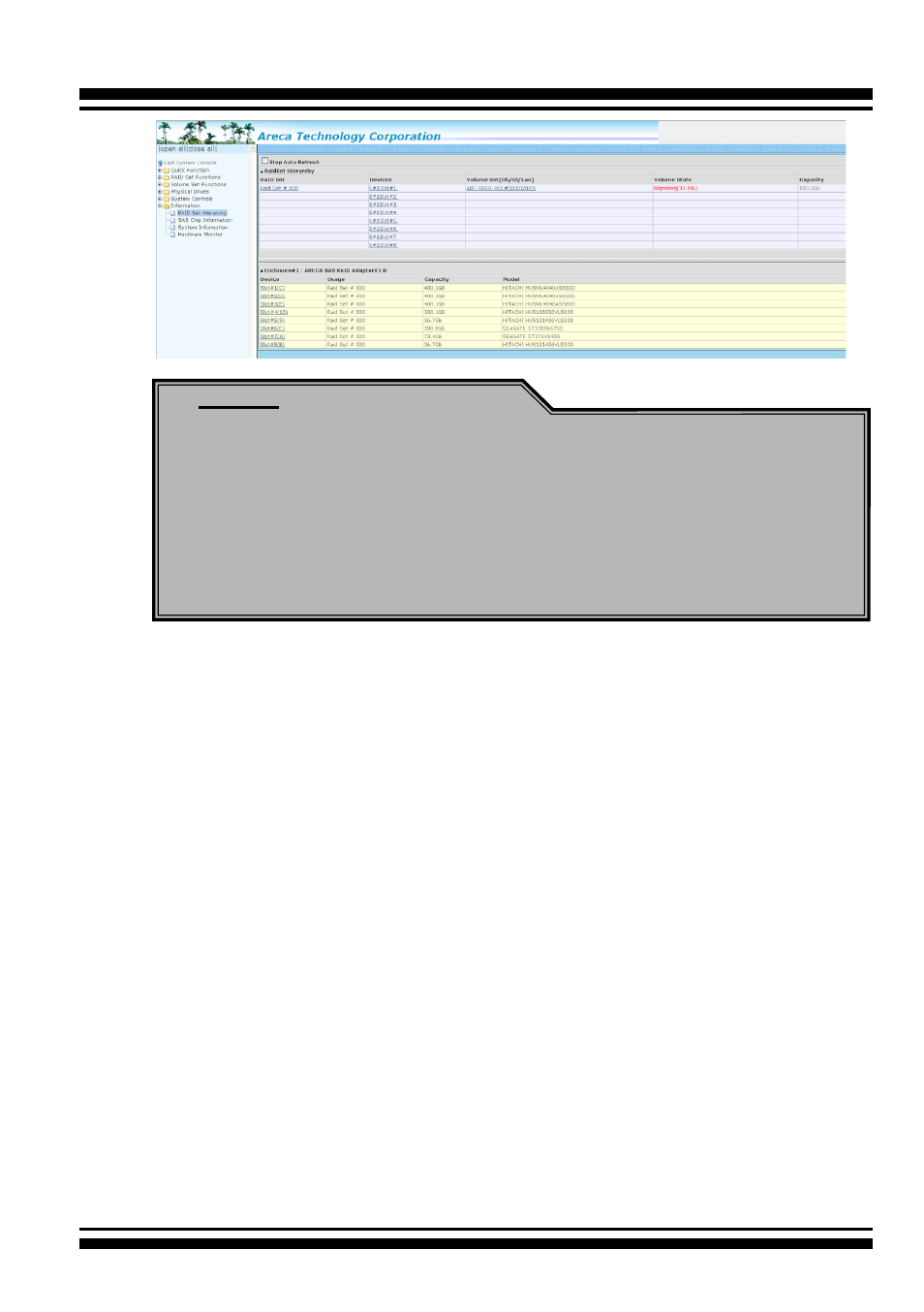
ing on “RAID Set Hierarchy” in the main menu.