B-3 installation, Appendix – Areca ARC-8050T3U 6-Bay Thunder3 Desktop RAID Storage Array User Manual
Page 120
Advertising
APPENDIX
120
B-3 Installation
1. Make sure all power to the RAID storage is disconnected.
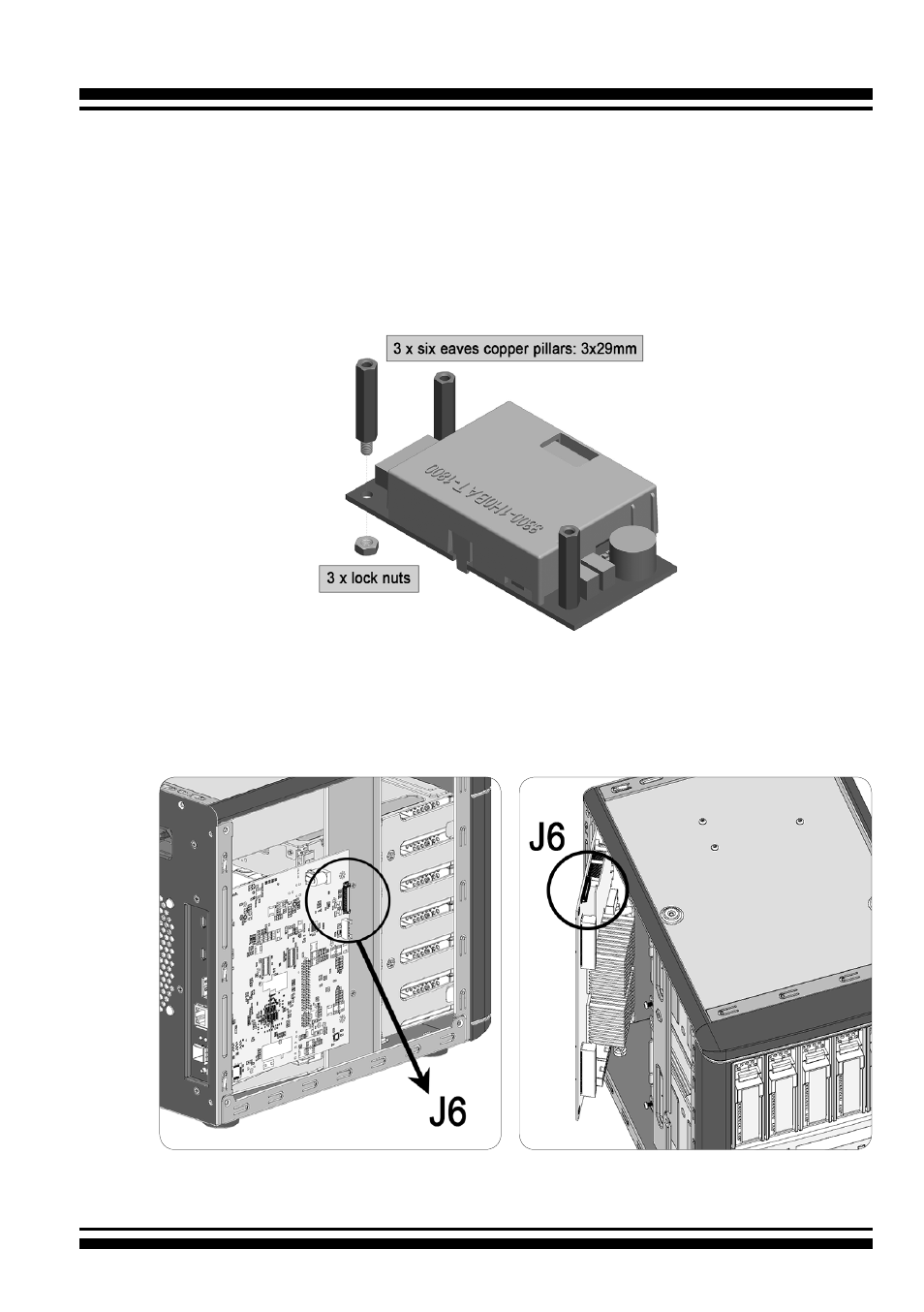
2. Install the “six eaves copper pillars” on the three mounting
position (NH1, NH2 and NH3) and secures it using flat head
screws.
3. Connector J1 is available for the optional battery backup
module. Connect the BBM cable from this connector to the
12-pin (J6) battery connector on the RAID storage controller.
Figure B-2,
J6 location of
ARC-8050T3U-8/12
Figure B-1,
J6 location of
ARC-8050T3U-6
Advertising