3 windows users, 1 install the mraid software, Installation – Areca ARC-8050T3U 6-Bay Thunder3 Desktop RAID Storage Array User Manual
Page 44
INSTALLATION
44
2.4.3 Windows Users
2.4.3.1 Install the Thunderbolt Software
This section describes how to install the Thunderbolt software to
your operating system. The software installation includes device
driver, ArcHTTP and CLI utility.
In this scenario, you are installing the Thunderbolt software in
an existing Windows system. You can use the installer to install
driver, ArcHTTP and CLI at once or “Custom” to install special
components. Follow the steps below to install the driver & utility
for Windows.
1. Download the install_thunderbolt installer from the website
at "
https://www.areca.com.tw/support/downloads.html
", the
file name begins with “install_thunderbolt” followed by the
version control.
2. Double-click on the zipped file that comes from the website
to unzip it. Double-click on the "setup.exe" file for installing
thunderbolt software.
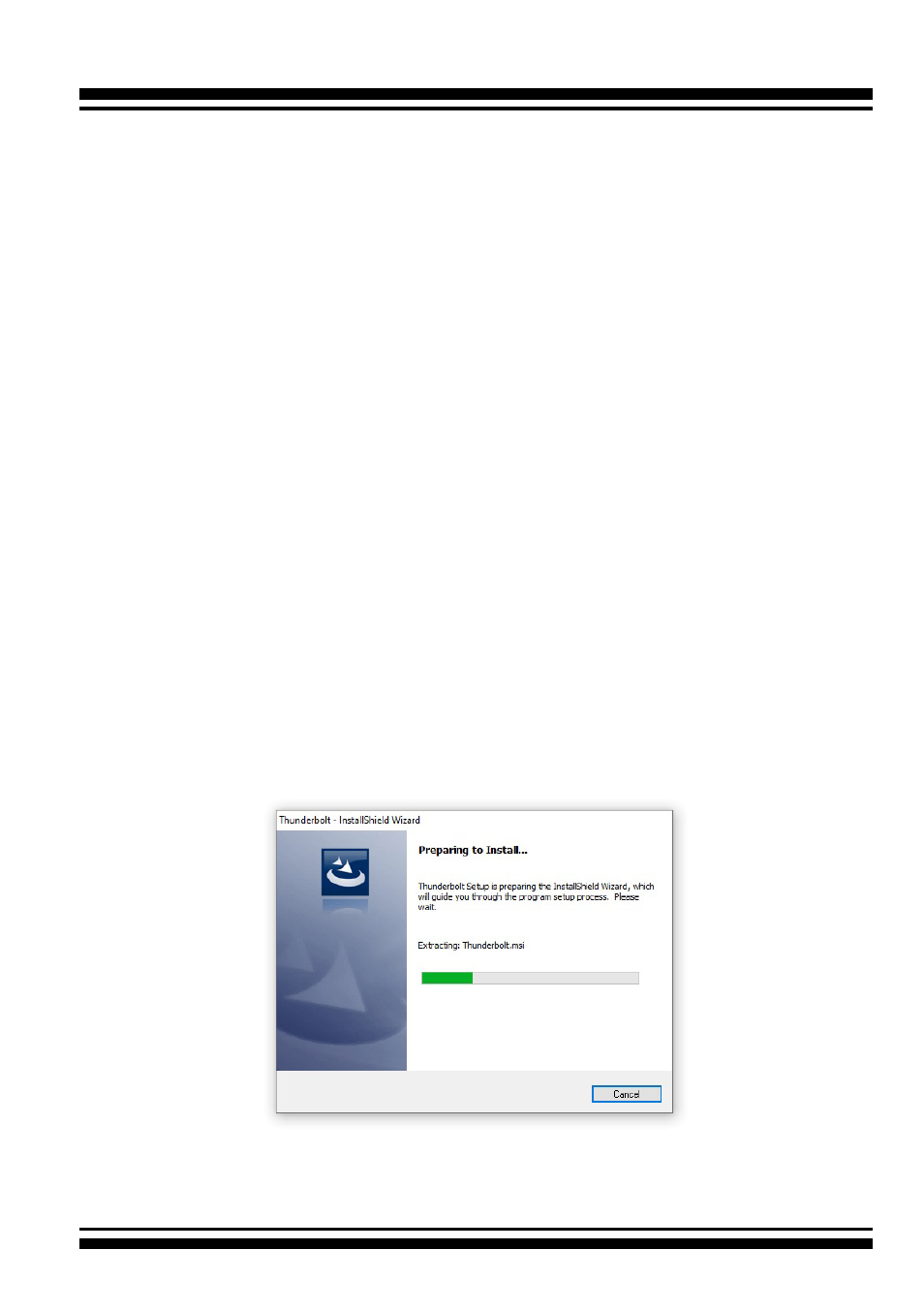
3. The screen shows Preparing to Install.
4. The Thunderbolt Installer (or InstallShield Wizard) opens, pre-
paring to install and click on the “
Next
” button to continue.