Installation – Areca ARC-8050T3U 6-Bay Thunder3 Desktop RAID Storage Array User Manual
Page 49
INSTALLATION
49
• Method 1: McRAID Storage Manager From ArcHTTP
Start McRAID Storage Manager – Browser Edition
The “
ArcHTTP Taskbar
”
icon shows on the button of
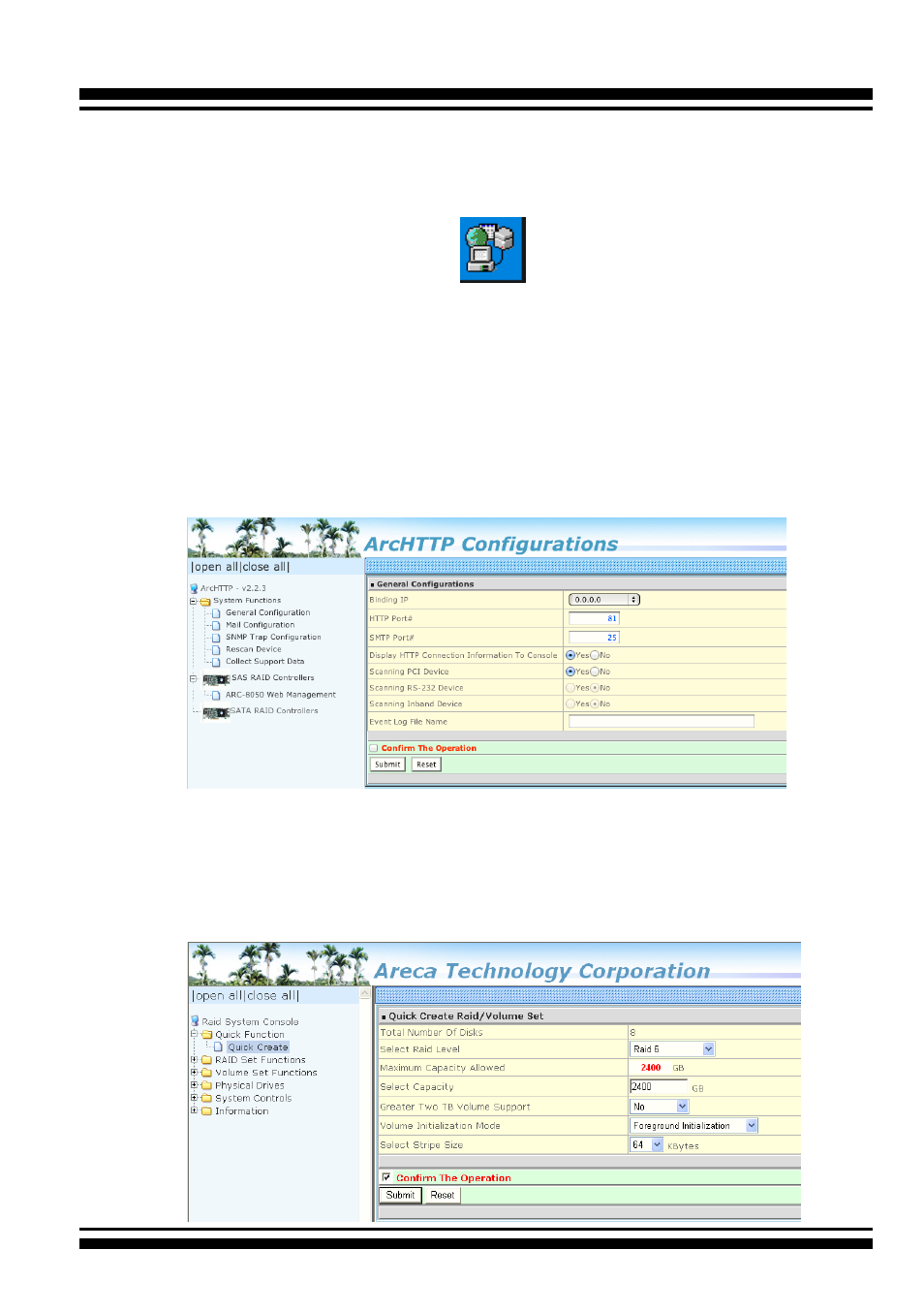
system tray by default. Double click “ArcHTTP Taskbar” to
launch the ArcHTTP Configuration screen. It automatically
scans the localhost RAID units on the system and creates an
individual RAID storage icon located in the left column screen.
When you double click on a selected element the left col-
umn screen, child element belonged parent element appears.
Locate “ARC-8050T3U Web Management” and launch the
McRAID storage manager.
Locate “ARC-8050T3U Web Management” and launch the
selected McRAID storage manager. Enter RAID storage default
User Name “
admin
” and the Password “
0000
” when the login
page prompted for it. After logging in, the McRAID storage
manager process starts.