Installation, 1 before you first installing – Areca ARC-8050T3U 6-Bay Thunder3 Desktop RAID Storage Array User Manual
Page 13
INSTALLATION
13
2. Installation
This section describes how to install the ARC-8050T3U Thunderbolt 3
RAID storage with host computer and disks.
2.1 Before You First Installing
Thanks for purchasing the ARC-8050T3U as your RAID data stor
-
age. The following manual gives simple step-by-step instructions
for installing and configuring the ARC-8050T3U RAID storage.
Checklist
• 1 x ARC-8050T3U-4/6(M)/8/12 bays RAID storage unit
• 1 x 40Gbps Thunderbolt 3 Type-C cable
• 1 x RJ-45 LAN cable
• 1 x Power cord
• 16/24/32/48 x Drive mounting screws (4 per drive tray)
• 1 x Quick installation guide
System Requirements
• Computer with Thunderbolt 3 port (macOS 10.12 or higher,
Windows 8/10 or higher)
• Computer with USB-C/USB X.X port only
You can connect your ARC-8050T3U device Thunderbolt 3 port to
a host computer that supports one of the following interfaces.
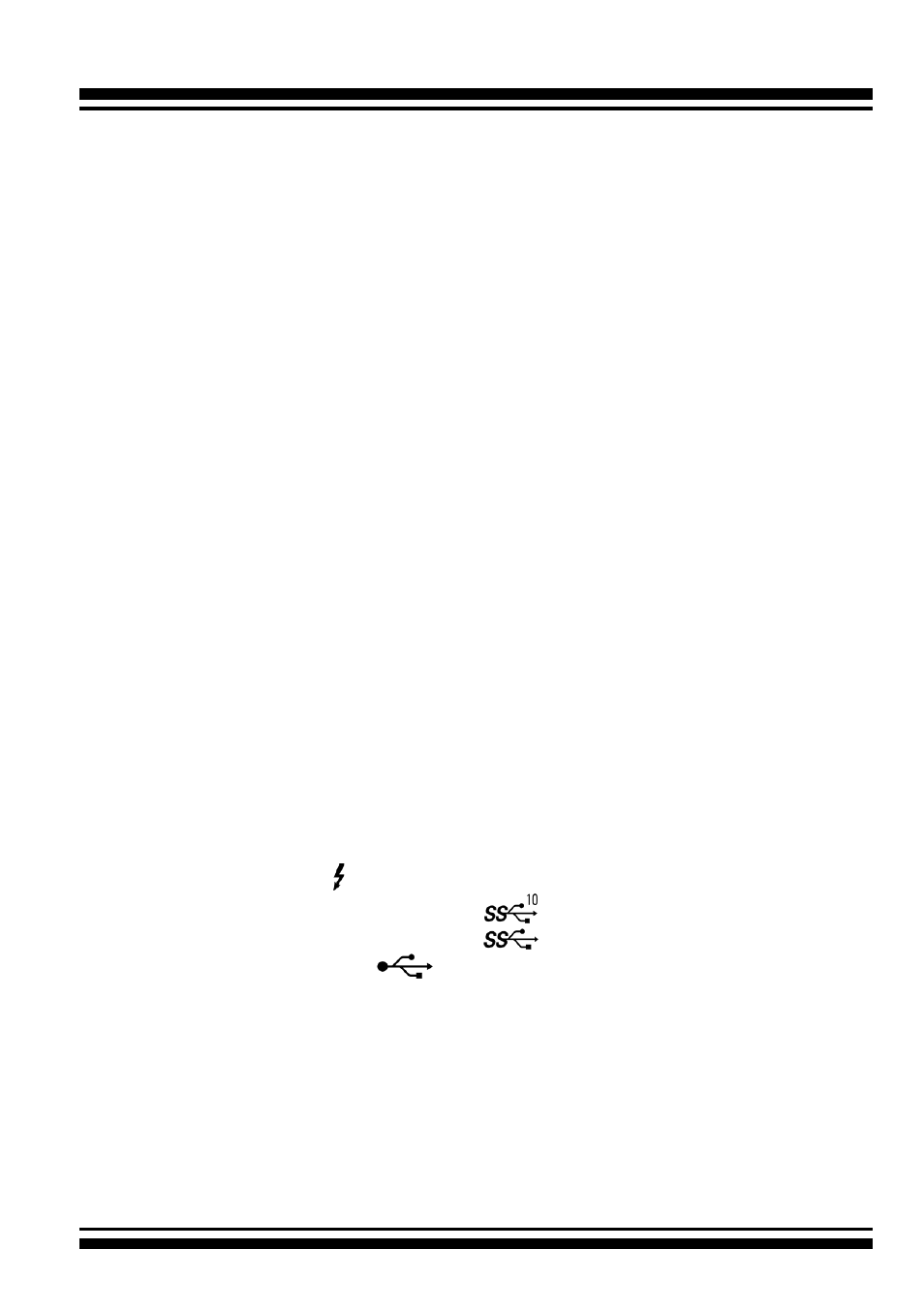
- Thunderbolt 3 ( ): Transfer rates up to 40Gb/s
- SuperSpeed USB 3.2 Gen 2 (
):Transfer rates up to 10Gb/s
- SuperSpeed USB 3.2 Gen 1 (
):Transfer rates up to 5Gb/s
- Hi-Speed USB 2.0 (
): Transfer rates up to 480 Mb/s