Installation – Areca ARC-8050T3U 6-Bay Thunder3 Desktop RAID Storage Array User Manual
Page 46
INSTALLATION
46
• “Complete” to install driver, ArcHTTP and CLI utility at once,
check the first box.
• “Custom” to install special components and change the pro-
gram directory. When this “
Custom
” check box is checked, go
to the Custom Setup screen.
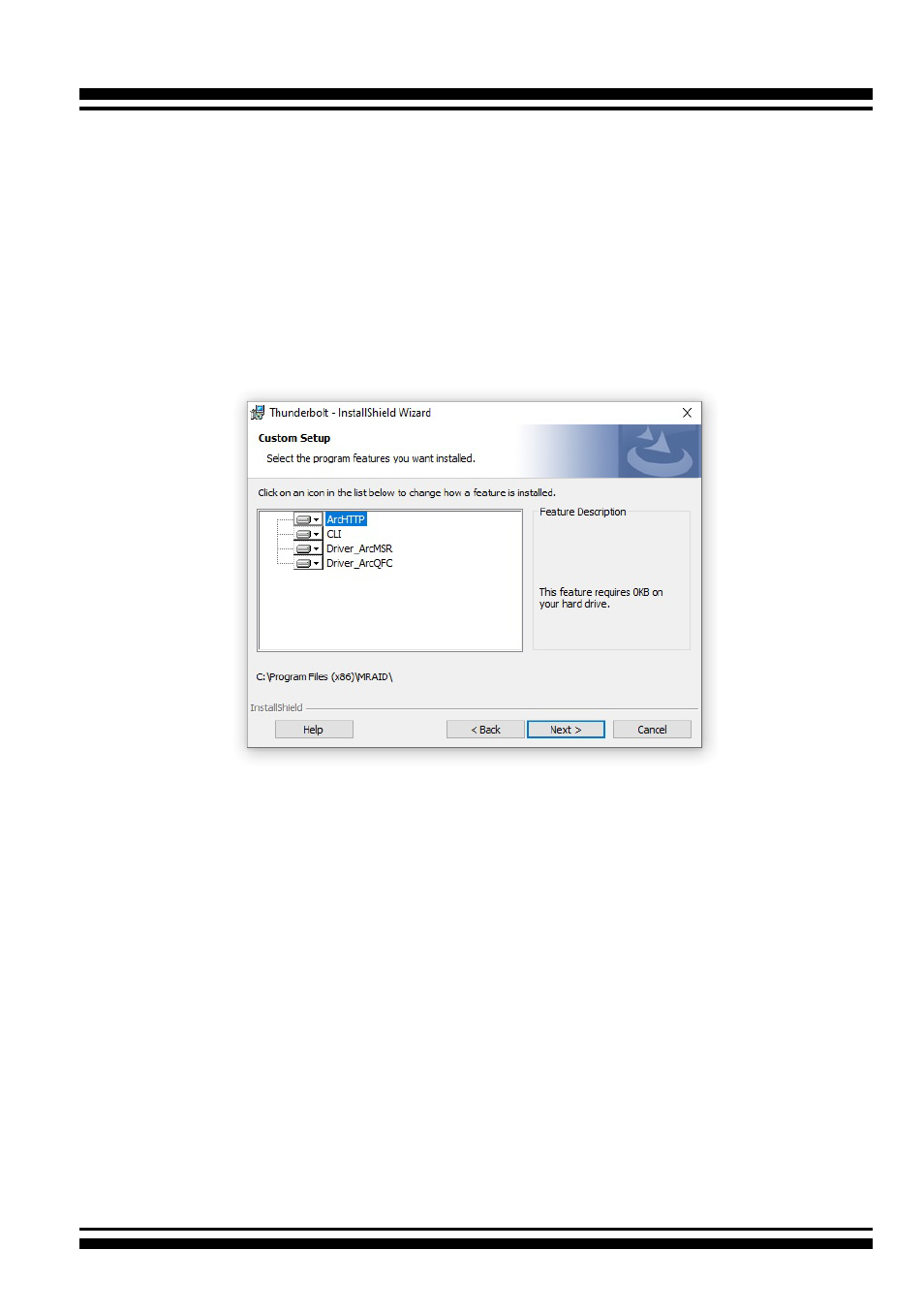
6-1. On the Custom Setup screen, click on an icon to install
special components and click on the “
Next
” button to
continue.
•
Driver
is required for the operating system to be able to inter-
act with the ARC-8050T3U RAID storage.
•
ArcHTTP
has to be installed for GUI RAID console (McRAID
storage manager) to run. It also runs as a service or daemon
in the background that allows capturing of events for mail and
SNMP traps notification. Refer to the chapter 3 ArcHTTP Con-
figuration on ARC-8050T3U user manual
, for details about the
mail and SNMP traps configuration.
•
CLI (Command Line Interface)
provides the functionality
available in MRAID storage manager through a Command Line
Interface. You can set up and manage RAID storage inline. CLI
performs many tasks at the command line. You can download
CLI manual from Areca website.