10 information, 1 raid set hierarchy, 1 hdd xfer speed – Areca ARC-8050T3U 6-Bay Thunder3 Desktop RAID Storage Array User Manual
Page 113: Web browser-based configuration
113
WEB BROWSER-BASED CONFIGURATION
4.10 Information
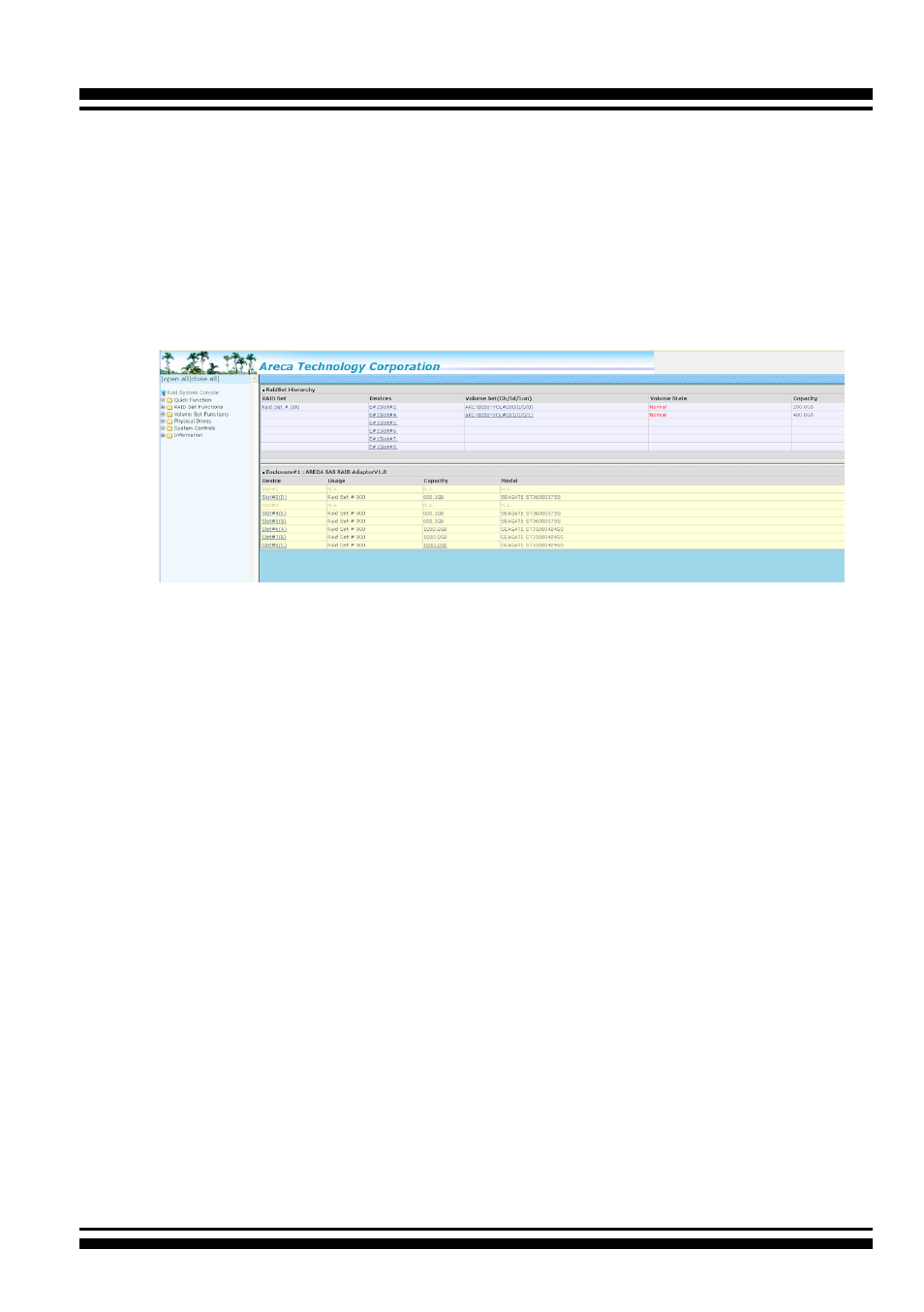
4.10.1 Raid Set Hierarchy
Use this feature to view the RAID storage current RAID set, cur
-
rent volume set and physical disk information. The volume state
and capacity are also shown in this screen.
4.10.1.1 Hdd Xfer Speed
“Hdd Xfer Speed” is a firmware-level hard disk / SSD speed
function that is used to measure the drive’s performance. “Hdd
Xfer Speed” will perform read tests without overwriting cus-
tomer data. The read-only palimpsest benchmark of the disk is
shown in the device information. If the value drops below the
normal curve, something may be wrong with the disk. User can
use “Set Disk To Be Failed” function from remote side to set a
slow speed disk as “failed” so that volume will be not stuck by
the slow speed disk after rebuild.
“Hdd Xfer Speed” result can be accessed by clicking on the “De-
vice” from the “RAID set Hierarchy” you wish to scan, clicking on
the “Show Result”. This allows you to set up a scan environment
which runs the test by clicking “Test Disk Speed” on the right
screen setup option. If more than one drive is checked when you
set the ‘Disks To Be Tested’, it will run that test for the number
setting drives.