6 activate incomplete raid set, 7 create hot spare, Web browser-based configuration – Areca ARC-8050T3U 6-Bay Thunder3 Desktop RAID Storage Array User Manual
Page 66
WEB BROWSER-BASED CONFIGURATION
66
4.5.6 Activate Incomplete Raid Set
If one of the disk drives is removed in power off state, the RAID
set state will change to “Incomplete State”. If the user wants to
continue to operate the controller without power-off the RAID
storage, the user can use the “Activate Incomplete Raid Set” op-
tion to active the RAID set. After the user completes this function,
the Raid State will change to “Degraded Mode” and start to work.
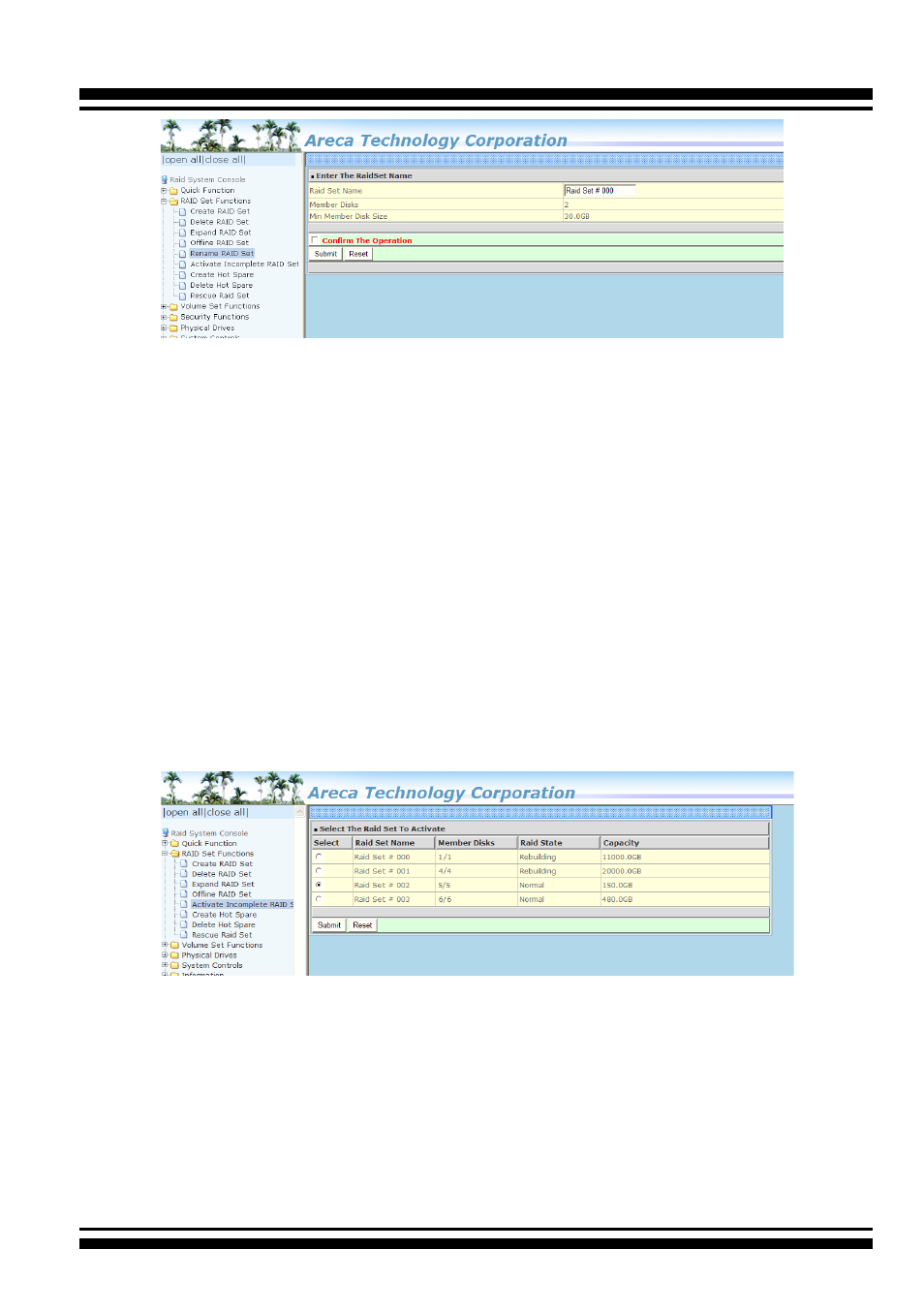
To activate the incomplete the RAID set, click on the “Activate
Raid Set” link. A “Select The Raid Set To Activate” screen is dis-
played showing all RAID sets existing on the current controller.
Click the RAID set number to activate in the select column. Click
on the “Submit” button on the screen to activate the RAID set
that had a disk removed (or failed) in the power off state. The
RAID storage will continue to work in degraded mode.
4.5.7 Create Hot Spare
When you choose the “Create Hot Spare” option in the “Raid Set
Function”, all unused physical devices connected to the current
controller appear. Select the target disk by clicking on the ap-
propriate check box. Tick on the “Confirm The Operation” check
box and click the “Submit” button in the screen to create the hot
spares.