8 physical drive, 1 create pass-through disk, 2 modify pass-through disk – Areca ARC-8050T3U 6-Bay Thunder3 Desktop RAID Storage Array User Manual
Page 87: Web browser-based configuration
87
WEB BROWSER-BASED CONFIGURATION
4.8 Physical Drive
Choose this option to select a physical disk from the main menu
and then perform the operations listed below.
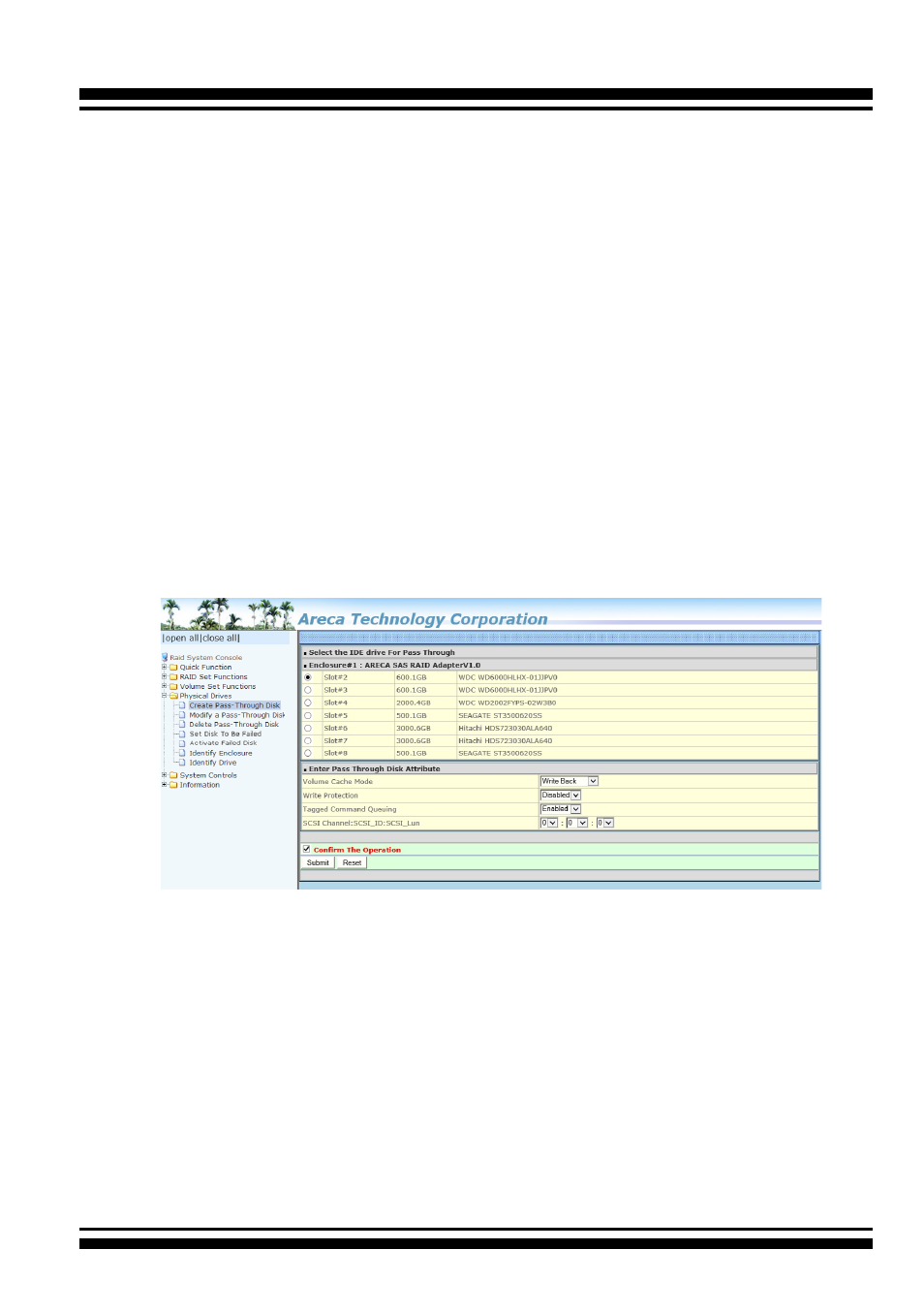
4.8.1 Create Pass-Through Disk
To create pass-through disk, move the mouse cursor to the main
menu and click on the “Create Pass-Through” link. The relative
setting function screen appears. A pass-through disk is not con-
trolled by the RAID storage firmware; it can’t be a part of a vol
-
ume set. The disk is available to the operating system as an indi-
vidual disk. It is typically used on a system where the operating
system is on a disk not controlled by the RAID firmware. The user
can also select the Volume Cache Mode, Write Protection, Tagged
Command Queuing, and SCSI channel/SCSI_ID/SCSI_LUN for
this pass-through disk.
4.8.2 Modify Pass-Through Disk
Use this option to modify the pass-through disk attribute. The
user can modify the Cache Mode, Tagged Command Queuing,
and SCSI Channel/ID/LUN on an existing pass-through disk. To
modify the pass-through drive attribute from the pass-through
drive pool, move the mouse cursor bar and click on the “Modify
Pass-Through” link. The “Select The Pass Through Disk For Modi-
fication” screen appears mark the check box for the pass-through
disk from the pass-through drive pool and click on the “Submit”
button to select drive.