5 abort cloning, 6 set disk to be failed, 7 activate failed disk – Areca ARC-8050T3U 6-Bay Thunder3 Desktop RAID Storage Array User Manual
Page 90: Web browser-based configuration
Advertising
WEB BROWSER-BASED CONFIGURATION
90
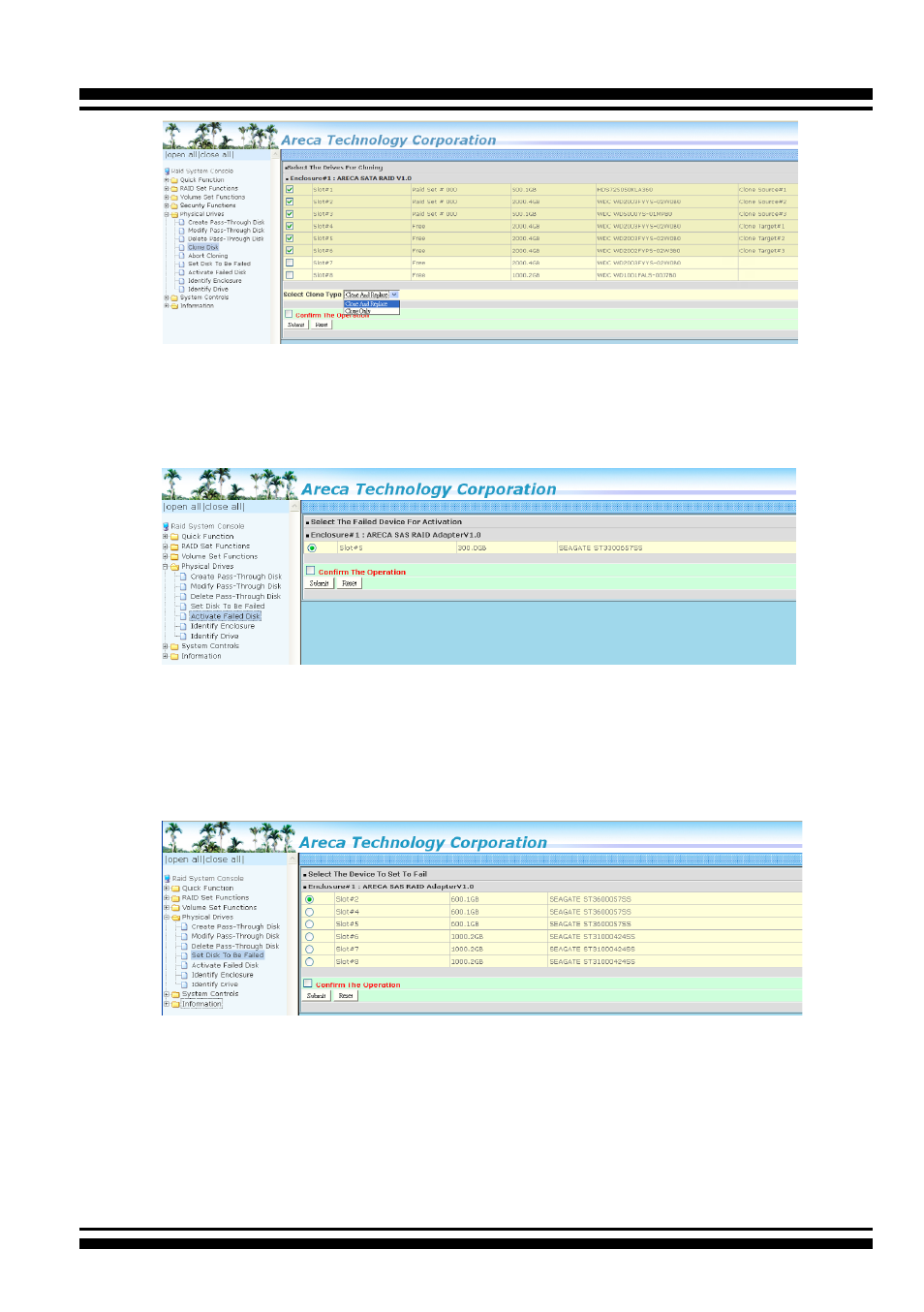
4.8.5 Abort Cloning
Use this function to stop the ongoing clone disk action.
4.8.6 Set Disk To Be Failed
It sets a normal working disk as “failed” so that users can test
some of the features and functions.
4.8.7 Activate Failed Disk
It forces the current “failed” disk in the system to be back online.
“Activate Failed Disk” function has no effect on the removed disks,
because a “removed” disk does not give the controller a chance to
mark it as “failure”.
Advertising