2 configure raid volumes, Configure raid volumes, Installation – Areca ARC-8050T3U 6-Bay Thunder3 Desktop RAID Storage Array User Manual
Page 37
INSTALLATION
37
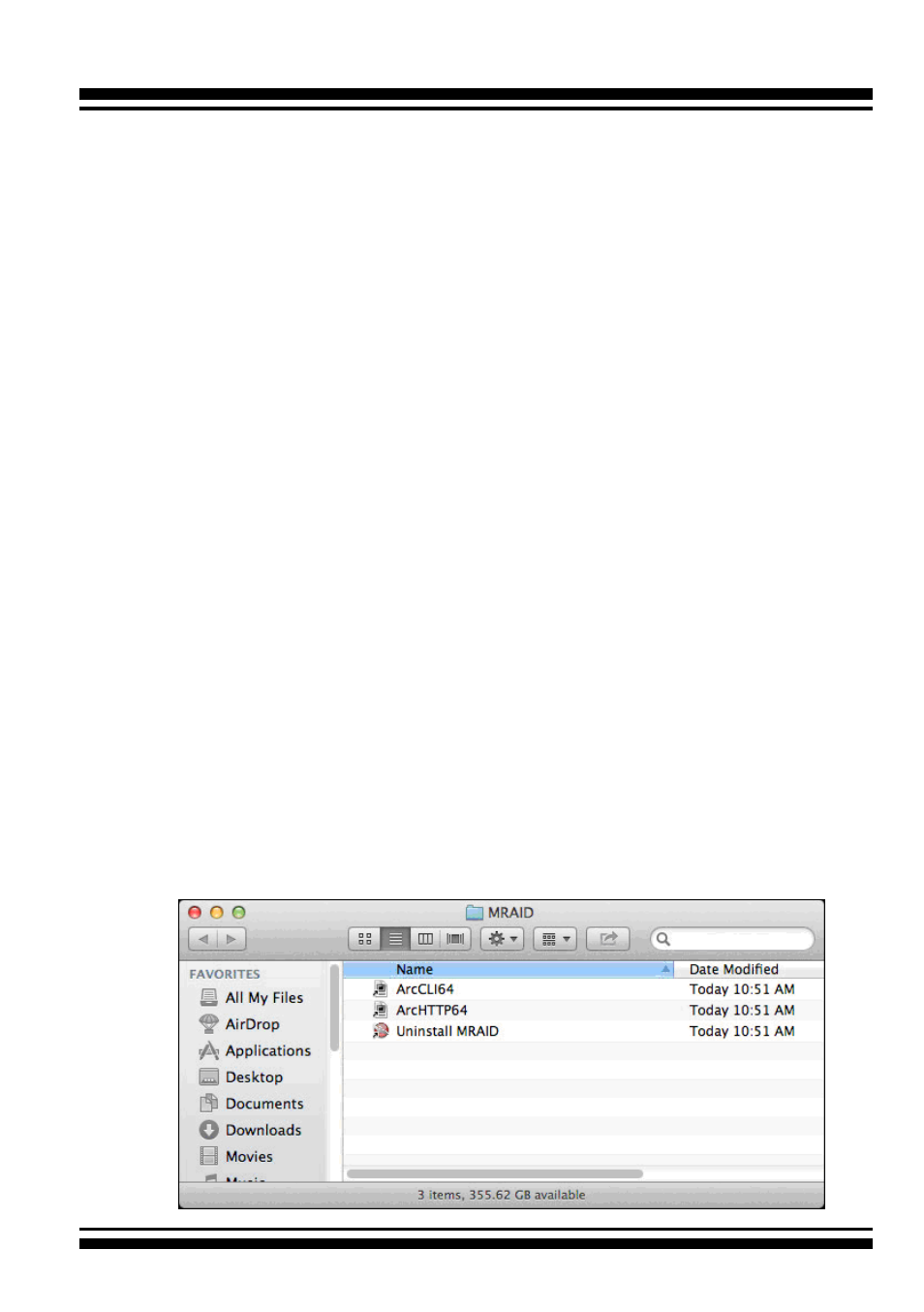
9. There is a MRAID folder icon showing on your desktop. The
folder contains two items (ArcCLI64 and ArcHTTP64) that are
for you to launch the McRAID storage manager.
If you have not yet installed the hardware, please follow the
“2.4.1 Physically Install RAID Storage and Drives” section
to install it. Otherwise, to begin the creation volume, go on
the“2.4.2.2 Configure RAID Volumes” section to configure the
volume.
2.4.2.2
Configure RAID Volumes
There are often multiple ways to accomplish the same configura
-
tion and maintenance tasks for your RAID storage. Your ARC-
8050T3U RAID storage can be configured by one of the following
methods:
1. McRAID Storage Manager from ArcHTTP. (Thunderbolt port)
2. McRAID Storage Manager Through LAN port.
3. LCD Panel with Keypad.
• Method 1: McRAID Storage Manager From ArcHTTP
Start McRAID Storage Manager – Browser Edition
There is one “
MRAID
” icon showing on your desktop. Double-
click on the “
MRAID
” icon to locate your ArcHTTP utility and
CLI program file folder.