9 system controls, 1 system config, System beeper setting – Areca ARC-8050T3U 6-Bay Thunder3 Desktop RAID Storage Array User Manual
Page 92: Background task priority, Jbod/raid configuration, Web browser-based configuration
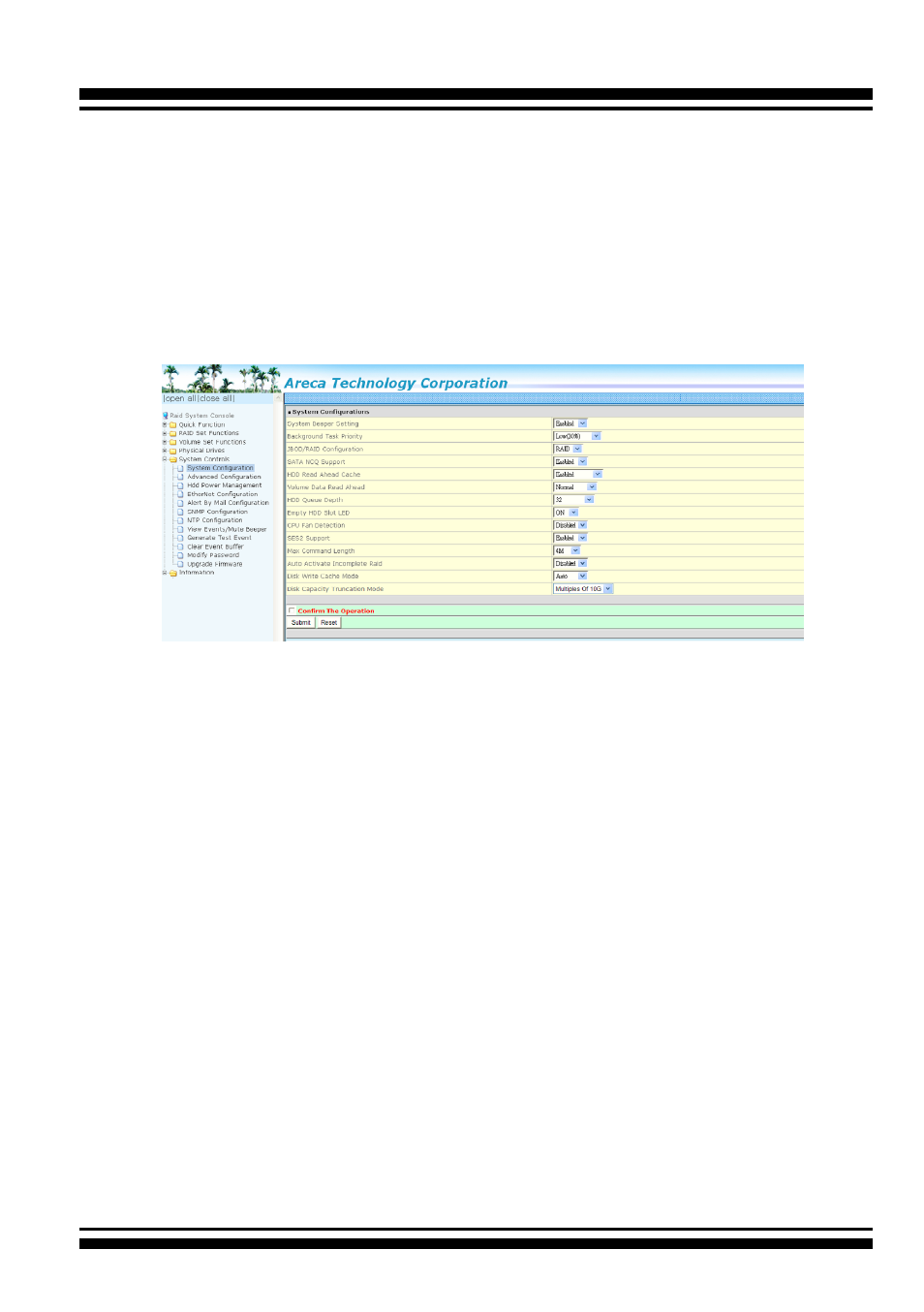
WEB BROWSER-BASED CONFIGURATION
92
4.9 System Controls
4.9.1 System Config
To set the RAID system function, move the cursor to the main
menu and click the “System Controls” link. The “Raid System
Function” menu will show all items, and then select the desired
function.
• System Beeper Setting
The “System Beeper Setting” function is used to “Disabled” or
“Enabled” the RAID storage alarm tone generator.
• Background Task Priority
The “Background Task Priority” is a relative indication of how
much time the controller devotes to a rebuild operation. The
RAID storage allows the user to choose the rebuild prioity (Ul
-
traLow, Low, Medium and High) to balance volume set access
and rebuild tasks appropriately. For high array performance,
specify a “Low” value.
• JBOD/RAID Configuration
JBOD is an acronym for “Just a Bunch Of Disk”. A group of
hard disks in a RAID box are not set up as any type of RAID
configuration. All drives are available to the operating system
as an individual disk. JBOD does not provide data redundancy.
User needs to delete the RAID set, when you want to change
the option from the RAID to the JBOD function.