Appendix – Areca ARC-8050T3U 6-Bay Thunder3 Desktop RAID Storage Array User Manual
Page 117
117
APPENDIX
A-2 Upgrading Firmware Through McRAID Storage Manager
Get the new version firmware for your RAID storage. For example,
download the bin file from your OEM’s web site onto the C: drive.
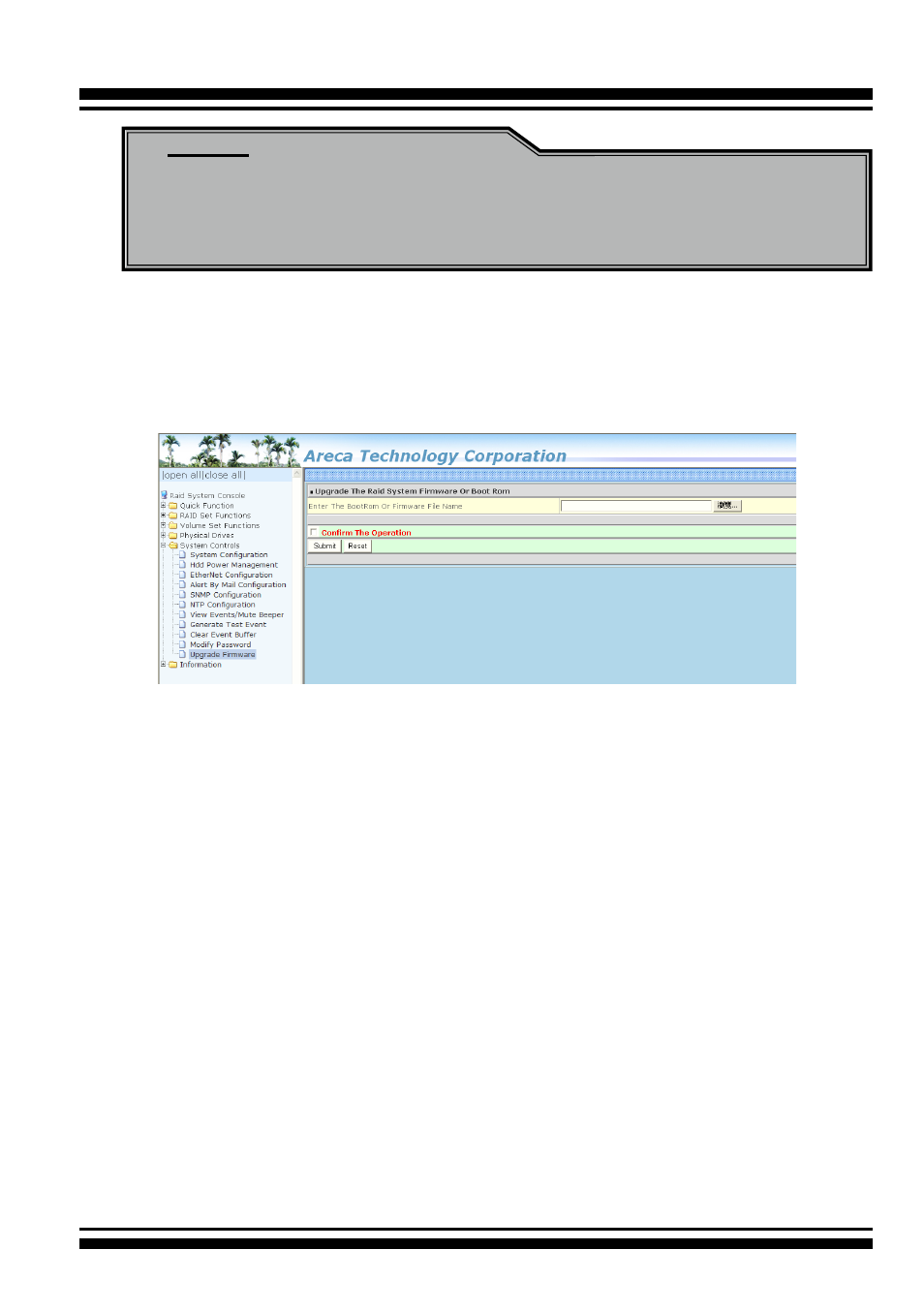
1. To upgrade the RAID storage firmware, move the mouse cursor
to “Upgrade Firmware” link. The “Upgrade The Raid System
Firmware or Boot Rom” screen appears.
2. Click "Browse". Look in the location to which the Firmware
upgrade software was downloaded. Select the file name and
click “Open”.
3. Tick on “Confirm The Operation” and press the “Submit” button.
4. The web browser begins to download the firmware binary to the
controller and start to update the flash ROM.
5. After the firmware upgrade is complete, a bar indicator will show
“Firmware Has Been Updated Successfully”.
6. After the new firmware package completes downloading, find a
chance to restart the controller/computer for the new firmware
to take effect.
Note:
Please update all binary code (BIOS, BOOT, FIRM and MBR0)
before you reboot system. Otherwise, a mixed firmware
package may hang the controller.