Mail (alert by mail) configuration – Areca ARC-8050T3U 6-Bay Thunder3 Desktop RAID Storage Array User Manual
Page 54
Advertising
ArcHTTP Configuration
54
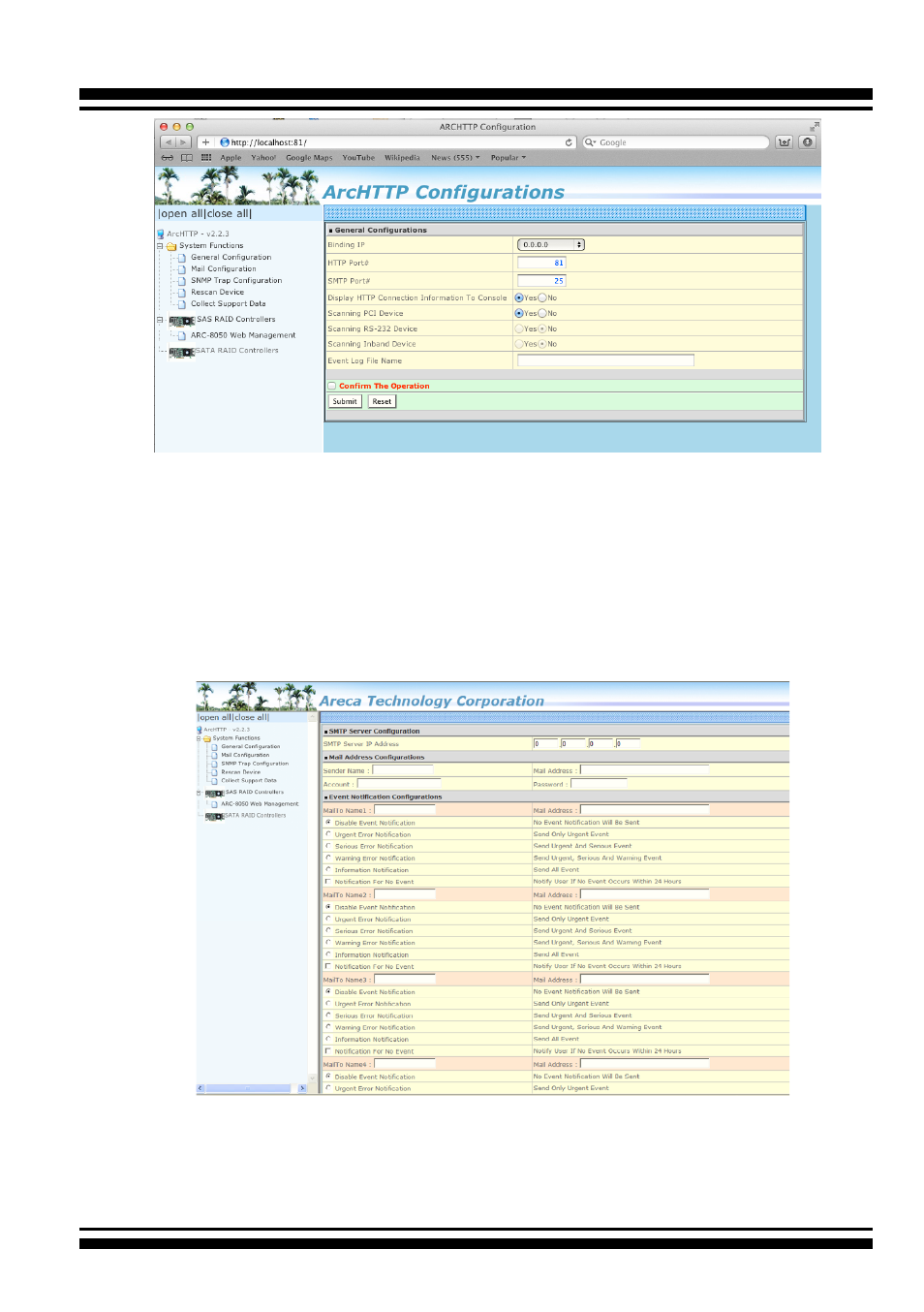
• Mail (Alert by Mail) Configuration
Many users require that email notifications be sent to the
appropriate administrators when an alert is detected. To set up your
mail servers, click on the the “Mail Configuration” link. The “SMTP
Server Configurations” allows you to define settings for your mail
server. This setup screen is shown as below:
1. SMTP Server Configuration
SMTP Server IP Address: Enter the SMTP server IP address which
is not McRAID storage manager IP.
Ex: 192.168.0.2.
Advertising