Areca ARC-8050T3U 6-Bay Thunder3 Desktop RAID Storage Array User Manual
Page 56
ArcHTTP Configuration
56
agent on the host. If SNMP manager requests to query the SNMP
information from RAID storage, please refer the Appendix C "SNMP
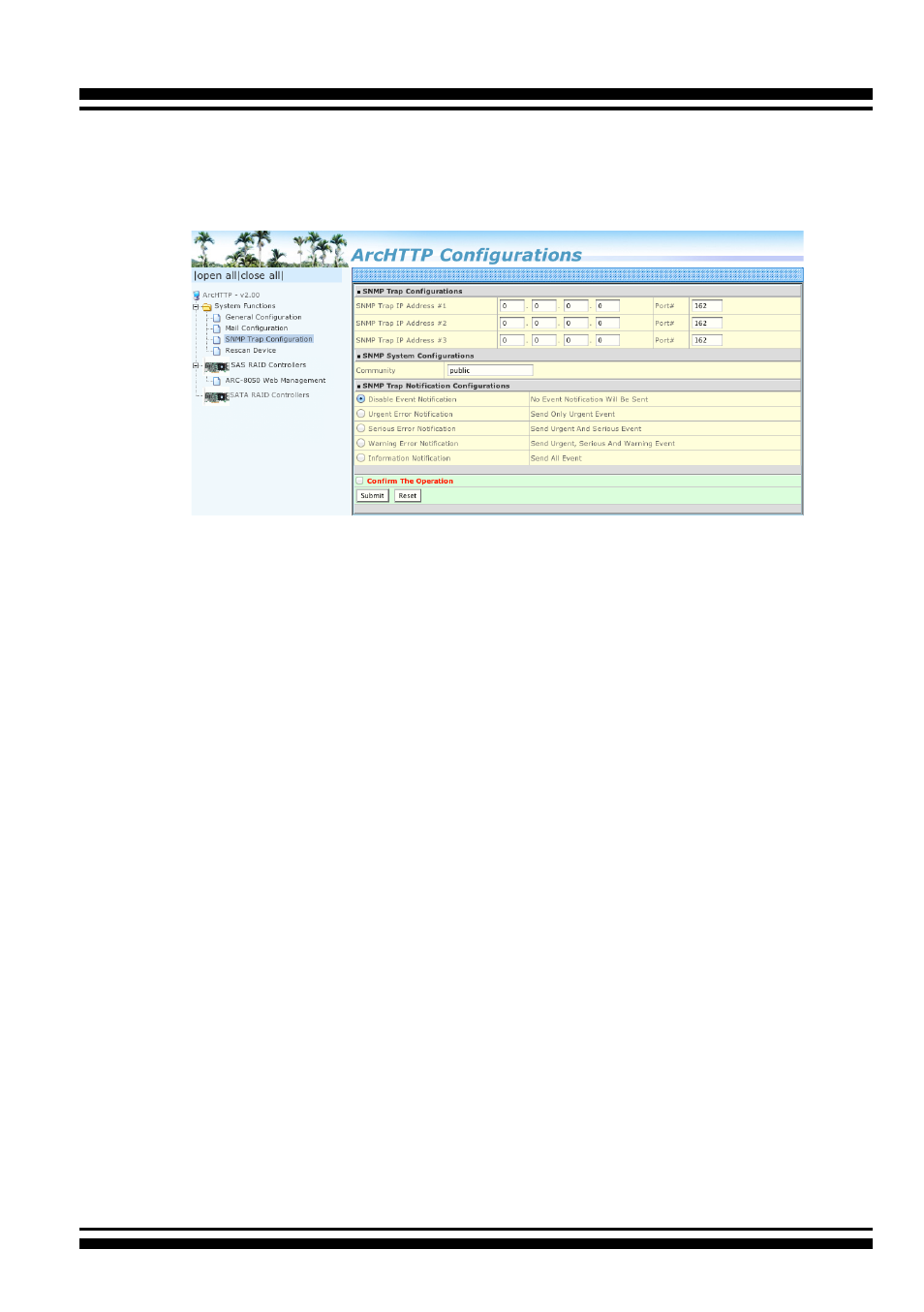
Operation & Installation". The “SNMP traps Configuration” menu will
show as following:
When you open the SNMP traps configuration page, you will see the
following settings:
1. SNMP Trap Configurations
Enter the SNMP trap IP address.
2. SNMP System Configurations
Community name acts as a password to screen accesses to the
SNMP agent of a particular network device. Type the community
names of the SNMP agent in this field. Before access is granted
to a request station, this station must incorporate a valid
community name into its request; otherwise, the SNMP agent will
deny access to the system. Most network devices use “public” as
default of their community names. This value is case-sensitive.
3. SNMP Trap Notification Configurations
Before the client side SNMP manager application accepts the
RAID storage traps, it is necessary to integrate the MIB into the
management application’s database of events and status indicator
codes. This process is known as compiling the MIB into the
application. This process is highly vendor-specific and should be
well-covered in the User’s Guide of your SNMP application. Ensure
the compilation process successfully integrates the contents of
the areca_sas.mib file into the traps database.
Please refer to
Ap-
pendix C
of
“
SNMP Operation & Installation”
.
The MIBs file resides
at: <CD-ROM>\packages\SNMP_MIBs on the software CD.