Mcraid storage manager through lan port, Out-of-band), 2 mcraid main window – Areca ARC-8050T3U 6-Bay Thunder3 Desktop RAID Storage Array User Manual
Page 60: Web browser-based configuration
WEB BROWSER-BASED CONFIGURATION
60
•
McRAID Storage Manager Through LAN Port
(Out-of-Band)
ARC-8050T3U RAID storage also offers an alternative out-of-
band method for McRAID storage manager. User can access the
built-in configuration without running the ArcHTTP proxy server
on the host system. The web browser-based McRAID storage
manager is a HTML-based application, which utilizes the brows
-
er installed on your remote system. To ensure proper commu-
nications between the Thunderbolt RAID storage and McRAID
storage manager, please connect the Thunderbolt RAID storage
LAN port to any LAN switch port.
The RAID storage has embedded the TCP/IP & web browser-
based McRAID storage manager in the firmware. User can re
-
mote manage the Thunderbolt RAID storage without adding any
user specific software (platform independent) via standard web
browsers directly connected to the 10/100Mbit RJ45 LAN port.
To configure Thunderbolt RAID storage on a remote machine,
you need to know its IP address. The IP address is default
shown on the LCD initial start-up screen. Launch your McRAID
storage manager by entering http://[IP Address] in the web
browser.
4.2 McRAID Main Window
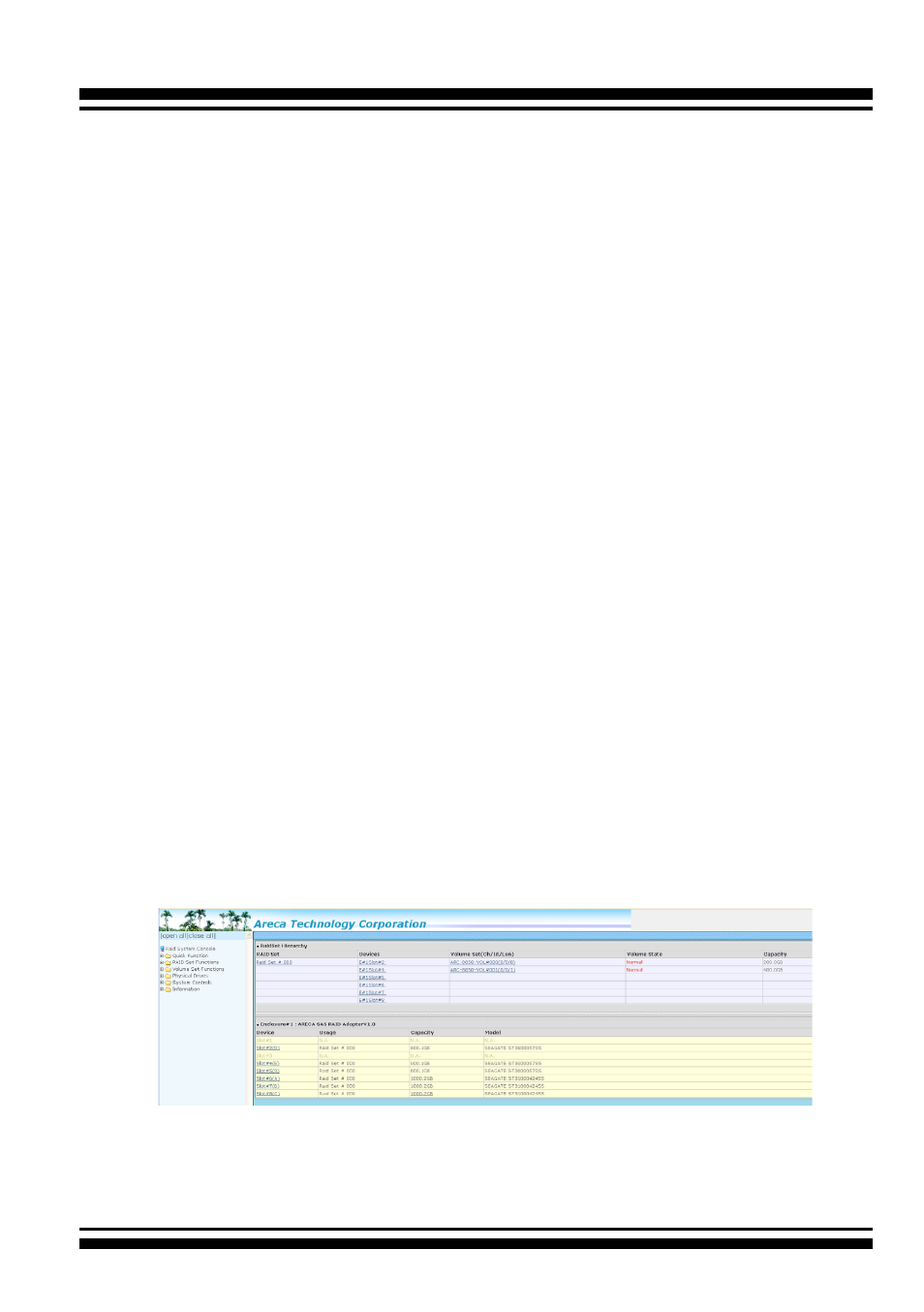
The following login screen is displayed in the browser. This screen
displays the initial start-up configuration.
The RaidSet Hierarchy displays the “Raid Set List”, “Volume Set
List”, and “Physical Disk List”. The RAID set information, volume
set information, and drive information can also be viewed by
clicking on the “RAID Set Hierarchy”on the main menu screen.