10 clear events buffer, 11 modify password, Web browser-based configuration – Areca ARC-8050T3U 6-Bay Thunder3 Desktop RAID Storage Array User Manual
Page 111
111
WEB BROWSER-BASED CONFIGURATION
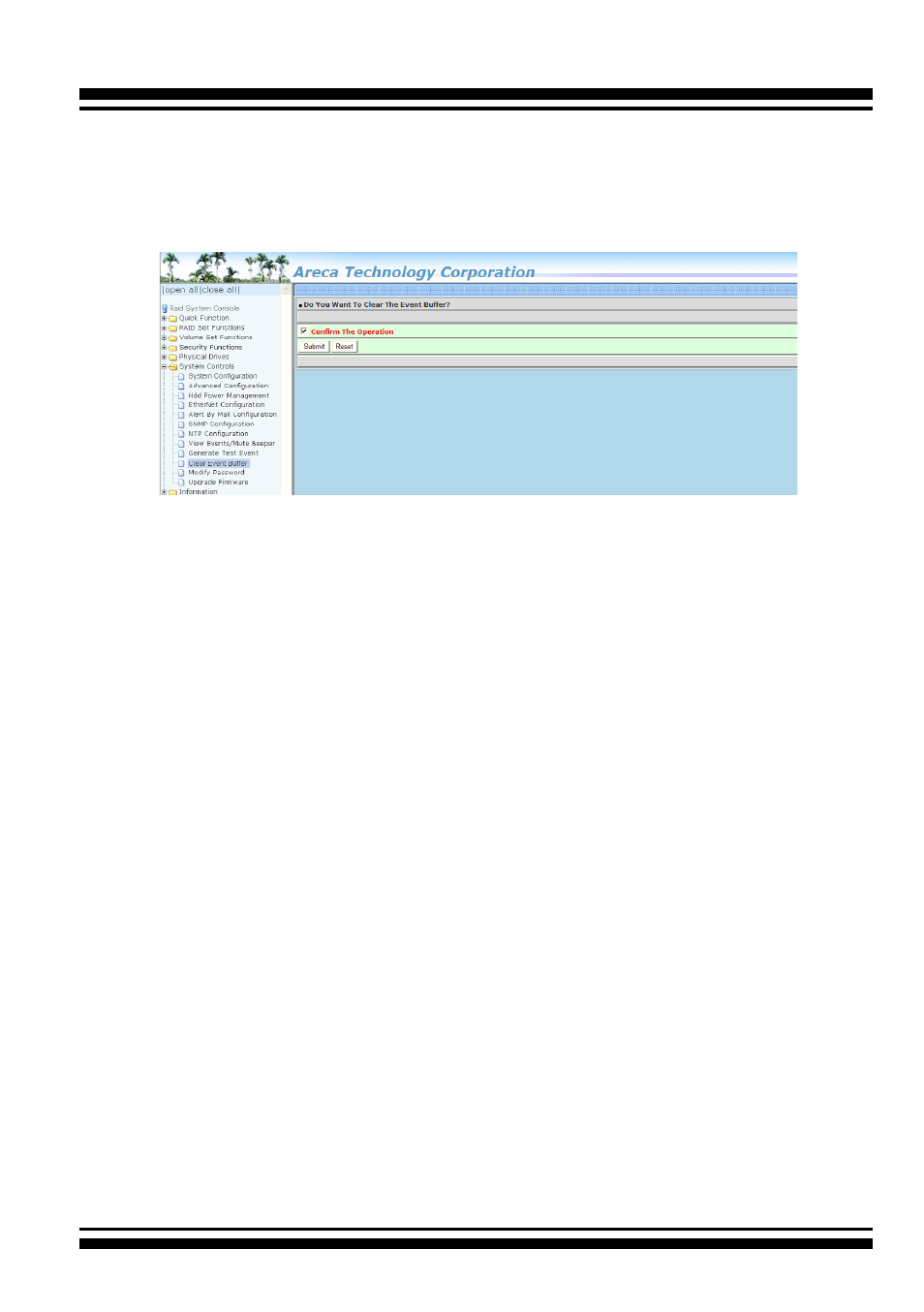
4.9.10 Clear Events Buffer
Use this feature to clear the entire events buffer information.
4.9.11 Modify Password
To set or change the RAID storage password, select “System Con-
trols” from the menu and click on the “Modify Password” link. The
“Modify System Password” screen appears.
The password option allows user to set or clear the RAID stor-
age’s password protection feature. Once the password has been
set, the user can only monitor and configure the RAID storage by
providing the correct password. The password is used to protect
the RAID storage from unauthorized entry. The controller will
check the password only when entering the main menu from the
initial screen. The RAID storage will automatically go back to the
initial screen when it does not receive any command in 5 minutes.
Do not use spaces when you enter the password. If spaces are
used, it will lock out the user.
To disable the password, leave the fields blank. Once the user
confirms the operation and clicks the “Submit” button, the exist
-
ing password will be cleared. Then, no password checking will
occur when entering the main menu from the starting screen.