8 download volume key file, Web browser-based configuration, 7 stop volume set check – Areca ARC-8050T3U 6-Bay Thunder3 Desktop RAID Storage Array User Manual
Page 79
79
WEB BROWSER-BASED CONFIGURATION
4.6.7 Stop Volume Set Check
Use this option to stop the “Check Volume Set” function.
4.6.8 Download Volume Key File
Get the key file which was generated by CLI “vsf genkey” com
-
mand or API code for your ARC-8050T3U. You can follow below
steps to download volume key file.
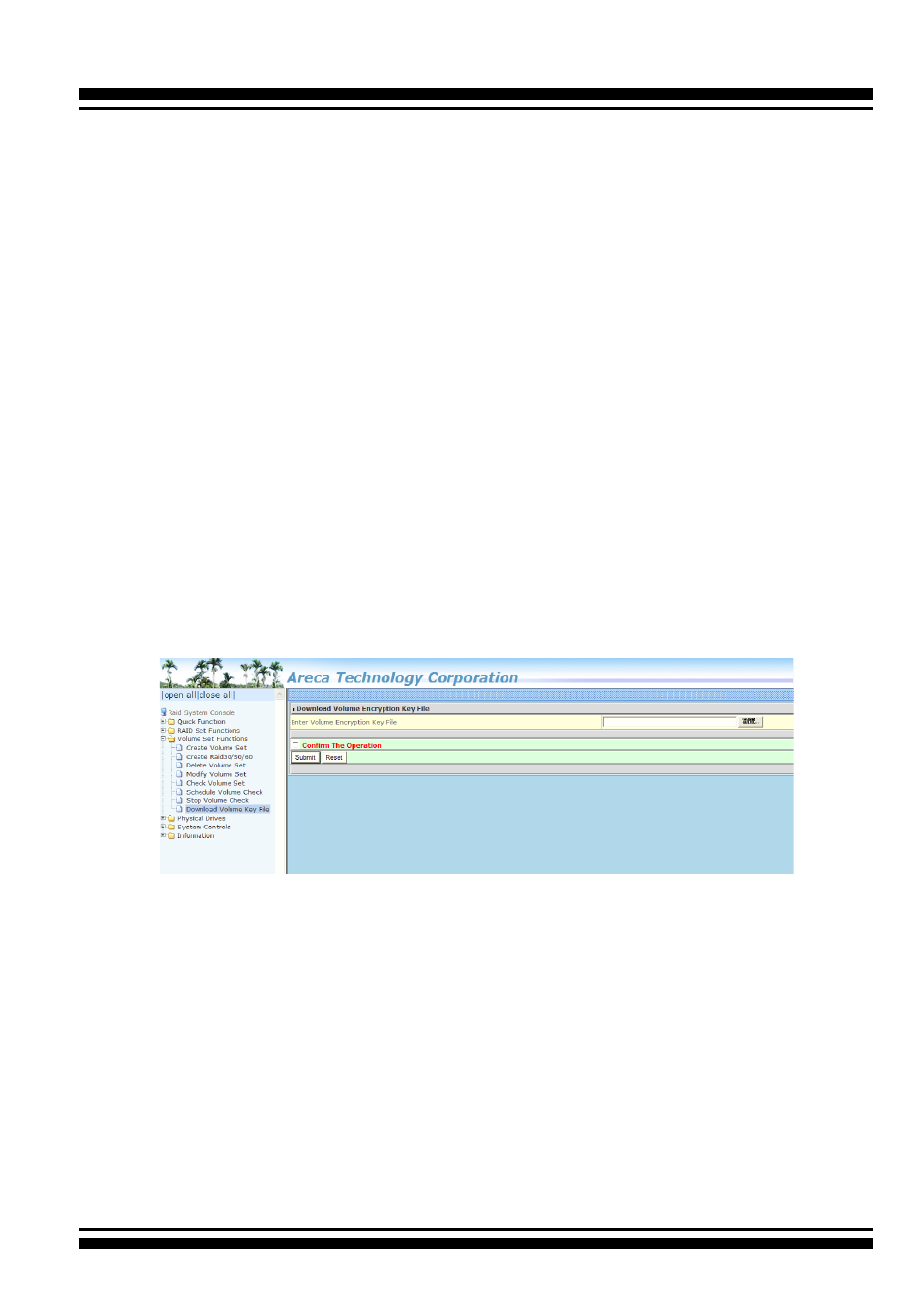
1. To download volume key file into the firmware, move the
mouse cursor to “Download Volume Key file” link and click it.
The “Download Volume Encryption Key File” screen appears.
2. Click “Browse”. Look in the location to which the key file was
generated. Select the file name and click “Open”.
3. Tick on “Confirm The Operation” and press the “Submit” but-
ton.
4. After the key file download is completed, a bar indicator will
show “Key File Has Been Downloaded Successfully”.