Web browser-based configuration – Areca ARC-8050T3U 6-Bay Thunder3 Desktop RAID Storage Array User Manual
Page 70
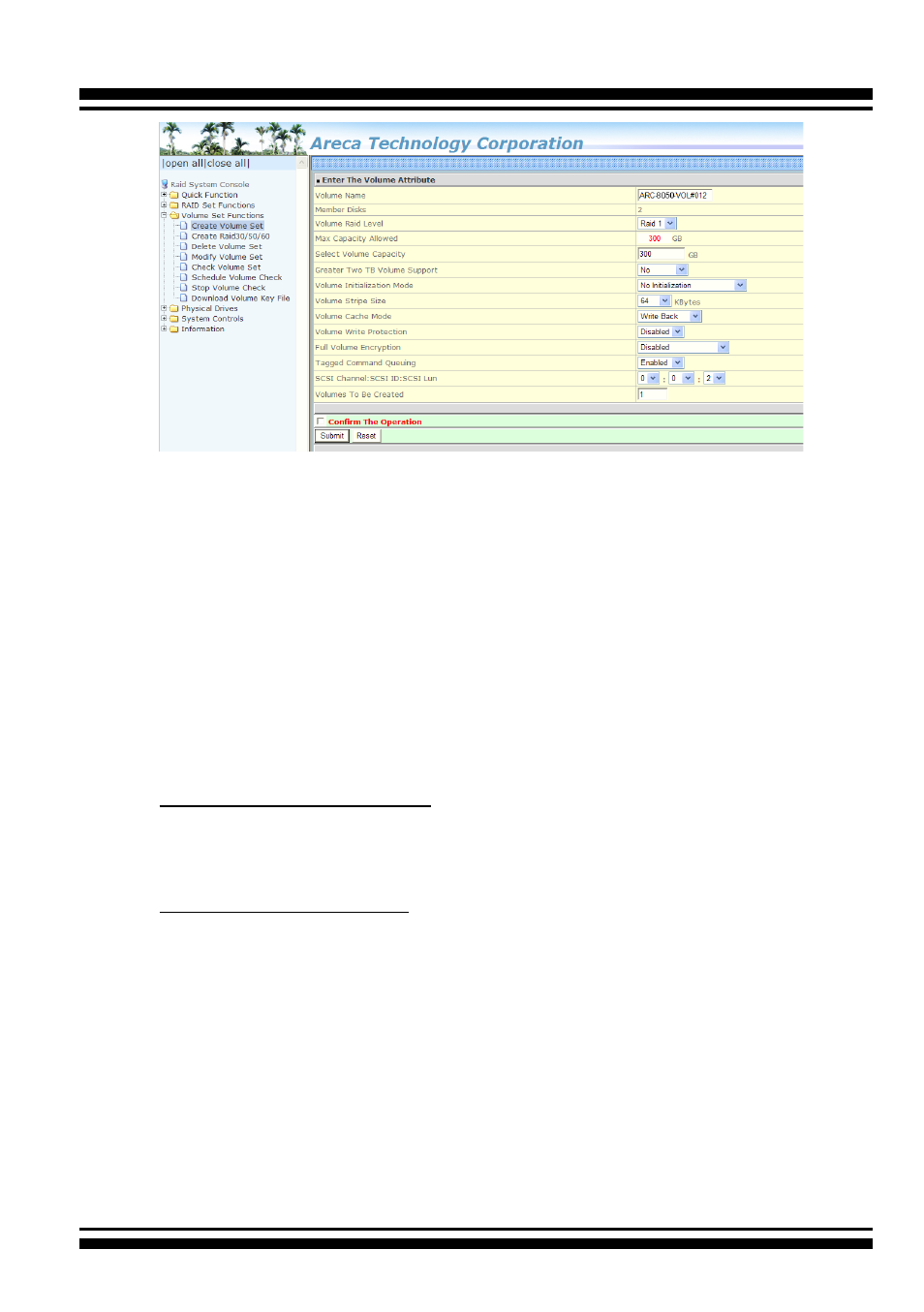
WEB BROWSER-BASED CONFIGURATION
70
• Volume Name
The default volume name will always appear as “ARC-8050T3U-
VOL”. You can rename the volume set providing it does not
exceed the 15 characters limit.
• Volume Raid Level
Set the Raid Level for the volume set. Highlight the desired
RAID Level from the available RAID levels option.
There are two circumstances when you choose RAID level 1
function
:
RAID 1-Simple Mirroring
is also known as “
two disk mirror
”;
If your RAID set has two disks, data written on one disk drive is
simultaneously written to another
disk drive.
RAID 1-Multi Mirroring
is also known as “
triple disk mirror
”; If
your RAID set has three disks, data
written on one disk drive is
simultaneously written to another
two disk drives.
• Capacity
The maximum volume size is the default initial setting. Enter
the appropriate volume size to fit your application.
• Greater Two TB Volume Support
Controller uses the "Greater Two TB Volume Support" sub-menu
to set the volume capacity and sector size. Greater Two TB
Volume Support option: "No", "64bit LBA" and "Use 4K Block".