Automatic daylight saving, 8 view events/mute beeper, 9 generate test event – Areca ARC-8050T3U 6-Bay Thunder3 Desktop RAID Storage Array User Manual
Page 110: Web browser-based configuration
WEB BROWSER-BASED CONFIGURATION
110
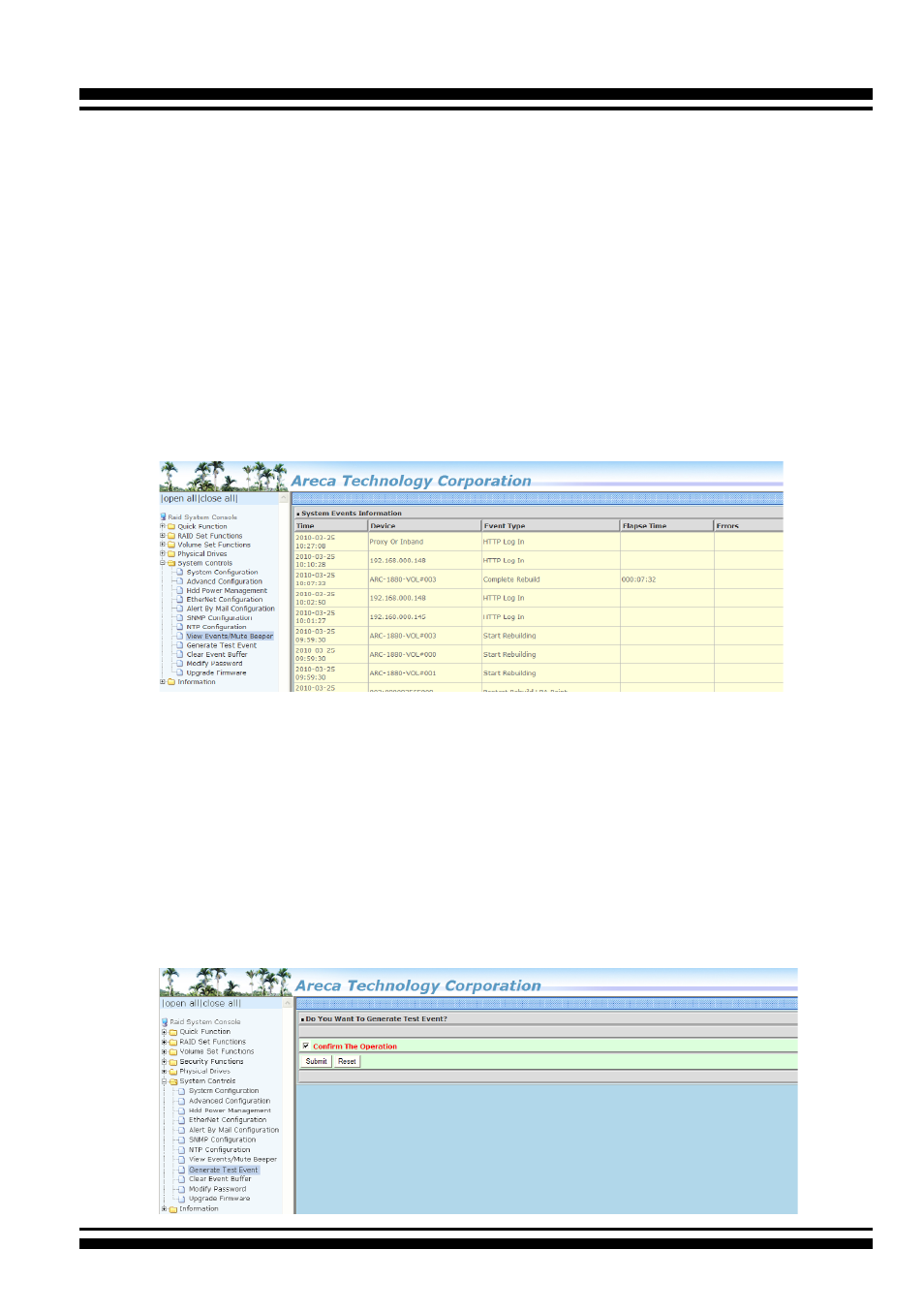
Select this option to view the system events information: Time,
Device, Event Type, Elapse Time and Errors. The RAID storage
does not have a built-in real time clock. The time information is
the relative time from the system time setting. The maximum
event no. is 256 per controller.
4.9.9 Generate Test Event
Use this feature to generate events for testing purposes.
• Automatic Daylight Saving
Automatic Daylight Saving will normally attempt to automati-
cally adjust the system clock for daylight saving changes
based on the computer time zone. This tweak allows you to
disable the automatic adjustment.
4.9.8 View Events/Mute Beeper
To view the RAID storage’s event information, click on the “View
Event/Mute Beeper” link. The RAID storage “System events Infor-
mation” screen appears. The mute beeper function automatically
enable by clicking on “View Events/Mute Beeper”.