6 schedule volume check, Web browser-based configuration – Areca ARC-8050T3U 6-Bay Thunder3 Desktop RAID Storage Array User Manual
Page 78
WEB BROWSER-BASED CONFIGURATION
78
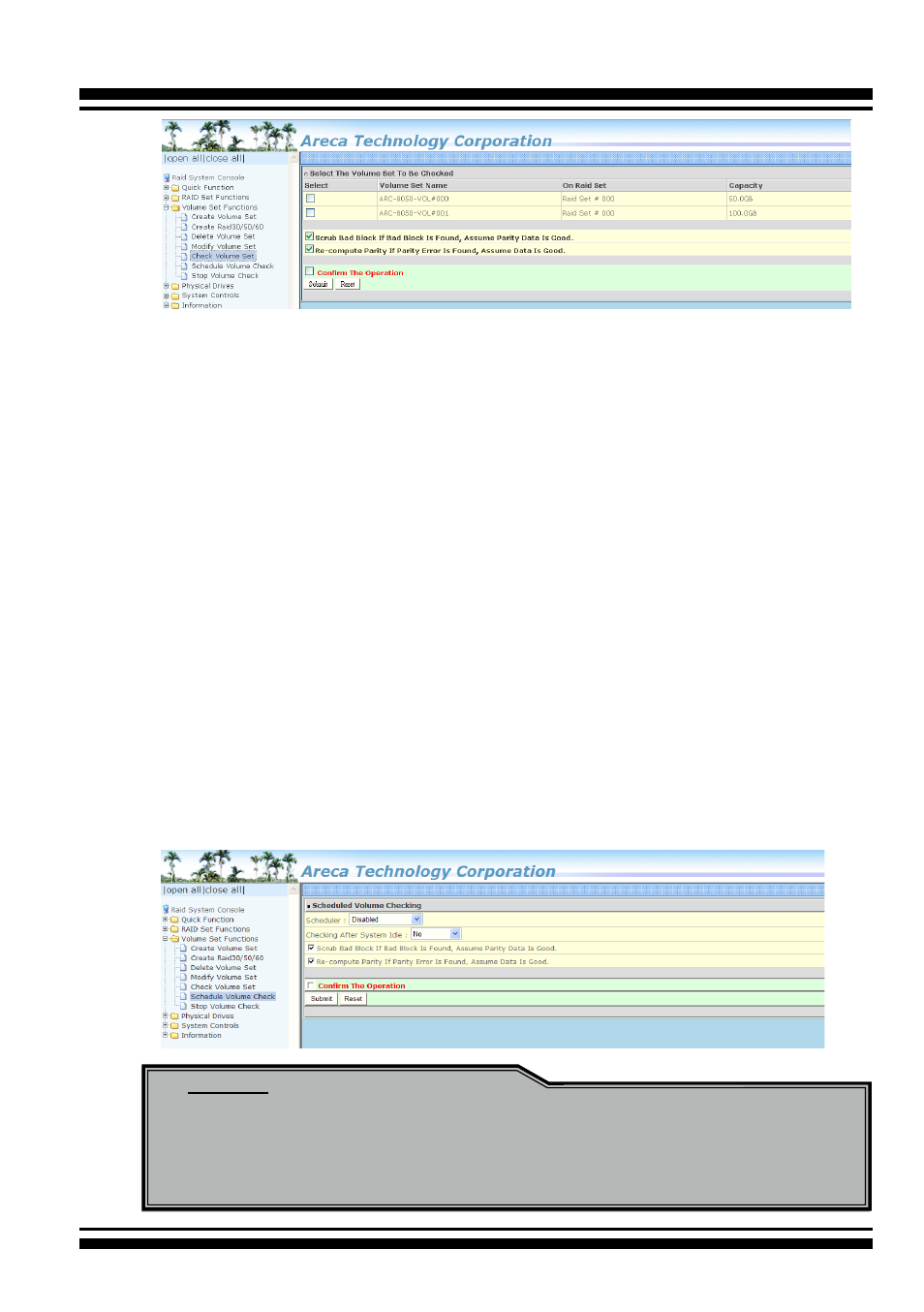
4.6.6 Schedule Volume Check
A volume check is a process that verifies the integrity of redun
-
dant data. To verify RAID 3, 5, 6, 30, 50 or 60 redundancy, a
volume check reads all associated data blocks, computes parity,
reads parity, and verifies that the computed parity matches the
read parity.
Volume checks are very important because they detect and cor-
rect parity errors or bad disk blocks in the drive. A consistency
check forces every block on a volume to be read, and any bad
blocks are marked; those blocks are not used again. This is criti-
cal and important because a bad disk block can prevent a disk
rebuild from completing. We strongly recommend that you run
consistency checks on a regular basis—at least once per week
(set on “Scheduler”). Volume checks degrade performance, so
you can also run them when the system is idle (set on “Checking
After System Idle”).
Note:
Please make sure of the inconsistency source generated by
parity error or bad data block before you click the recovery
method. Otherwise, you will lose the recovery data.