1 start-up mcraid storage manager, Mcraid storage manager from local administration, In-band) – Areca ARC-8050T3U 6-Bay Thunder3 Desktop RAID Storage Array User Manual
Page 59: Web browser-based configuration
59
WEB BROWSER-BASED CONFIGURATION
4.1 Start-up McRAID Storage Manager
With McRAID Storage Manager, you can:
• Locally manage a system containing a supported RAID storage
that has Windows or macOS, ArcHTTP and a supported
browser.
• Remote and managed systems must have a TCP/IP connection.
•
McRAID Storage Manager from Local Administration
(In-Band)
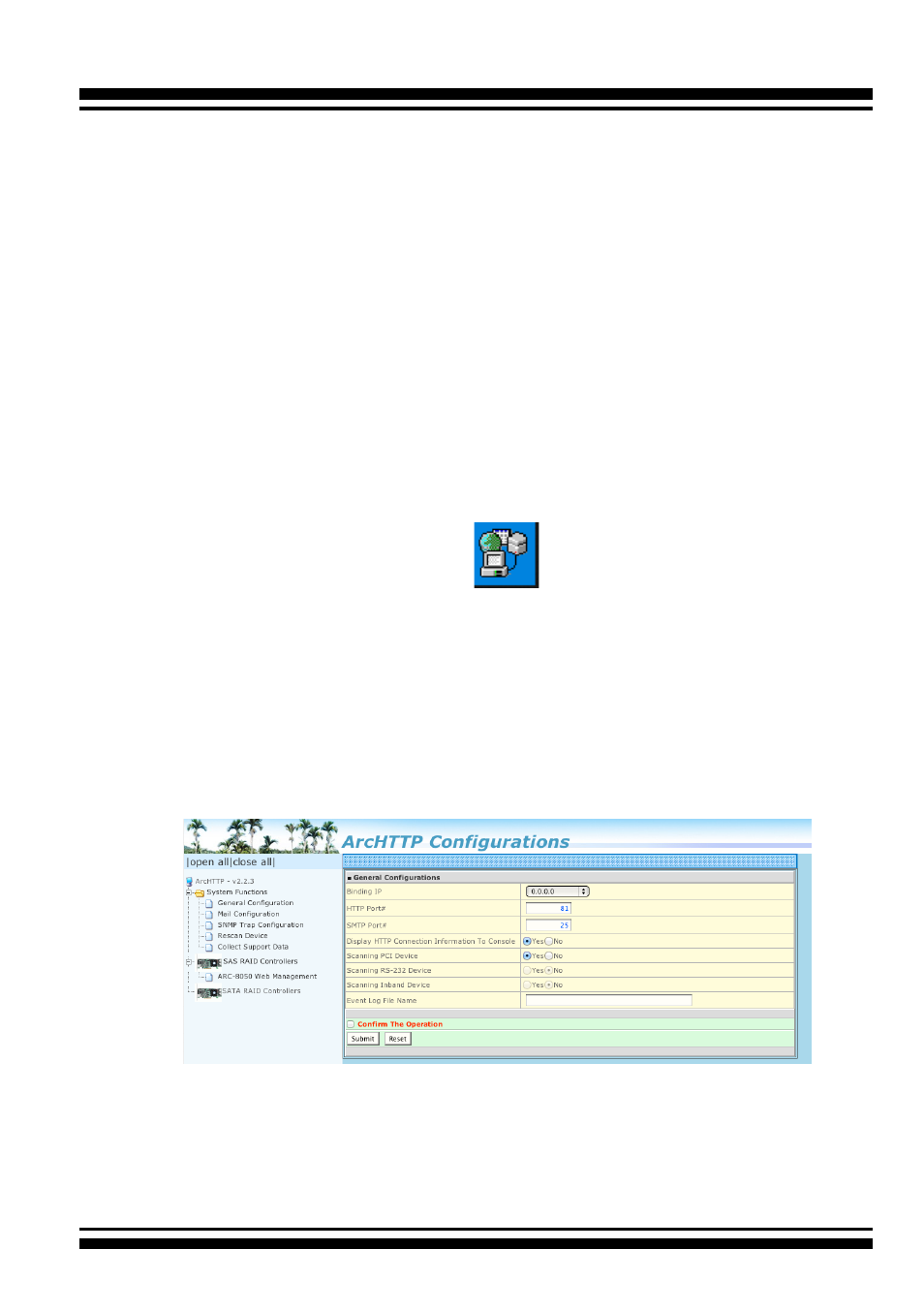
Once ArcHTTP and CLI have been installed, the ArcHTTP - back
ground task automatically starts each time when you start your
computer. There is one MARID icon showing on Mac “Desktop”
or one “
ArcHTTP Taskbar
”
icon showing on Windows
system tray. This icon is for you to start up the ArcHTTP (launch
the McRAID storage manager). When you click on the
ArcHTTP64 from MRAID or “
ArcHTTP Taskbar
” from system
tray, it shows all RAID controllers available on the host system
and create an individual RAID controller icon located on left
column of the “ArcHTTP Configurations” screen. This RAID con
-
troller icon is for user to launch the selected RAID controller
web browser McRAID storage manager.
The “Enter Network Password” dialog screen appears, type the
User Name and Password. The RAID controller default User
Name is “admin” and the Password is “0000”. After entering
the user name and password, press
Enter
key to access the
McRAID storage manager.