Appendix – Areca ARC-8050T3U 6-Bay Thunder3 Desktop RAID Storage Array User Manual
Page 135
Advertising
135
APPENDIX
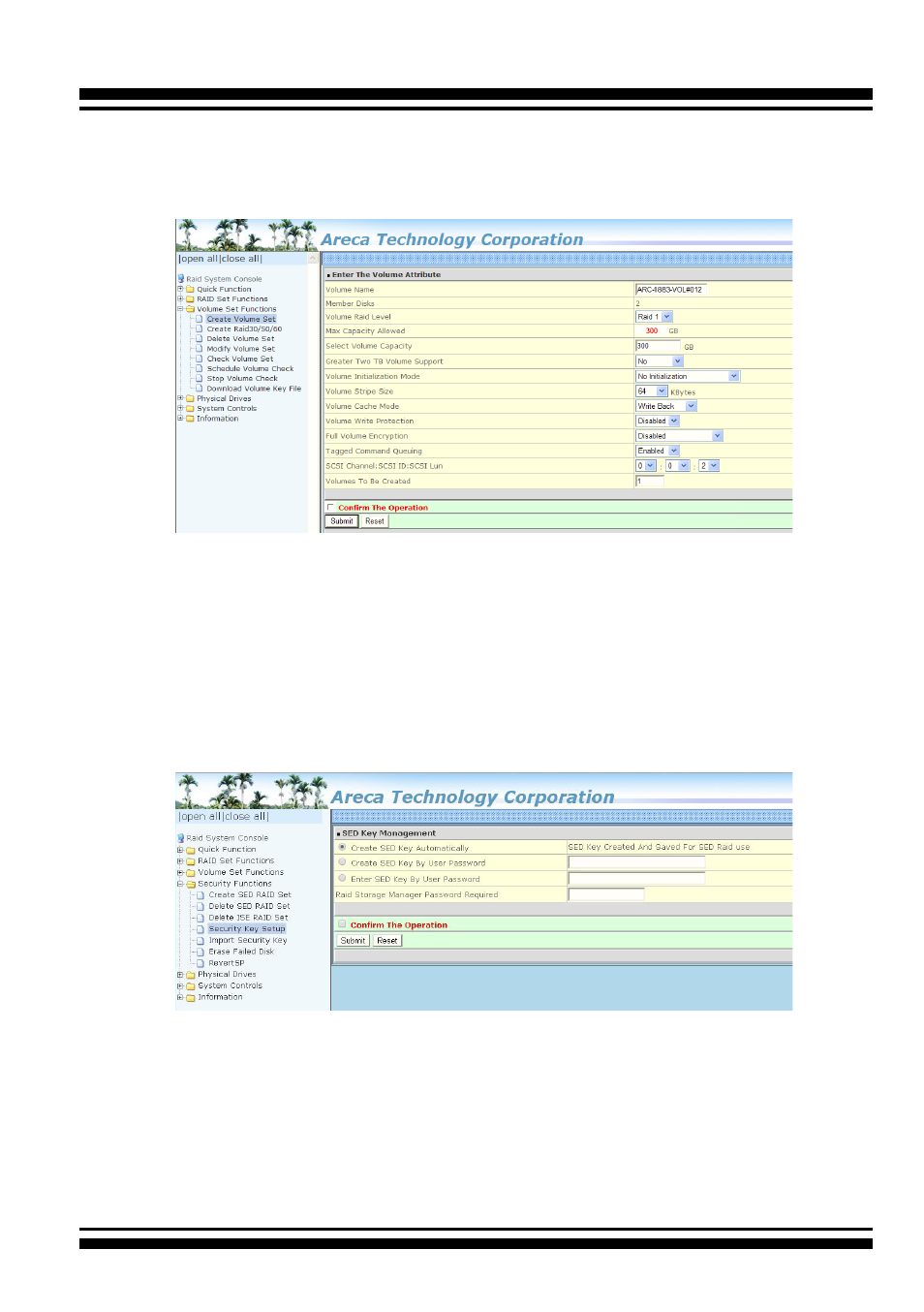
Step 2. Create Volume Set
Create volume set in the web management.
Step 3. SED Key Creation
There is one SED key per controller. You can create the SED key
under McRAID manager. The key can be escrowed in to a file using
McRAID manager. There is one SED key per controller which stores
in the controller flash memory. Areca provides both automatically
or password methods to generate a key.
Step 4. Self-Encrypting Disk (SED) Ready
Now, whenever you write data to the drive (e.g. create a file and
save it to the SED volume), it gets encrypted with the SED key.
And whenever you read data from the drive (e.g. access a file
stored on the SED), it’s decrypted with the same SED key.
Advertising