Installation – Areca ARC-8050T3U 6-Bay Thunder3 Desktop RAID Storage Array User Manual
Page 30
INSTALLATION
30
Step 4. Connecting Monitor Port (Optional)
You can connect LAN port to the manager clinet system, if you
want to configure and manage the RAID storage from the clinet
system through out-of-band manager.
•
LAN Port Connection
User can remote manage the RAID enclosure without adding
any user specific software (platform independent) via standard
web browsers directly connected to the 10/100Mbit RJ45 LAN
port. Connect LAN port of the ARC-8050T3U using the included
Ethernet cable and then to a LAN port or LAN switch.
Step 5. Connecting RAID Storage Power
•
To power the RAID storage:
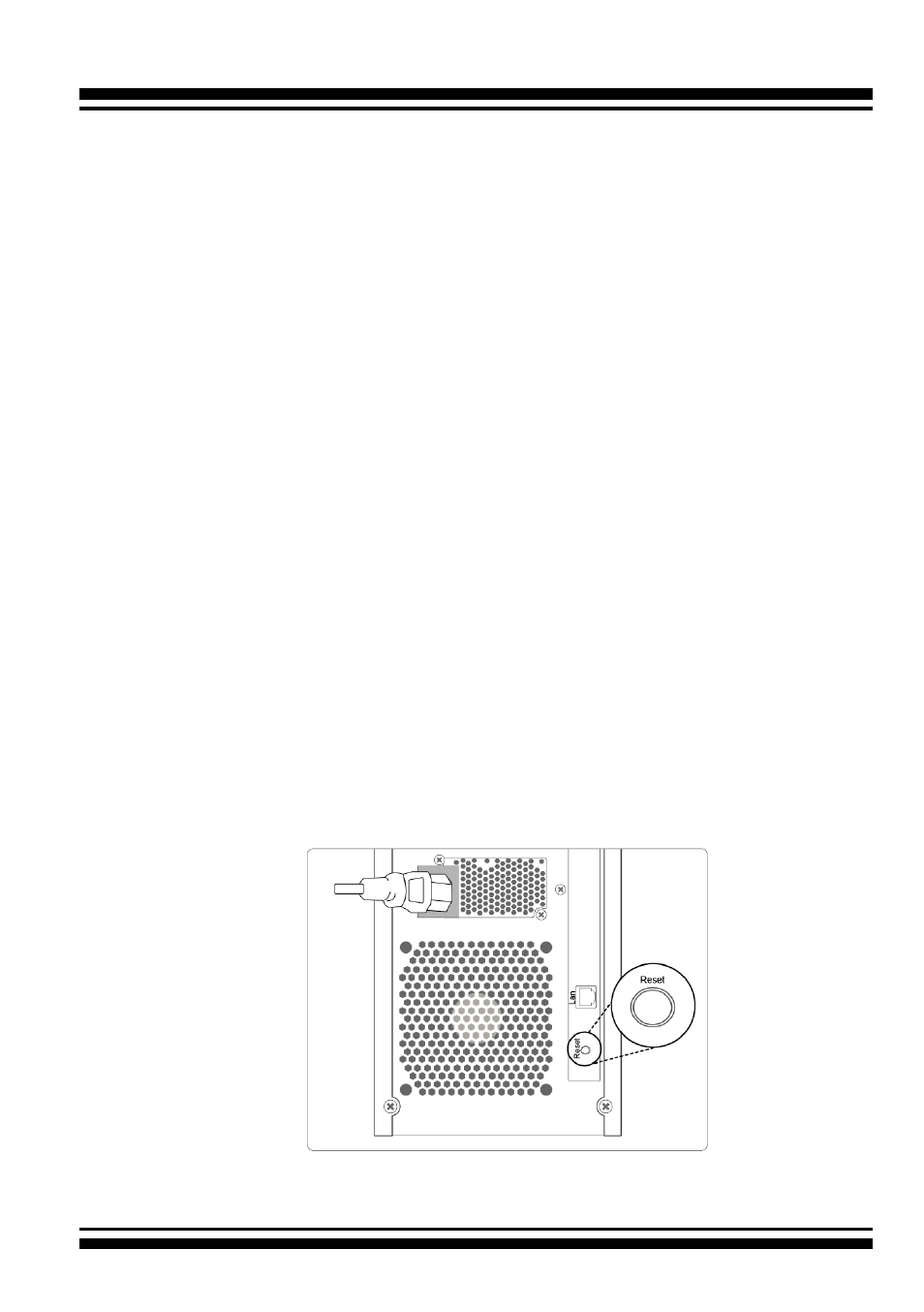
1. Using the included power cord, connect this power cord to a
grounded electronical outlet and to the ARC-8050T3U RAID
storage.
2. ARC-8050T3U RAID storage will automatically turn on when
host computer power on status is received from the thun-
derbolt cable. It takes about 30 seconds to fully start up the
RAID storage.
Figure 2-11, Connecting the Power to Enclosure