Installation – Areca ARC-8050T3U 6-Bay Thunder3 Desktop RAID Storage Array User Manual
Page 22
INSTALLATION
22
•
LCD Panel LED Indicators
There are a variety of status conditions that cause the RAID stor-
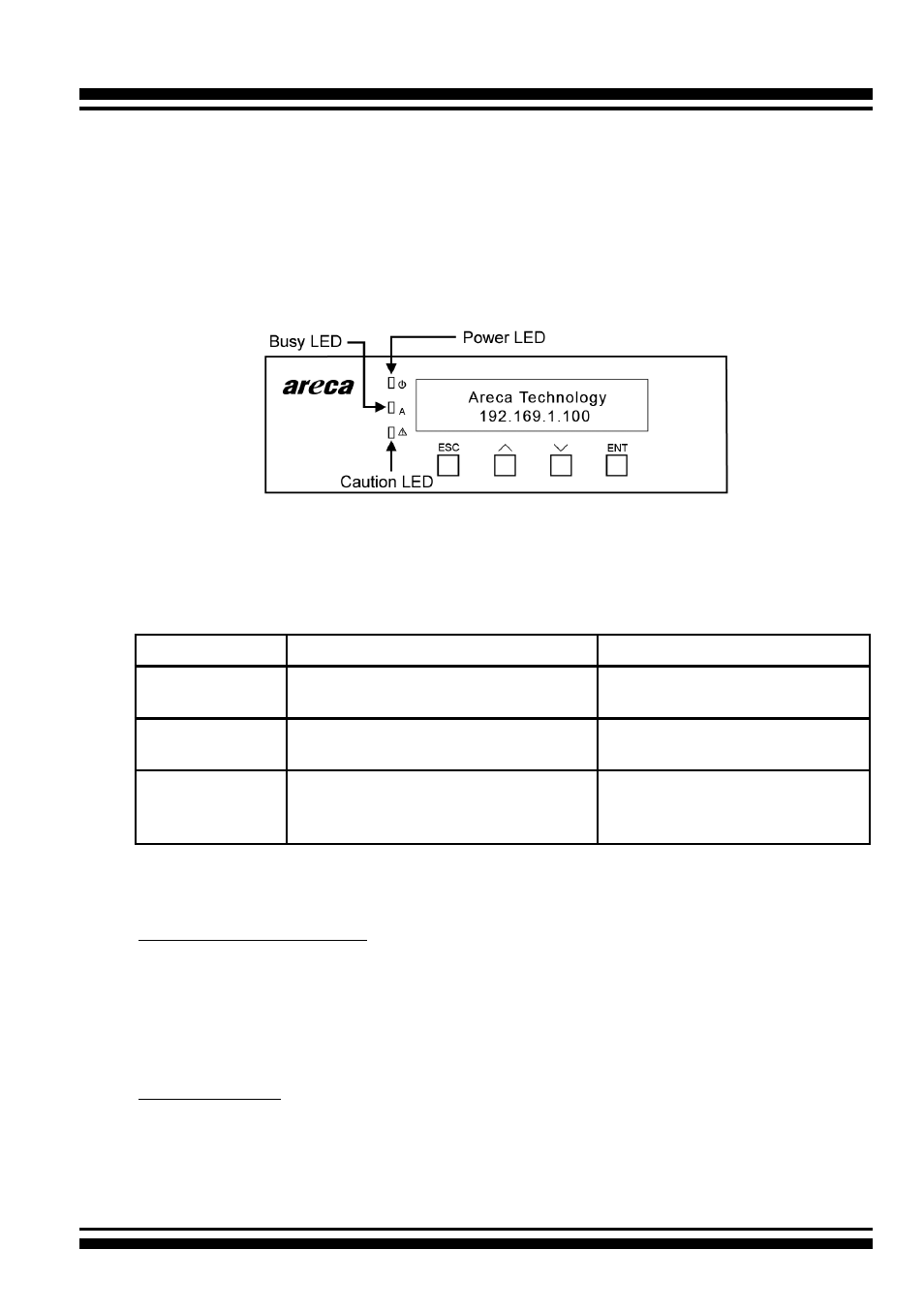
age panel monitoring LED to light. The front panel LCD comes
with three (3) status-indicating LEDs. The LEDs on the front
panel are defined, from top to bottom, Power, Busy, and Caution,
as shown in Figure 2-3.
Figure 2-3, LCD Panel LED
The following table provides a summary of the front panel LED.
Panel LED
Normal Status
Problem Indication
1. Power LED
(Green)
Solid green, when power on.
Unlit, when power on.
2. Busy LED
(Amber)
Blinking amber during host ac-
cesses RAID storage.
Unlit or never flicker.
3. Caution LED
(Red)
Unlit indicates that the RAID
storage and all its components
are operating correctly.
Solid indicates that one or
more component failure/Ur
-
gent events have occurred.
•
Rear View Function Description
Thunderbolt 3 Ports:
Use the included Thunderbolt 3 cable to
connect to a Thunderbolt 3 port on your computer or other Thun-
derbolt 3 devices. Use the included USB Type-C cable or Type-C
to Type A adapter connect to USB-C or UBS X.X port on your
USB-only computer.
Display Port: DisplayPort 1.4 is a digital display interface used
to connect all displays with DisplayPort and Mini DisplayPort.
DisplayPort is backwards compatible with HDMI, DVI, and VGA
interfaces via an adapter (not included).