Yaskawa PC NC User Manual
Page 182
4 - 20
YASNAC PCNC Operating Manual
Chapter 4: Maintenance
(d) Axis interlock is input
Check the bit status on the I/O monitor screen. If “0”, the corresponding axis cannot
move.
(e) Machine lock is ON
•
Even when the machine lock function is ON, position display changes. Check the
input of the machine lock switch (1/O monitor, #3006 D5 = 0). If “1”, the axes
do not move.
•
Check the internal toggle switch (parameter pm0000 D 1 = 0). If “1”, the axes
do not move.
(4) Manual Rapid Traverse is Impossible
(a) The rapid mode is not selected
Check the bit status of I/O monitor #3000.
DO = l
Other bits (D1 to D7) = 0
(b) Axis move direction signal is not input.
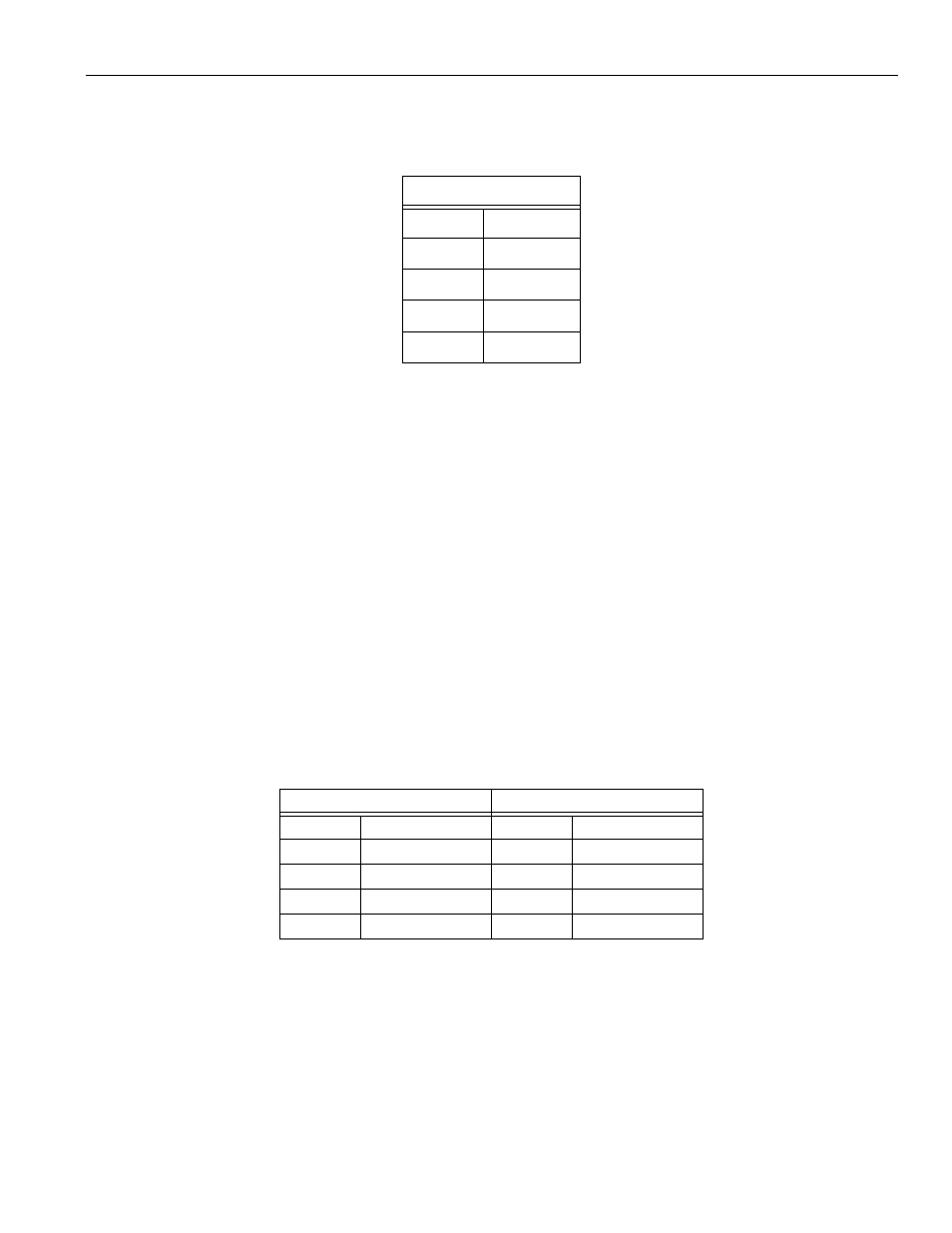
Check the bit status of I/O monitor #3071 and #3072.
(c) Rapid traverse override is not input
•
Check tie bit status on the I/O monitor screen whether it changes according to the
operation of the RAPID TRAVERSE RATE OVERRIDE switch, and also check
#3078
D
0
= l
1st axis
D
l
= l
2nd axis
D
2
= 1
3rd axis
D
3
= 1
4th axis
D
4
= 1
5th axis
#3071
#3072
D0
+1st axis
D0
-1st axis
Dl
+2nd axis
Dl
-2nd axis
D2
+3rd axis
D2
-3rd axis
D3
+4th axis
D3
-4th axis
D4
+5th axis
D4
-5th axis