Waiting sessions – H3C Technologies H3C Intelligent Management Center User Manual
Page 285
271
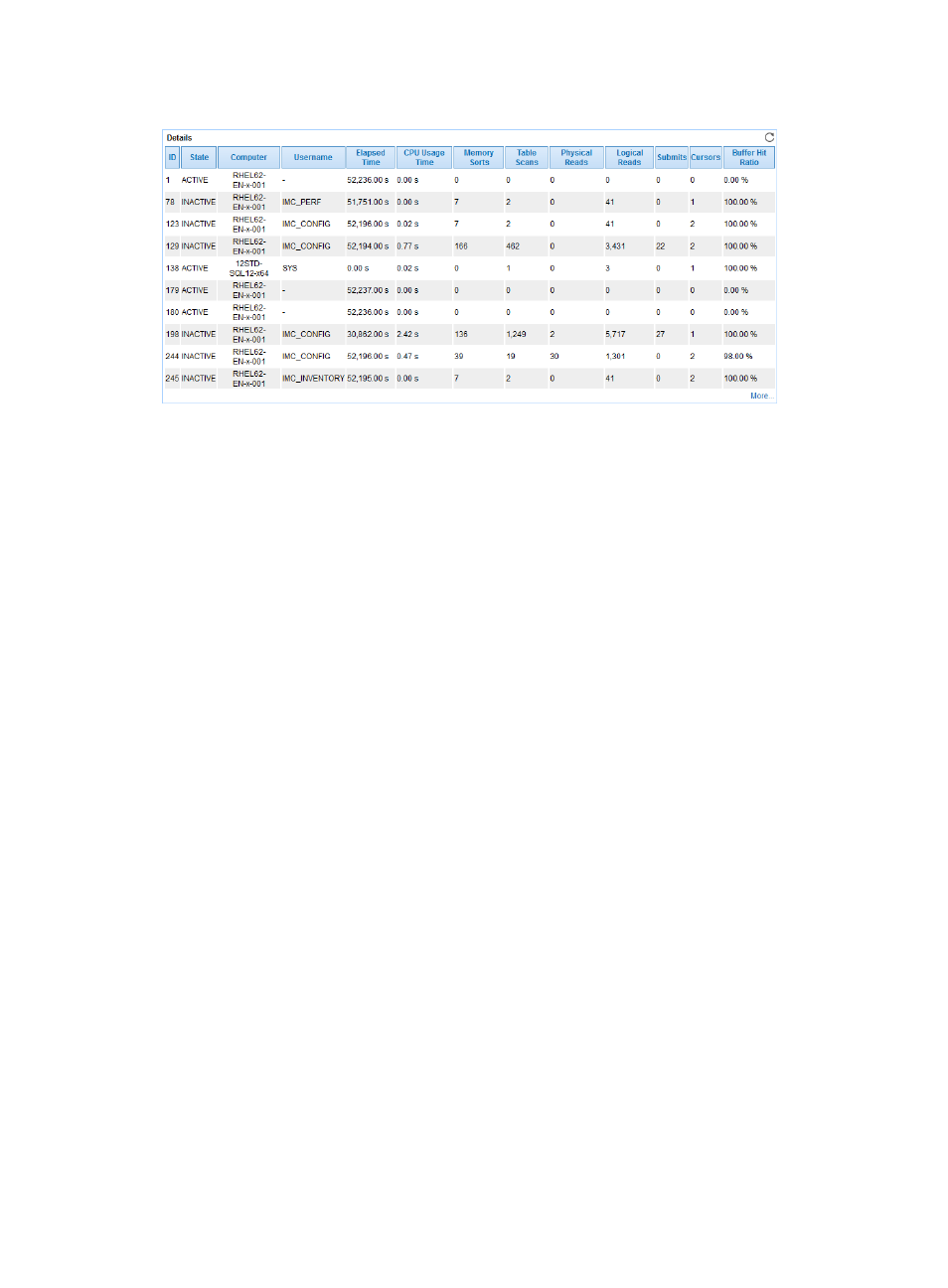
Figure 224 Details area layout
Details area fields:
•
ID—Session ID.
•
State—Session state when APM last polled Oracle.
•
Computer—Name of the computer that established the session with Oracle when APM last polled
Oracle.
•
Username—Username used to establish the session with Oracle.
•
Elapsed Time—Session duration when APM last polled Oracle.
•
CPU Usage Time—Length of time for which the session used the CPU when APM last polled Oracle.
•
Memory Sorts—Times of the user performing memory sorts during the session when APM last
polled Oracle.
•
Table Scans—Times of the user performing the table scan operations during the session when APM
last polled Oracle.
•
Physical Reads—Times of the user reading from the disk during the session when APM last polled
Oracle.
•
Logical Reads—Times of the user reading from the memory during the session when APM last
polled Oracle.
•
Submit—Times of the user executing the commit operations during the session when APM last
polled Oracle.
•
Cursor—Number of cursors that the user used in the session when APM last polled Oracle.
•
Buffer Hit Ratio—How often the logical reading have occurred in the buffer pool.
•
More—Click More to view more details about the session.
Waiting Sessions
The Waiting Sessions area layout is shown in
.