Virtual network adapter, Virtual storage information – H3C Technologies H3C Intelligent Management Center User Manual
Page 670
656
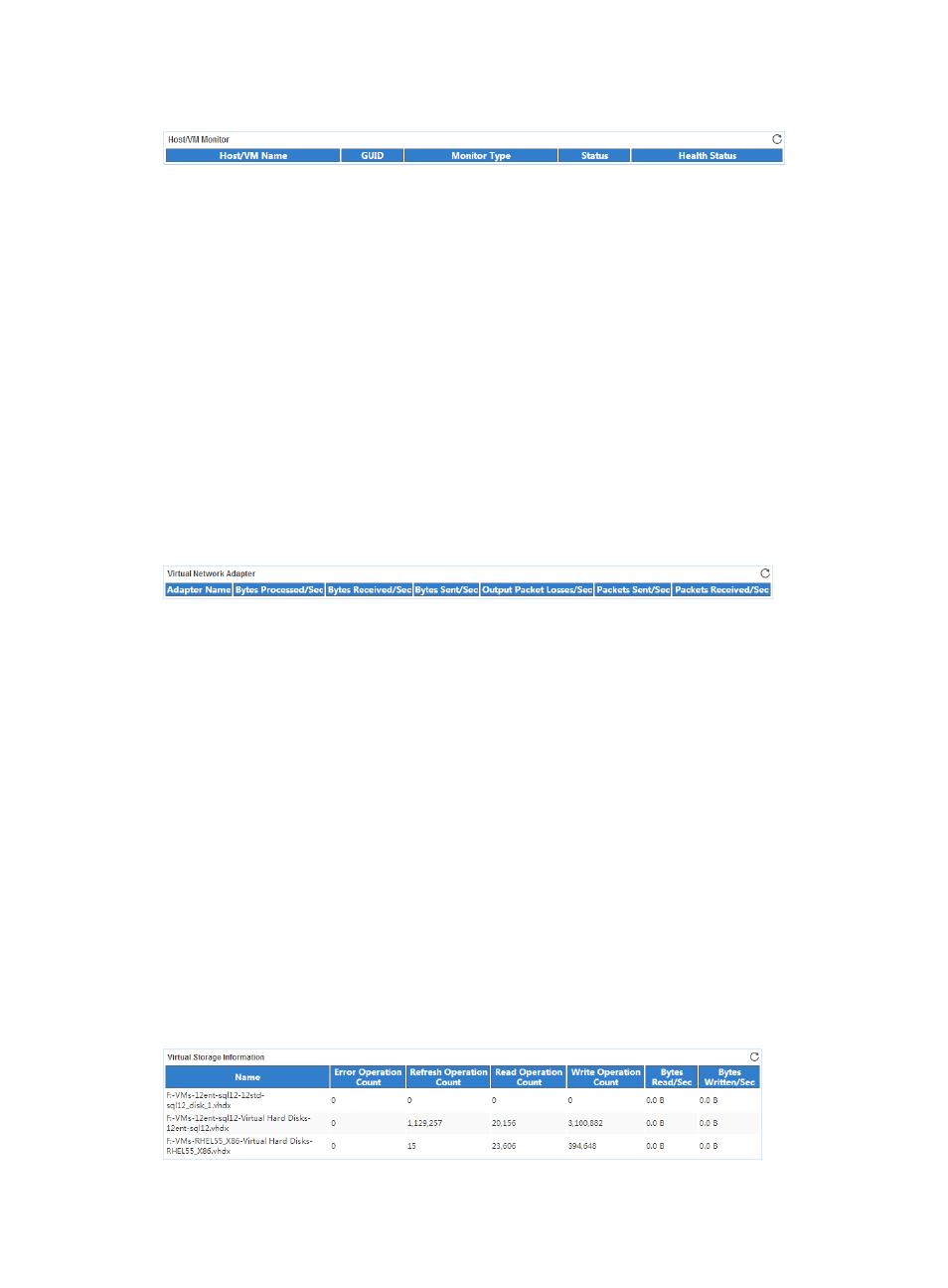
Figure 568 Host/VM Monitor area layout
Host/VM Monitor area fields:
•
Host/VM—Name of the host or VM.
•
GUID—Identifier of the host or VM.
•
Monitor Type—Monitor type of the host or VM.
•
Status—Status of the host or VM in the last APM polling period.
•
Health Status—Health state of the host or VM in the last APM polling period.
Options and their meanings are as follows:
{
5—OK.
{
20—Major failure.
{
25—Critical failure.
Virtual Network Adapter
The Virtual Network Adapter area layout is shown in
Figure 569 Virtual Network Adapter area layout
Virtual Network Adapter area fields:
•
Adapter Name—Name of the virtual network adapter.
•
Bytes Processed/Sec—Rate that the virtual network adapter processes data in the last APM polling
period.
•
Bytes Received/Sec—Rate that the virtual network adapter receives data in the last APM polling
period.
•
Bytes Sent/Sec—Rate that the virtual network adapter sends data in the last APM polling period.
•
Output Packet Losses/Sec—Packet loss rate when the virtual network adapter sends packets in the
last APM polling period.
•
Packets Sent/Sec—Rate that the virtual network adapter sends packets in the last APM polling
period.
•
Packets Received/Sec—Rate that the virtual network adapter receives packets in the last APM
polling period.
Virtual Storage Information
The Virtual Storage Information area layout is shown in
.
Figure 570 Virtual Storage Information area layout