Virtual cpu information – H3C Technologies H3C Intelligent Management Center User Manual
Page 695
681
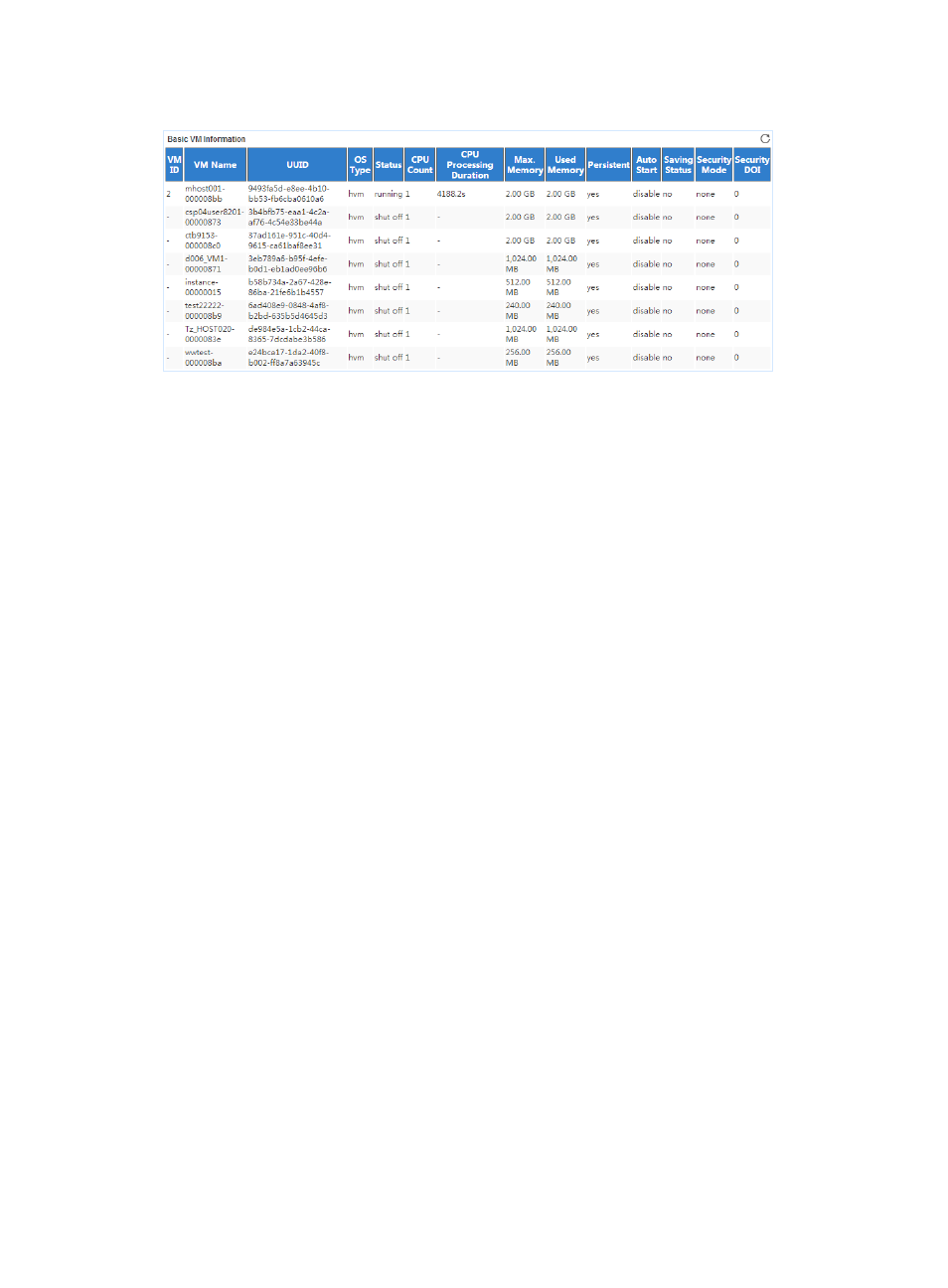
Figure 599 Basic VM Information area layout
Basic VM Information area fields:
•
VM ID—ID of the VM.
•
VM Name—Name of the VM.
•
UUID—Universally unique identifier of the VM.
•
OS Type—Virtualization type of the VM. The hvm value represents full virtualization.
•
Status—Status of the VM in the last polling period.
•
CPU Count—Number of virtual CPUs assigned to the VM in the last polling period.
•
CPU Processing Duration—Duration occupied by the VM to process data in the last polling period.
•
Max. Memory—Maximum memory size of the VM in the last polling period.
•
Used Memory—Used memory space of the VM in the last polling period.
•
Persistent—Indicates whether the VM is in persistent or temporary state.
•
Auto Start—Indicates whether the VM automatically starts up.
•
Saving Status—Indicates whether the VM is in saving state. A VM in saving state saves its current
status and restores the most recently saved status at next startup.
•
Security Mode—Security mode of the VM.
•
Security DOI—Security domain of interpretation for the VM.
Virtual CPU Information
The Virtual CPU Information area layout is shown in
. A virtual CPU is uniquely identified by
VM name and CPU ID.