Virtual block device information, Virtual disk image information – H3C Technologies H3C Intelligent Management Center User Manual
Page 658
644
•
Max. Dynamic Memory—Maximum dynamic memory space of the VM in the last polling period.
•
Min. Static Memory—Minimum static memory space of the VM in the last polling period.
•
Max. Static Memory—Maximum static memory space of the VM in the last polling period.
Virtual Block Device Information
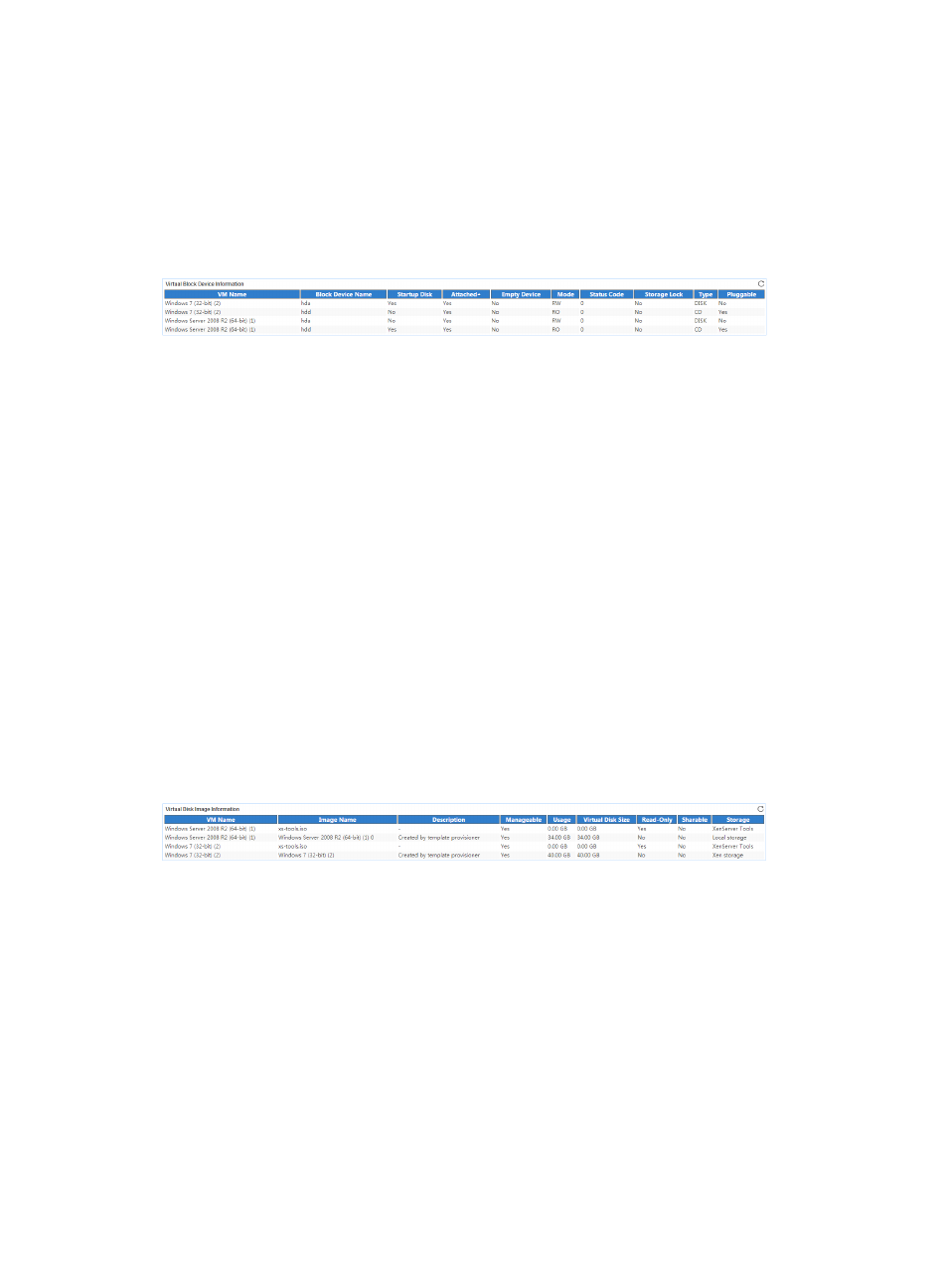
The Virtual Block Device Information area layout is shown in
.
Figure 550 Virtual Block Device Information area layout
Virtual Block Device Information area fields:
•
VM Name—Name of the VM to which the virtual block device belongs.
•
Block Device Name—Name of the virtual block device.
•
Startup Disk—Indicates whether the virtual block device is the startup disk.
•
Attached—Indicates whether the virtual block device is active in the last polling period.
•
Empty Device—Indicates whether the virtual block device is used in the last polling period.
•
Mode—Operating mode of the virtual block device in the last polling period, RO (Read Only) or
RW (Read Write).
•
Status Code—Status code of the virtual block device in the last polling period.
•
Storage Lock—Indicates whether the virtual block device has obtained the storage level lock in the
last polling period.
•
Type—Type of the virtual block device, DISK or CD.
•
Pluggable—Indicates whether the virtual block device is hot swappable.
Virtual Disk Image Information
The Virtual Disk Image Information area layout is shown in
Figure 551 Virtual Disk Image Information area layout
Virtual Disk Image Information area fields:
•
VM Name—Name of the VM to which the virtual disk image belongs.
•
Image Name—Name of the virtual disk image.
•
Description—Description of the virtual disk image.
•
Manageable—Indicates whether the virtual disk image can be managed.
•
Usage—Usage of the virtual disk image in the last polling period.
•
Virtual Disk Size—Size of the virtual disk image.
•
Read-Only—Indicates whether the virtual disk image is read only.
•
Sharable—Indicates whether the virtual disk image can be shared.
•
Storage—Name of the storage where the virtual disk image is located.