Basler Electric DECS-400 User Manual
Page 153
9369700990 Rev R
141
•
Use the AVR/FCR tab of the BESTCOMS Setting Adjustment screen to set the
generator no-load setpoint in FCR mode. The recommended setting is 20% of the rated
exciter current. ....................................................................................................................... ________
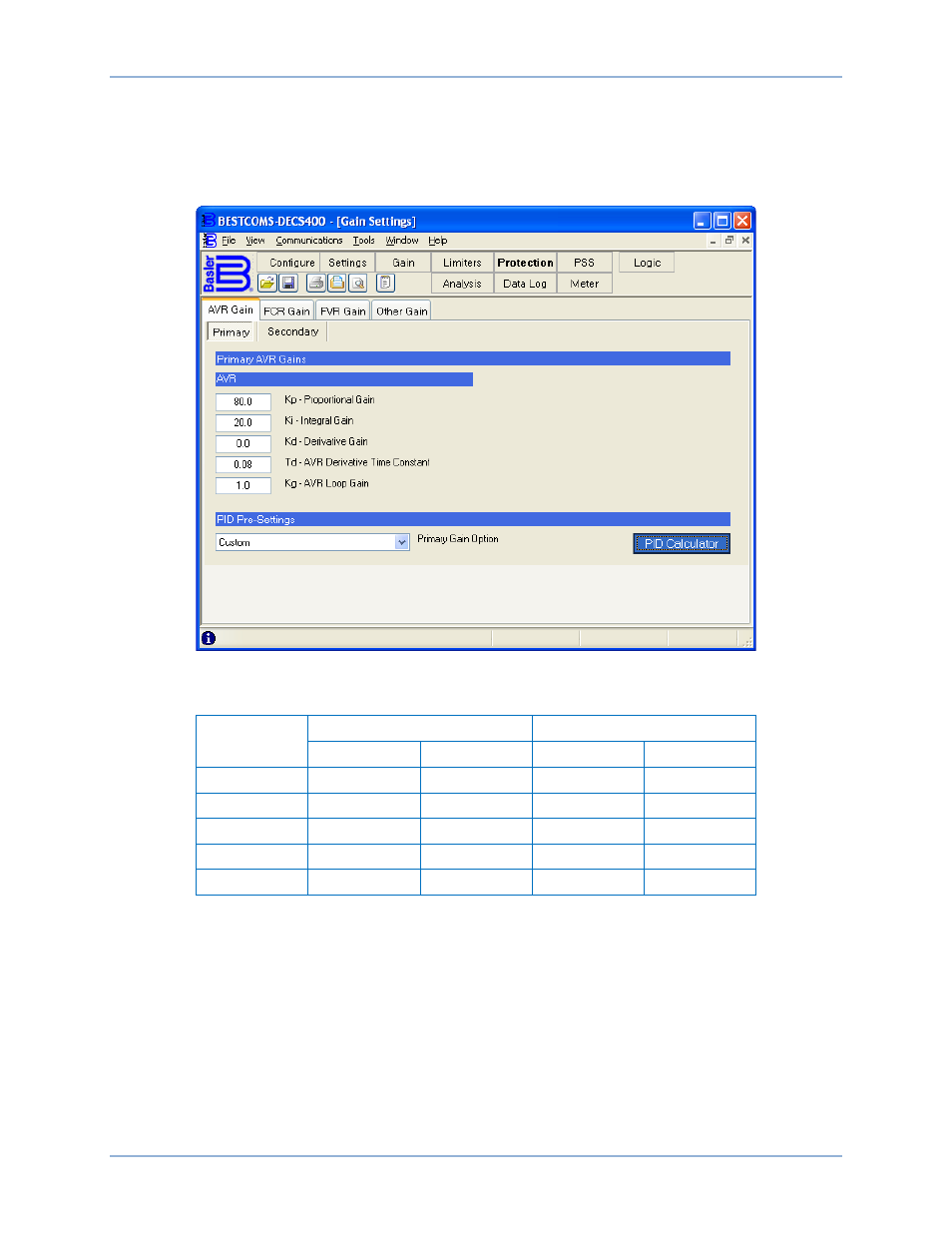
For the following steps, access the AVR Gain tab of the BESTCOMS Gain screen (Figure 101). Table 21
lists the recommended PID setting for exciter and static exciter installations.
Figure 101. BESTCOMS Gain Screen, AVR Gain Tab
Table 21. Recommended Settings for Exciter and Static Exciter Installations
PID Setting
Static Exciter
Exciter
AVR
FCR
AVR
FCR
Kp
80
—
80
—
Ki
20
—
15
—
Kd
—
—
40
—
Kg
15
1000
15
1000
Td
0.01
0.01
0.01
0.01
•
Set the Proportional Gain Kp setting. .................................................................................... ________
•
Set the Td filter setting. .......................................................................................................... ________
•
Set the FCR, Loop Gain Kg setting. ...................................................................................... ________
Recommended settings for OEL.
•
Set Ki at 3 .............................................................................................................................. ________
•
Set Kg at 1 ............................................................................................................................. ________
Recommended settings for UEL.
•
Set Ki at 10 ............................................................................................................................ ________
•
Set Kg at 1 ............................................................................................................................. ________
DECS-400
Commissioning