KORG PA4X 76 User Manual
Page 1055
Advertising
Installing the options |1051
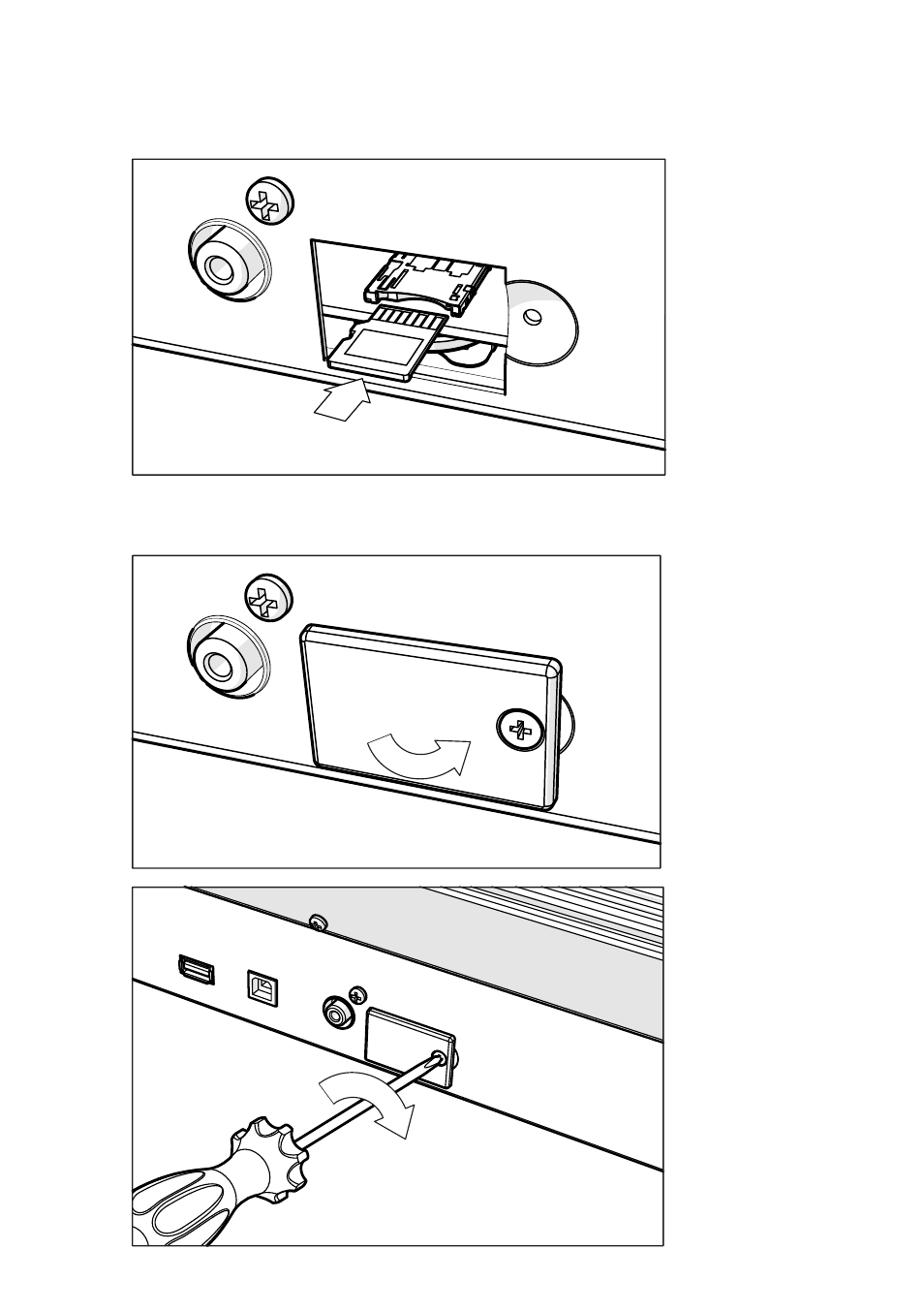
you hear a click sound meaning it is properly inserted. Warning: Be sure to
insert the card correctly, or it may slip inside the instrument!
ⓓ
5
Replace the cover (b) to the original position. Attach the cover to the back of
the instrument by fastening the fixing screw (a).
ⓑ
ⓐ
ⓐ
Advertising
This manual is related to the following products: