Editing the styles and pads | 273 – KORG PA4X 76 User Manual
Page 277
Editing the Styles and Pads |273
2
Select the
Track
, Style Element (
E
) and Chord Variation (
CV
) to edit.
track
Meaning
All
All tracks selected. The velocity for all notes of the whole selected
Chord Variation will be changed.
Drum … Acc5
Selected track.
3
Use the
Velocity Value
parameter to choose the transpose value.
Value
Meaning
-127 … 127
Velocity change value (in MIDI value)
4
If you want to use the advanced parameters, allowing you to select a velocity
curve and create fade-ins or fade-outs, select the
Advanced
checkbox.
When this parameter is selected, the
Intensity
,
Curve
,
Start Velocity Value
and
End Velocity Value
parameters become accessible.
▪
Use the
Intensity
parameter to specify the degree to which the velocity data
will be adjusted toward the curve you specify with
Curve
.
Intensity
Meaning
0 … 100%
Intensity value. With a setting of 0%, the velocity will not change.
With a setting of 100%, the velocity will be changed the most.
▪
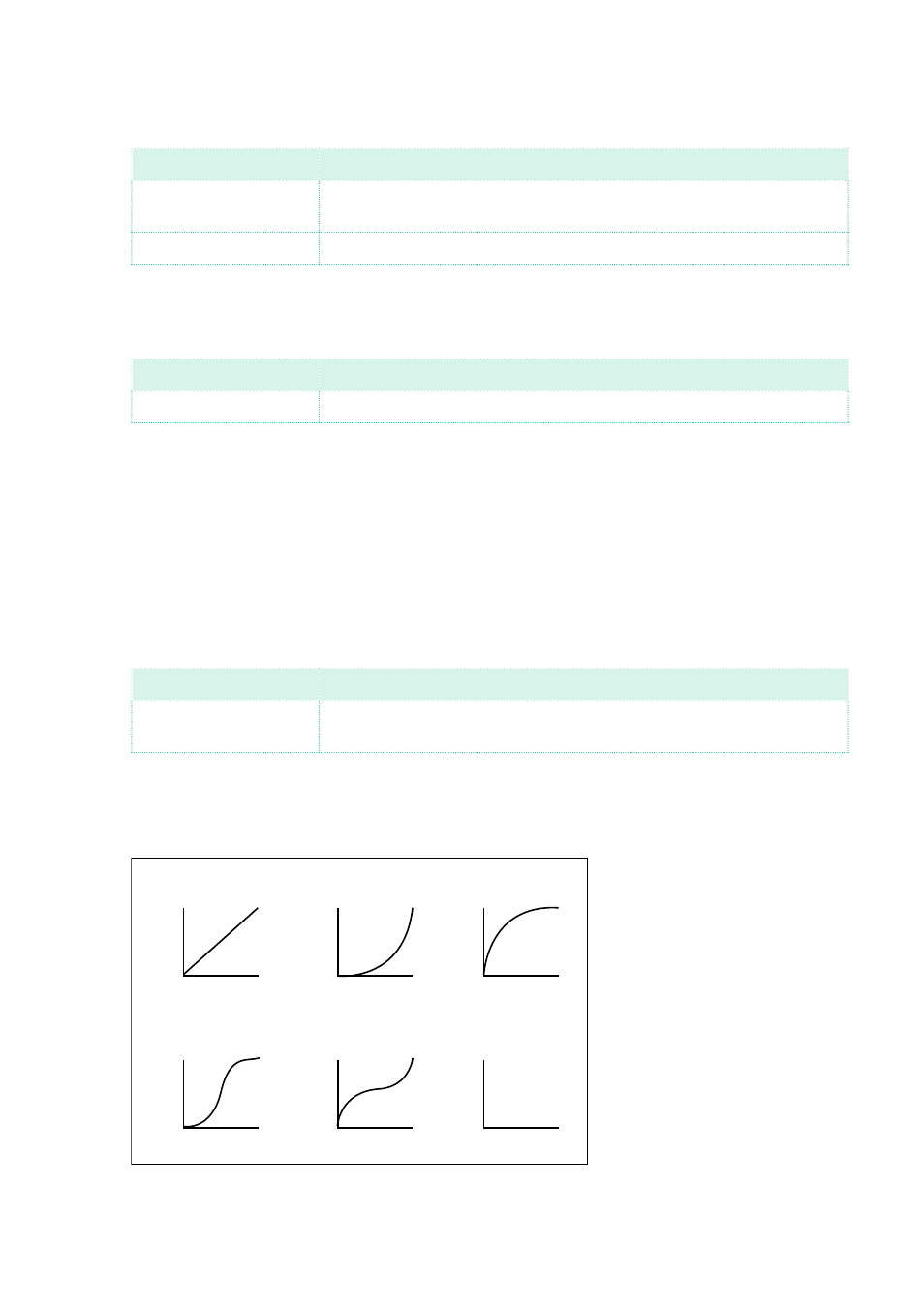
Use the
Curve
parameter to select one of the six curves, and specify how the
velocity will change over time.
Start
Value
Curve 1
Velocity
Start Value = 0%, End Value = 100%
127
1
End
Value
Start
Value
Curve 2
Velocity
127
1
End
Value
Start
Value
Curve 3
Velocity
127
1
End
Value
Start
Value
Curve 4
Velocity
127
1
End
Value
Start
Value
Curve 5
Velocity
127
1
End
Value
Start
Value
Curve 6
Velocity
RANDOM
127
1
End
Value