KORG PA4X 76 User Manual
Page 809
Connecting MIDI devices |805
Writing a MIDI Preset
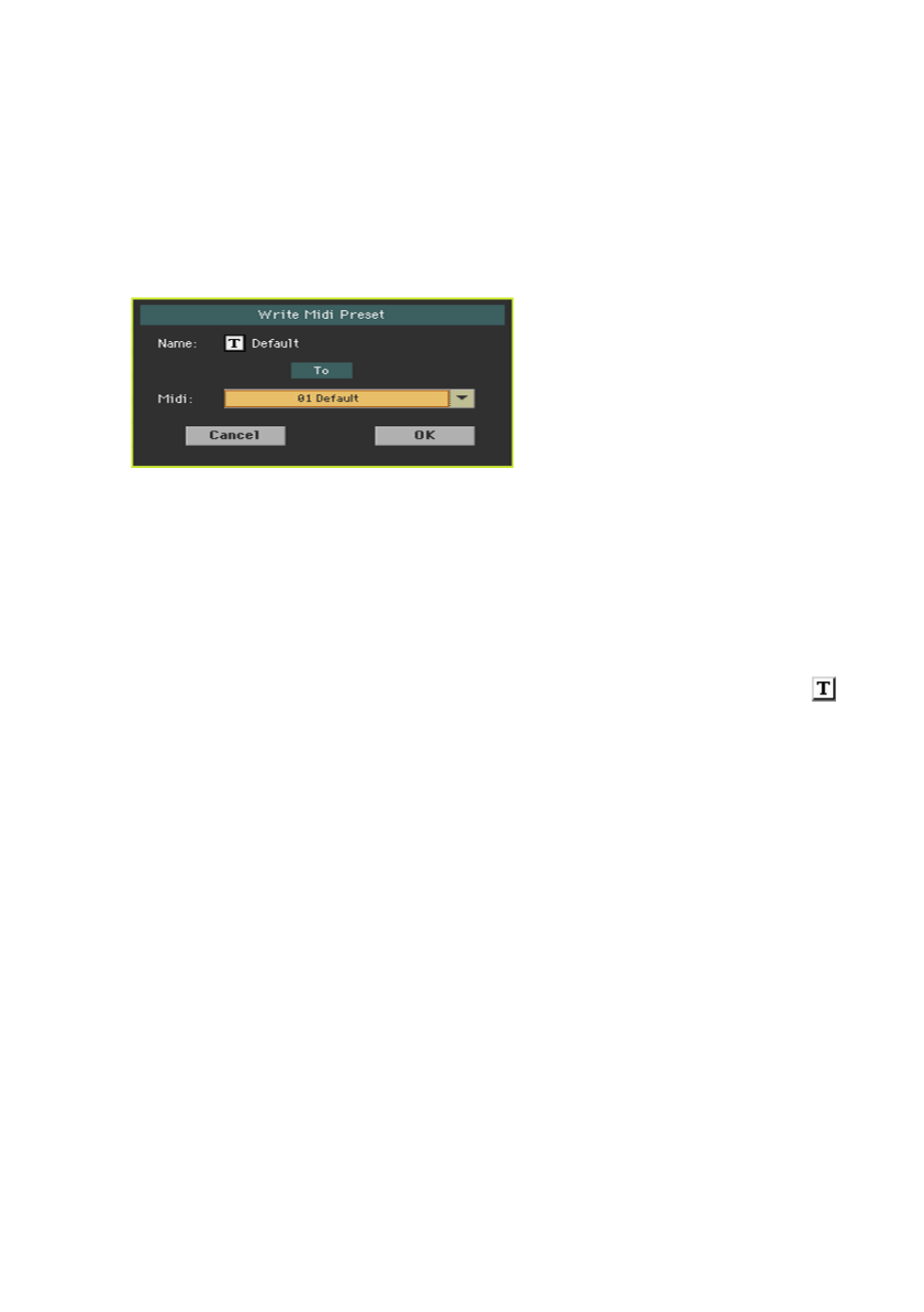
Open the Write Midi Preset dialog
1
Go to the any page of the
Global > MIDI
section.
2
Choose the
Write Midi Preset
command from the page menu to open the
Write Midi Preset
dialog.
Write over the current MIDI Preset
▪
If you want to overwrite the current Preset, just touch the
OK
button.
Write to a different MIDI Preset location
1
If you want to choose a different location, use the
Midi Preset
pop-up menu.
2
If you want to change the
name
of the MIDI Preset, touch the
Text Edit (
)
icon to open the
virtual keyboard
and edit the name.
3
When done editing the name, confirm by touching the
OK
button under the
virtual keyboard.
4
When back at the
Write Midi Preset
dialog, confirm the Write operation by
touching the
OK
button.