KORG PA4X 76 User Manual
Page 159
Advertising
Advanced editing of the Sound sets |155
B – Access editing
1
Press the
MENU
button to access editing and see the
edit menu
.
2
Choose an
edit section
and
edit page
to access the parameters.
C – Choose a Sound to edit
Most editing is to be done on the selected Sounds.
Switch between the Keyboard and Style or Song Sounds
▪
Repeatedly press the
TRACK SELECT
button. The display will cycle between
the Keyboard and the Style or Song Sounds.
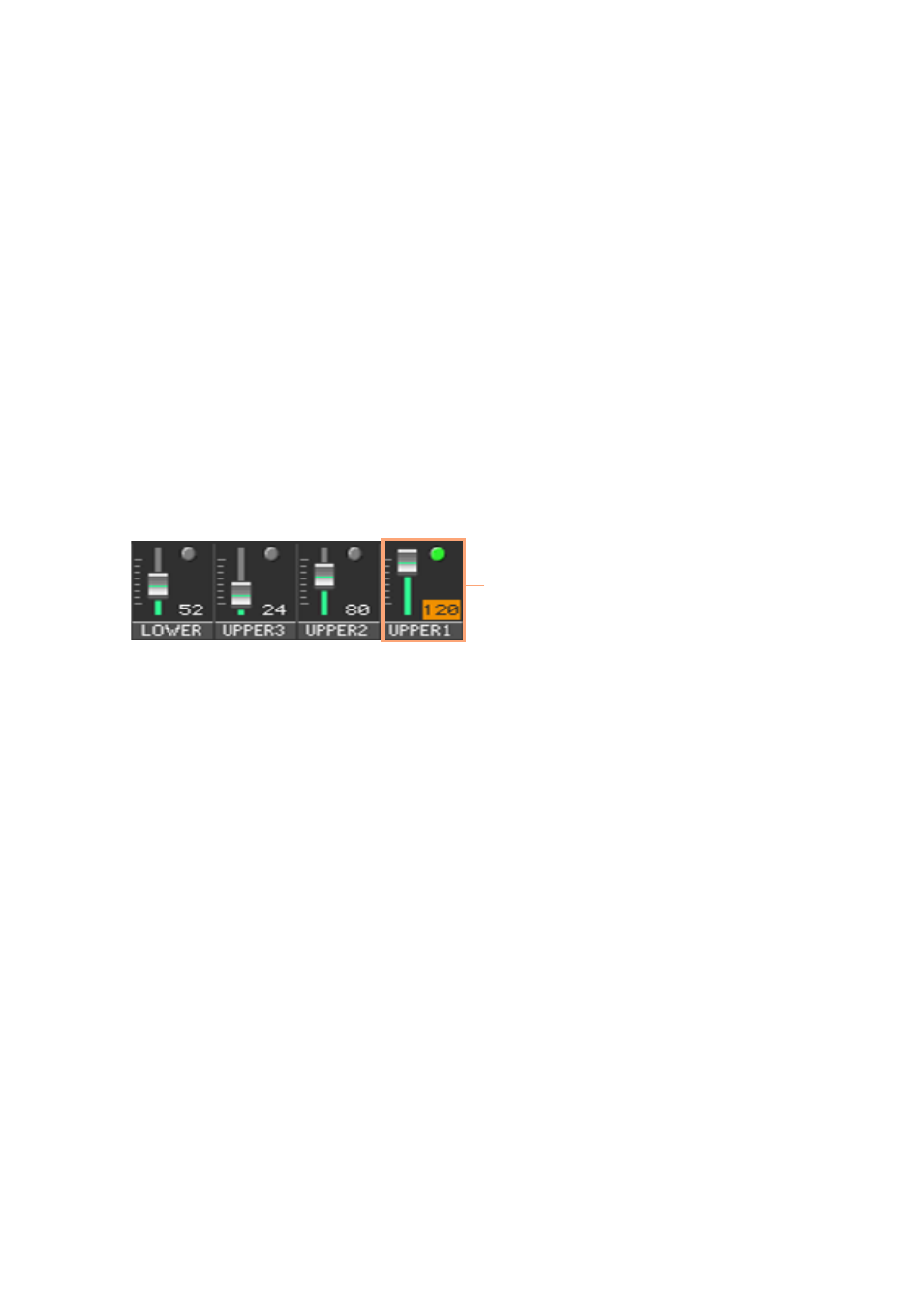
Select the track/channel to edit
▪
Touch the
individual track/channel
to select it.
Selected
mixer
channel
D – Save the changes
▪
When finished editing, write the changes to a Sound set. This will be ex-
plained at the end of the relevant chapters.
Advertising
This manual is related to the following products: