Copying, renaming and deleting the styles and pads, Copying the styles and pads – KORG PA4X 76 User Manual
Page 306
302| Customizing, recording and editing the Styles and Pads
Copying, renaming and deleting the Styles
and Pads
Copying the Styles and Pads
You can copy any Style and Pads onto a Favorite or User Style location.
Copying Factory Styles and Pads would make them editable.
1
While in
Style Play
mode, open the
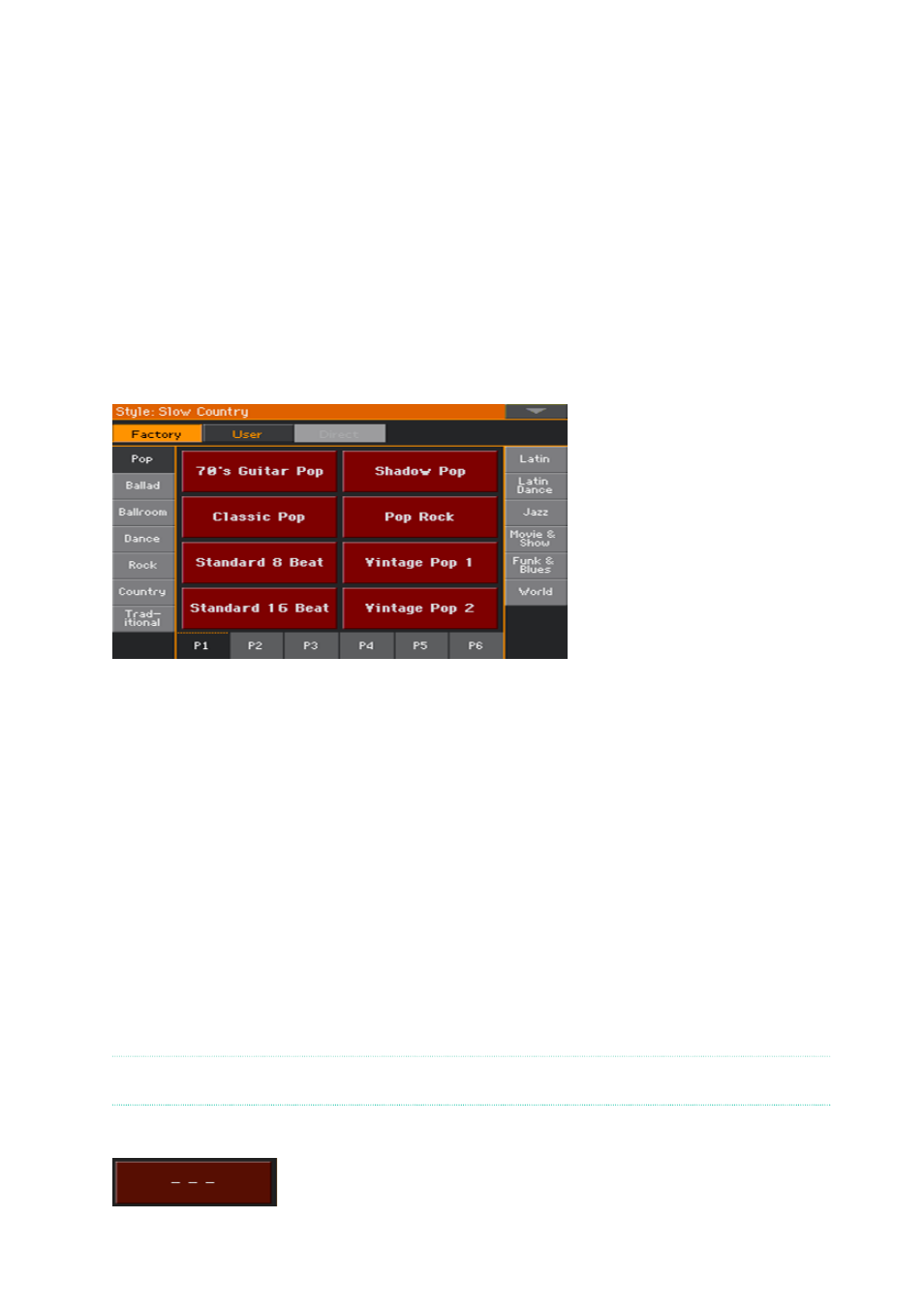
Style Select
or
Pad Select
window.
2
Browse through the Styles or Pads in the
Select
window.
3
Touch the
name of the Style
or
Pad
you want to copy.
▪
To select more items, keep the
SHIFT
button pressed and touch
all the
Styles
or
Pads
to be copied.
▪
If you want to copy a whole bank, choose the
Select All (Bank)
command
from the
page menu
to select all the items in the current bank.
▪
You can deselect one of the selected items by touching it while still keeping the
SHIFT
button pressed. You can deselect all items by touching a single item.
4
Choose the
Copy and Paste
command from the page menu to copy the se-
lected items.
5
Select the
target location
. In case you are copying more than a single item,
all subsequent items will sequentially follow the first one. If there aren’t
enough locations available, the procedure will be cancelled.
Warning:
If you confirm, any Style or Pad already existing at the target locations will
be overwritten!
A good idea is to paste to a blank location, identified by a series of dashes (–––).
6
When done, press the
EXIT
button to return to the previous page.