Calibrating the touch screen, Calibrating the screen – KORG PA4X 76 User Manual
Page 31
Advertising
Powering up |27
Calibrating the touch screen
Calibrating the screen
From time to time (for example, after loading a new operating system), cali-
brating your Color TouchView™ display may be necessary to make pointing
more precise.
Warning:
Do not use sharp objects, or you will damage your screen!
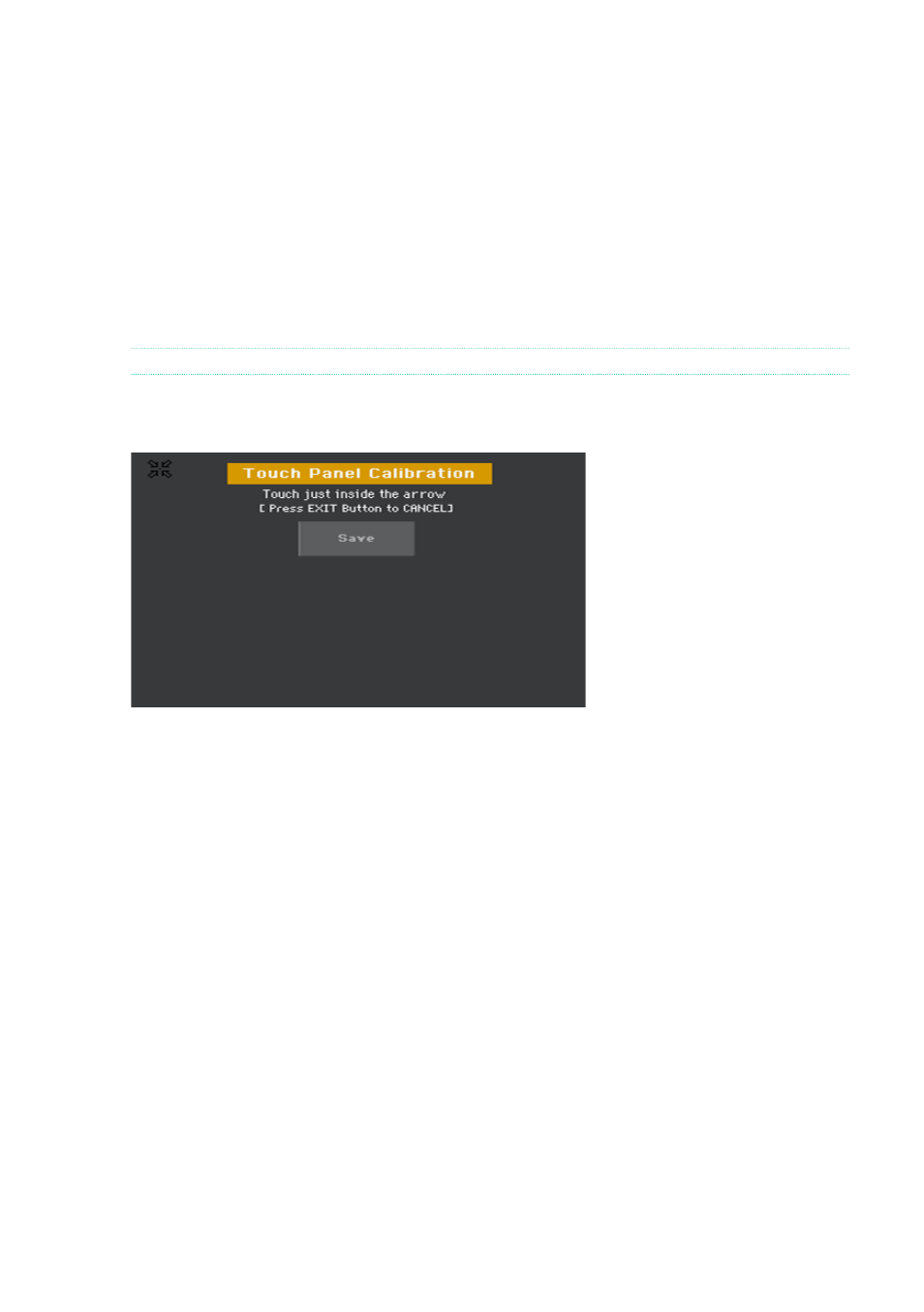
1
Keep the
GLOBAL
button pressed, until the
Touch Panel Calibration
page
appears.
2
First touch exactly inside the
set of arrows
in the upper left corner of the
display.
3
The arrows will subsequently move to the other corners of the display. Touch
exactly inside them.
4
Finally, touch
Save
to confirm the new calibration.
▪
In case you want to exit and cancel the calibration, press the
EXIT
button
before completing the procedure.
Advertising
This manual is related to the following products: